Your contract covers Windows. Your firewall runs software too.
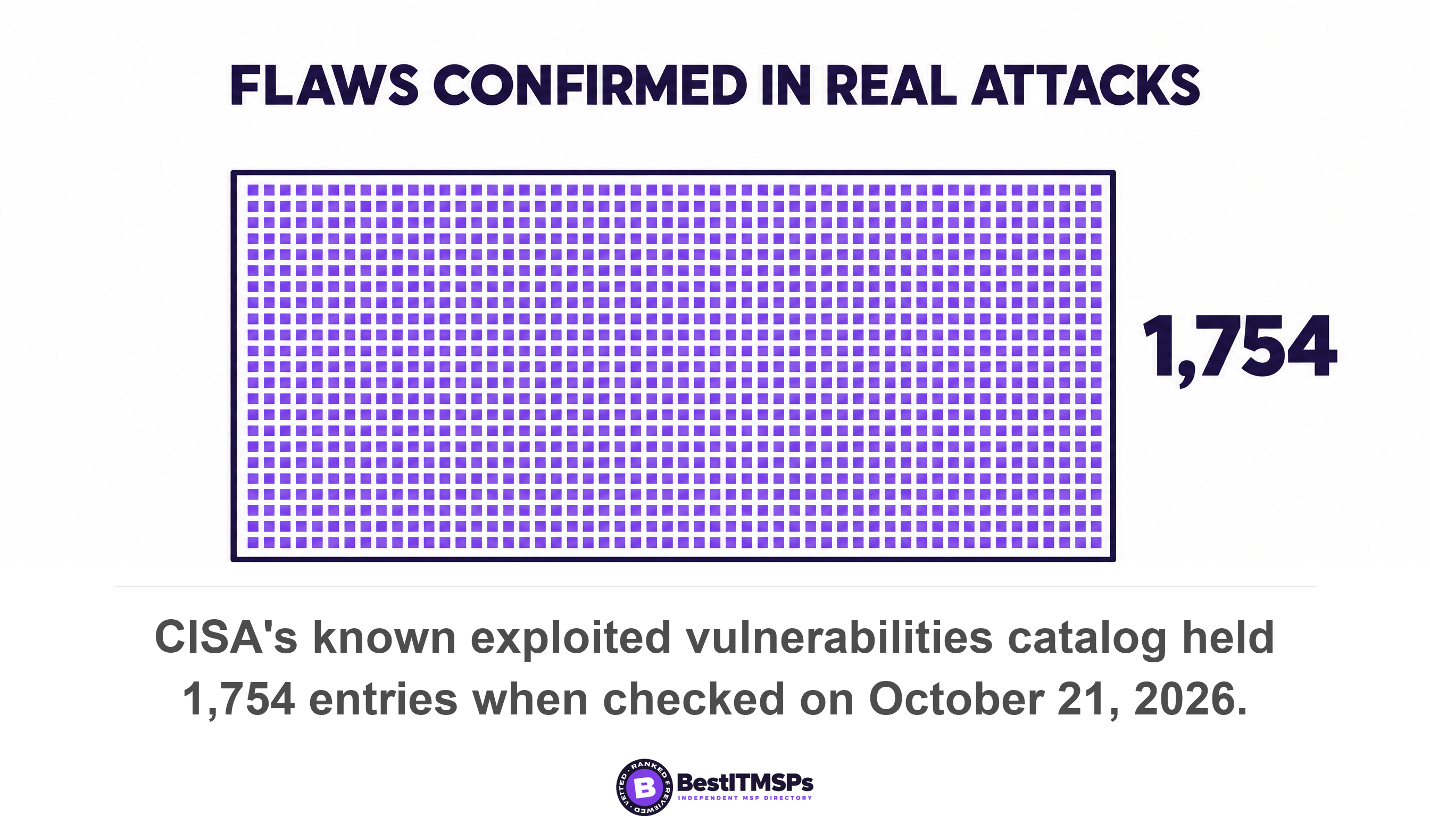
Firmware is the software inside your firewall, switches, access points, NAS, printers and laptops. Most managed IT agreements cover Windows and Office patching and say nothing about it. CISA's known exploited vulnerabilities catalog held 1,754 entries on October 21, 2026, and network appliances dominate the newest additions.
- Firmware is software with no patch agent. Your provider's monthly patch report counts machines that run an agent, and a firewall does not.
- The billing unit predicts the scope. If your agreement prices per user or per managed endpoint, a device with no agent is not billed, and usually not covered.
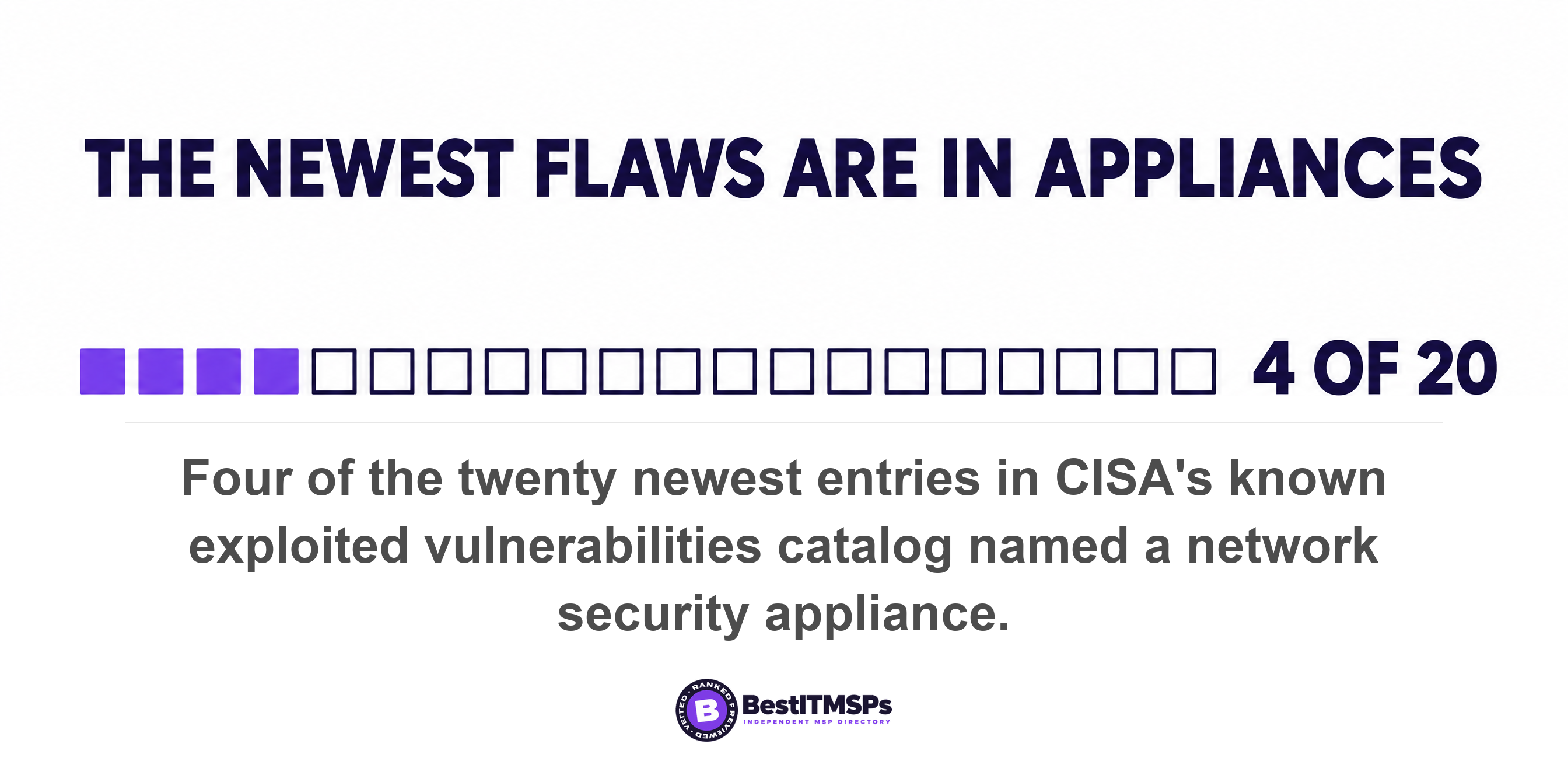
- CISA's known exploited vulnerabilities catalog held 1,754 entries on October 21, 2026. Four of the twenty newest additions were network security appliances, against one Microsoft Windows entry.
- A firmware compromise can outlive the fix. CISA told agencies that applying Cisco's updates does not necessarily remove an attacker already inside the device.
- You can count these devices yourself in an afternoon. Most small offices hold fewer than twenty, and that list is what any provider needs before quoting the work.
What are firmware updates, and why does nobody patch them?
Firmware updates are patches for the software built into a device rather than installed on it. NIST defines firmware as computer programs and data stored in hardware, typically in read-only memory. Your firewall, switches, printers and laptops all run it.
Nobody patches it because firmware does not arrive the way Windows updates arrive. A Windows patch reaches a machine through an agent your provider installed, lands in a console, and shows up as a number on a monthly report. A firmware update is published by the device maker on its own schedule, on its own support page, and nothing on your network goes looking for it.
Two words show up in this conversation. BIOS is the oldest name for the firmware that starts a PC. UEFI is its modern replacement, and NIST describes it as a possible replacement for the conventional BIOS that is becoming widely deployed in new x86-based computer systems. On a Windows laptop, Microsoft ships that firmware as a driver package that hands the firmware payload to the platform firmware using the UEFI UpdateCapsule function. The catch sits in the same document. All devices with updateable firmware must publish a firmware resource so Windows can target the update and describe the current firmware version, and only the manufacturer can put it there.
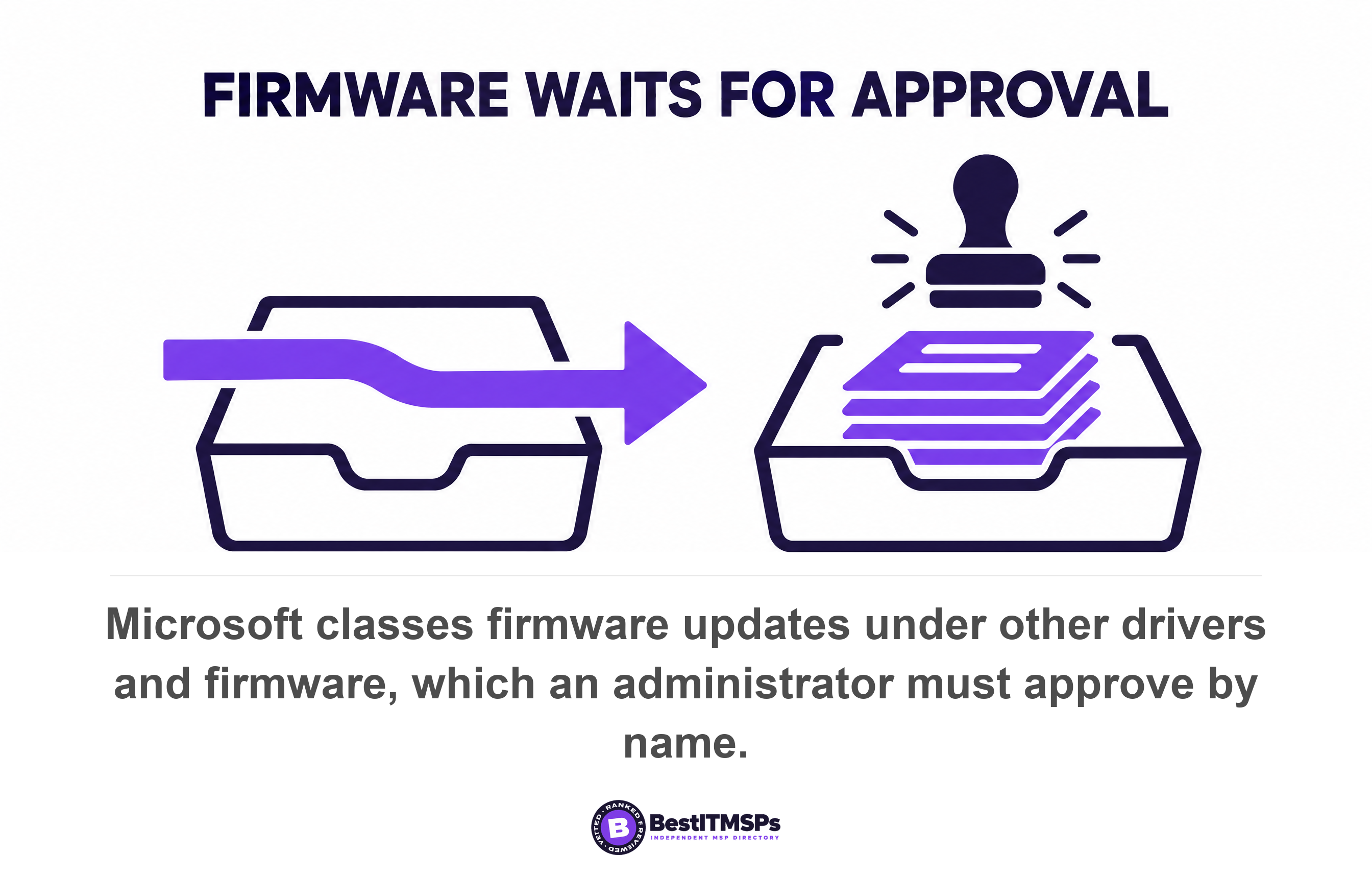
Microsoft's own enterprise update service sorts firmware into the bucket a human has to open. Its documentation puts a driver in the automatic stream only when the OEM or driver publisher marks the update as required and it is the most recent update version marked that way. Firmware updates sit instead under other drivers and firmware, the updates available from the original equipment manufacturer aside from the current recommended driver update, where an administrator approves and deploys each one by name. So even on a fully managed Windows laptop, somebody has to decide to approve the firmware.
Which devices in your office run firmware?
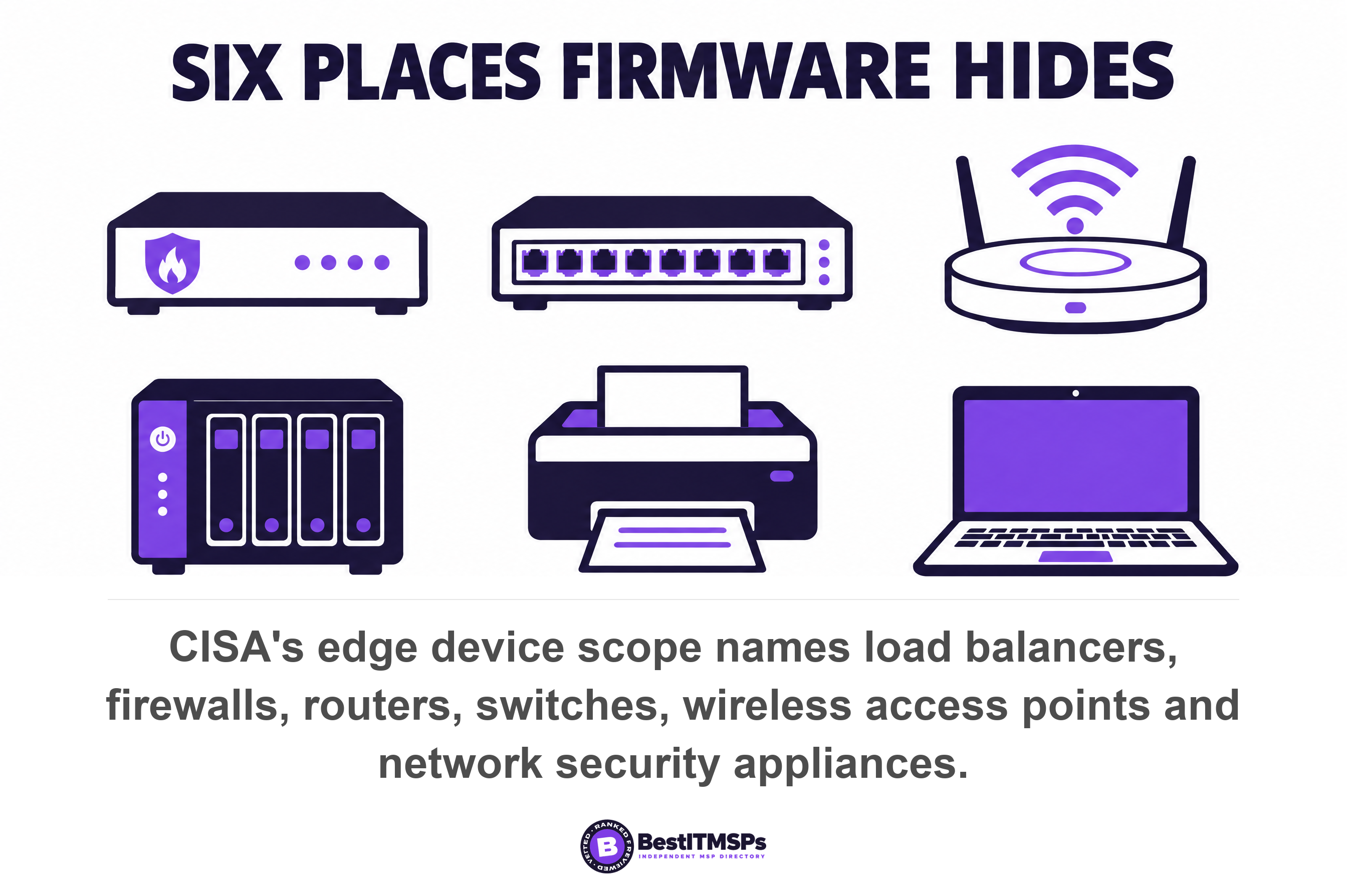
Six classes of device in a normal small office run firmware, and only the last one ever shows up in a patch report. The firewall or router at the edge. The network switches. The wireless access points. The NAS or backup appliance. The printers, cameras and door controllers. And the laptops and servers themselves, whose BIOS and UEFI sit underneath Windows.
CISA has a name for the first group. It defines an edge device as all technology devices that reside on the boundary of a network and are accessible from the public internet, and its scope list names load balancers, firewalls, routers, switches, wireless access points, network security appliances, IoT edge devices and software defined networks. Read that list against your own comms cupboard. Most of it is in there, and almost none of it carries an agent.
Here is the part that works in your favor. This is the one layer of your estate small enough to count by hand. You cannot personally audit 180 laptops, but you can walk the building in an afternoon and inventory every box with a network cable and a web login. Record the make, the model, the serial number and the firmware version shown on its admin page. That single sheet of paper is what nobody has, and it is what any provider needs before they can quote the work.
A federal benchmark asks for exactly this. CISA's performance goals ask organizations to maintain a regularly updated inventory of all organizational assets and to keep accurate documentation describing current network topology, with reviews performed and tracked on an annual basis. If you already run an asset register, add four columns to it rather than starting again. Our guide to the IT asset register to demand from your MSP covers how to get that list out of your provider in the first place.
Why do attackers go for network appliances?
Attackers go for network appliances because the devices sit on the internet, hold privileged access, and almost never get updated. CISA puts it plainly. Edge devices are attractive targets due to their extensive reach into an organization's network and integrations with identity management systems.
The evidence is public, and you can check it yourself. CISA's Known Exploited Vulnerabilities catalog is the government's list of flaws confirmed as used in real attacks. A flaw only joins it when it has an assigned CVE identifier, there is reliable evidence that it has been actively exploited in the wild, and there is a clear remediation action such as a vendor-provided update. On October 21, 2026 the published feed held a count of 1,754 entries. Nothing on that list is theoretical.
Now look at what is being added. Of the twenty most recently added entries on the day we checked, four named a network security appliance. Fortinet across multiple products, Palo Alto Networks PAN-OS, a Cisco Secure Email Gateway, and Ivanti Connect Secure. One named Microsoft Windows. That ratio is the whole argument of this article in two lines. Your monthly patch report covers the one. Nobody is counting the four.
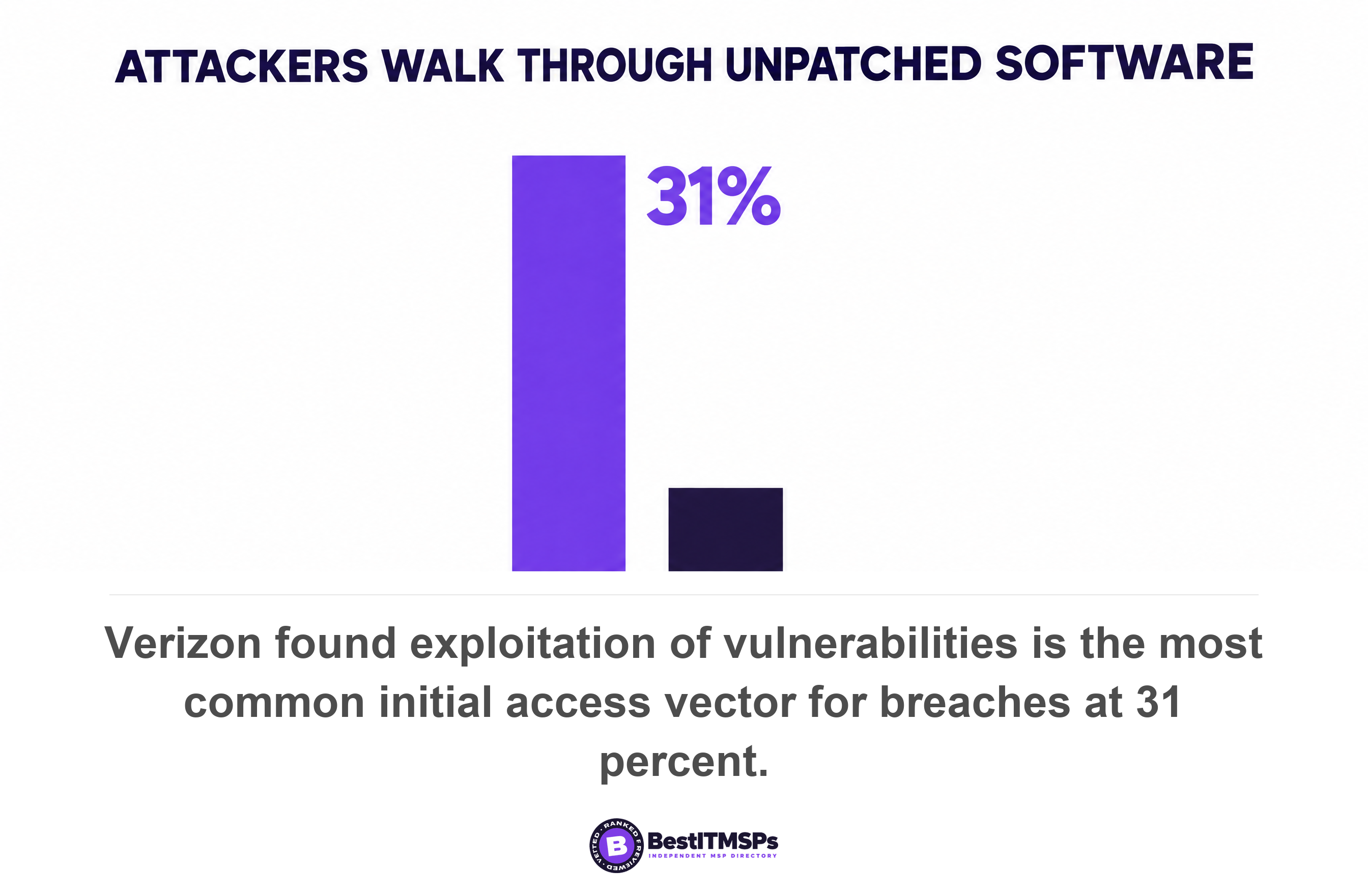
CISA's own emergency workload tells the same story. Of the four directives it listed on 21 October 2026, three name network devices. Cisco firewalls, Cisco SD-WAN systems, and end-of-support edge devices. Verizon's 2026 breach report found exploitation of vulnerabilities is now the most common initial access vector for breaches, at 31 percent, while credential abuse fell to 13 percent. Attackers moved from guessing passwords to walking through unpatched software, and the unpatched software with no agent on it is the softest target in the building.
Can an attacker survive the firmware update?
Yes, and that is the single most important difference between firmware and ordinary software. In September 2025 CISA ordered federal agencies to hunt for a campaign against Cisco firewalls that worked by manipulating read-only memory to persist through reboot and system upgrade. The update is not the eviction.
CISA said so in the directive itself. Applying Cisco's security updates does not necessarily remove an existing threat actor from the compromised device, and Cisco assessed that the actor has demonstrated a capability to successfully modify ASA ROM at least as early as 2024. For the Firepower models in scope, a reboot was not enough either, and CISA required a hard reset by unplugging power. Agencies had to collect and submit core dumps for forensic analysis before they were allowed to patch.
Five months later the pattern repeated. A February 2026 directive covering Cisco Catalyst SD-WAN Manager and SD-WAN Controller told agencies that a confirmed root account compromise meant rebuilding the control management plane from patched images, rather than updating the system they already had. NIST explains the physics underneath. Its platform firmware guidelines warn that a successful attack on platform firmware could render a system inoperable, perhaps permanently, or requiring reprogramming by the original manufacturer.
A late Windows patch leaves you exposed. A late firmware patch on an internet-facing appliance can leave you compromised in a place the patch does not reach.
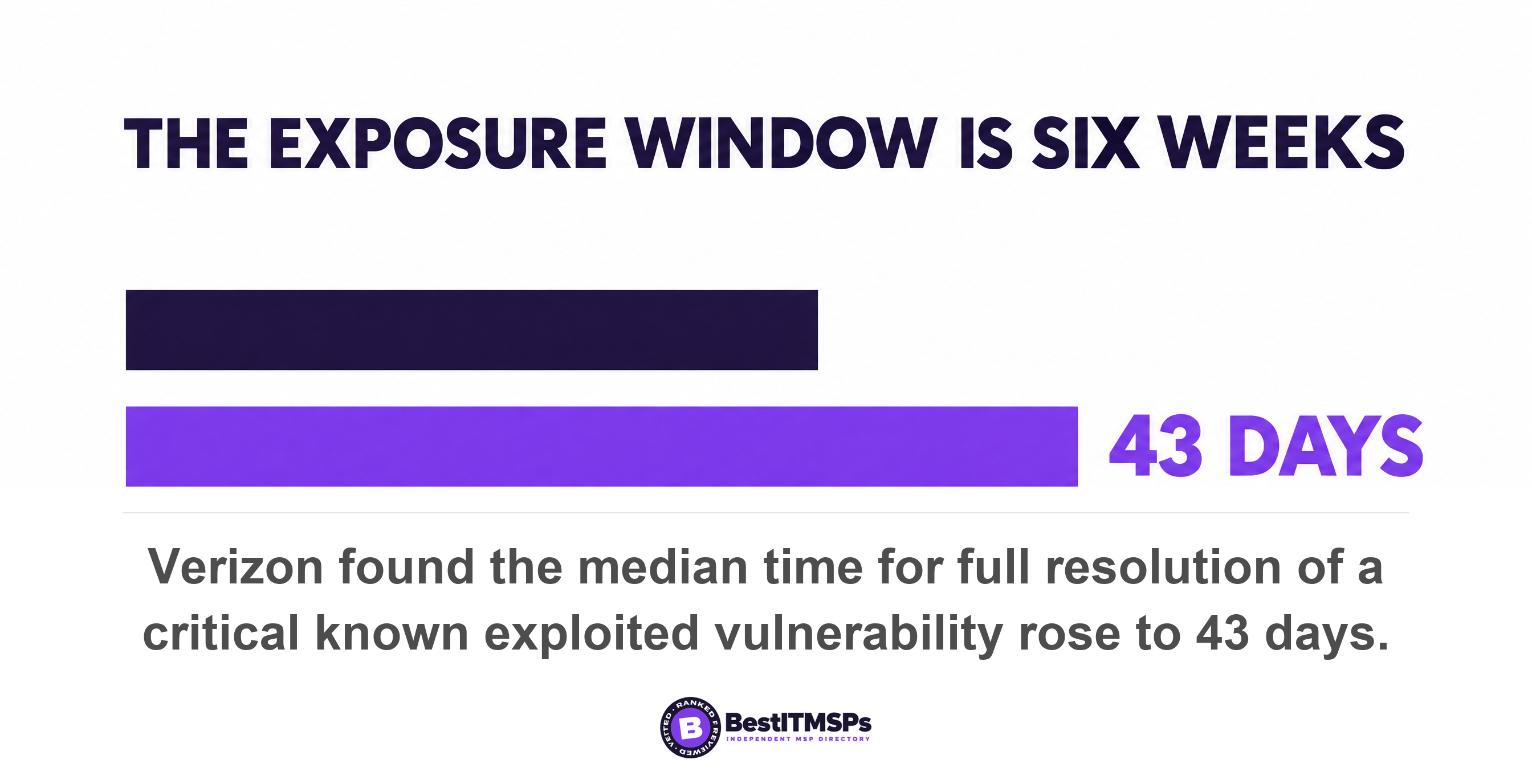
That raises the cost of being slow. Verizon found only 26 percent of critical vulnerabilities, defined as being in the CISA KEV catalog, were fully remediated by organizations in 2025, a drop from the previous year's 38 percent, and that the median time for full resolution went up to 43 days, almost two weeks more than the previous year's 32 days. Read the scope carefully, because it decides what the number means. Both figures describe critical known exploited flaws, not every available patch. Six weeks is the realistic exposure window on a device an attacker already knows how to reach.
How do you find out what your agreement actually covers?
To find out what your agreement covers, read the pricing schedule before the service list. The services page is marketing. The pricing schedule is the definition, because it names the unit your provider gets paid for, and anything outside that unit is out-of-scope work nobody has been paid to do.
Most agreements price per user, per workstation, or per managed endpoint. Each of those units describes a thing that runs an agent. A firewall does not run an agent. A switch does not. A NAS and a printer do not. So the device is not a billable unit, which means it is not a covered unit, which means the firmware inside it belongs to nobody. That is not a provider being dishonest. It is arithmetic nobody drew your attention to, and it lands on the most business-critical boxes you own. CISA's rule for a flaw on one of those devices leaves only two outcomes. Apply updates per vendor instructions, or remove the product from networks if it is end-of-life or cannot be updated otherwise. Both need an owner.
Four passages in the document decide this, and they are rarely on the same page.
- Read the pricing schedule and write down the billing unit, then list every device in your building that is not one.
- Read the definitions clause for the terms managed endpoint, covered device and supported software, which set the boundary the rest of the contract uses.
- Read the exclusions list and check whether firmware, network hardware or vendor hardware appears in it at all.
- Read the change control and maintenance window clauses, because a firmware update on a shared device needs an approved outage before it can happen.
The standard your provider will quote assumes somebody owns every asset. CISA's performance goals ask organizations to implement a vulnerability management program to patch and mitigate misconfigured software in a timely manner, and then make a specific allowance for assets where patching is either not possible or may substantially compromise availability or safety. A firewall is exactly that kind of asset, because the fix needs an outage. The allowance only works when a named person decides, and your agreement is where that person gets named.
Expect silence rather than an exclusion, and understand why that is worse. An explicit exclusion is a decision somebody recorded, which you can price, argue with, or buy out. Silence is not a decision. It leaves the device unmanaged, falling between your provider, who manages what the agent reaches, and the hardware vendor, who publishes a fix and ships nothing else. We are not claiming a share of agreements that leave firmware out, because nobody has counted it. Go and read your own clause, then ask which of the two of you the drafters had in mind.
This is a different question from the one your patch report answers. Our guide to patch compliance rate is about the denominator, the assets your provider chose to count. Firmware on an appliance is usually not in that denominator at all, so no percentage can be wrong about it. And a supported device running old firmware is not the same problem as a device past its end of support date, which our guide to end of life software risk handles instead.
What to ask your provider on Tuesday
Send your provider six requests in one email. Each takes minutes to answer if somebody is already doing the work, and days if nobody is. The delay is itself the finding.
- Request a version table listing every firewall, switch, wireless access point, NAS and printer, with its model, its running firmware version, and the latest version the vendor has published.
- Request the name of the person who reads each vendor advisory for those devices, and the date the last one was acted on.
- Request the agreed maintenance window and reboot window for each shared device, so your provider can schedule the outage every one of these updates needs.
- Request confirmation of which of those devices has a management interface reachable from the internet today.
- Request the BIOS and UEFI firmware version on your servers and on a sample of laptops, so you can see whether the OEM updates are being approved.
- Request the written exception for any device left on old firmware on purpose, with a named owner and an expiry date.
Then fix four things in the agreement rather than the proposal deck. Name the devices whose firmware your provider updates, by class, and state who pays to replace a device that can no longer be updated. Require your provider to verify the new version on the device itself after each update, rather than closing the ticket. Put the vendor notification duty in writing, which is what CISA's performance goals ask for when they say procurement documents and contracts, such as service-level agreements, stipulate that vendors notify the procuring customer of security incidents and vulnerabilities. And name the approval route, because the same goals require review, testing, and approval before new hardware, firmware, or software is installed or deployed, which is your change control clause in one line.
Three cheap actions close most of the gap while you wait for the big answer. Take every management interface off the public internet, because CISA states that network management interfaces should never be exposed to the public internet. Change every default manufacturer password, which the same goals require for all hardware, software, and firmware. And subscribe one real mailbox to the security advisory feed for each vendor you own, so the notice arrives somewhere a human reads. Nobody can monitor a device that is not on a list.
None of this buys perfect security, and no honest provider offers that. It buys a documented, verified and independent list of the devices nobody was watching, plus a decision about each one made at a budget meeting rather than during an incident. Start with the firewall. It is the one device on your network that is internet-facing by design, and the one most likely to be running firmware from the year you bought it.
FAQ
Does my IT provider update the firmware on my firewall?
Often not, and your pricing schedule tells you faster than the service list. Most agreements bill per user or per managed endpoint, and a firewall runs no agent, so it is not a billable unit. CISA defines an edge device as any technology device on the boundary of a network and accessible from the public internet. Ask for a version table covering every one of yours.
What is the difference between a firmware update and a patch?
A firmware update replaces software stored inside the device, while a patch usually updates software installed on top of an operating system. NIST defines firmware as computer programs and data stored in hardware, typically in read-only memory. The practical difference is delivery. A patch arrives through your provider's agent, and firmware arrives from the device maker's own support page.
How often should firmware be updated?
No fixed calendar applies, because firmware follows the vendor advisory rather than a monthly cycle. CISA asks organizations to prioritize keeping software current with timely patches and updates on internet-facing devices, and to apply updates per vendor instructions, or remove the product if it is end-of-life or cannot be updated otherwise. Review every advisory, and act fastest on internet-facing devices.
Do firmware updates need downtime?
Yes, on most shared devices, which is the real reason they get skipped. Microsoft's firmware documentation notes that UEFI requires devices to be present during reboot to apply a firmware update. A firewall or switch update drops the network while it reboots, so it needs a scheduled maintenance window and an approval, not a spare ten minutes.
Which device should I check first?
Check the firewall or router first, then anything else with a web login reachable from outside. CISA says edge devices are attractive targets due to their extensive reach into an organization's network. On the day we checked, four of the twenty newest entries in the known exploited vulnerabilities catalog were network security appliances, against one for Microsoft Windows.
Best IT MSP is the independent directory of vetted managed IT and cybersecurity providers across the US and Canada. Organic ranking is earned on rating and verified data, paid placement is always labelled, and we do not sell IT services. Take these six requests to three merit-ranked firms in your city and compare the answers side by side.