The IT asset register you can demand from your MSP today
Your IT asset register is the list of every device, server and cloud service you own. It is the denominator behind every control percentage your provider reports. CISA requires federal agencies to run automated asset discovery every 7 days. Ask for a dated copy, a refresh cadence, and one independent reconciliation.
- The asset register is the denominator. Patch compliance, backup coverage and EDR deployment are all fractions of this one list.
- A machine missing from the register is unpatched, unmonitored, unprotected and invisible in every report you receive.
- CIS asks for 6 fields per asset. Ask also for support status, warranty dates and the date each record was last verified.
- Last verified is not last edited. A record someone retyped last week may describe a laptop that left in 2024.
- Reconcile the register against the DHCP table, the identity directory and the finance asset list. Each catches a different gap.
What is an IT asset register, and what should it contain?
An IT asset register is the dated list of every device, server, network appliance and cloud service your business runs, with an owner named against each line. Your provider keeps one, because it cannot manage what it has not listed.
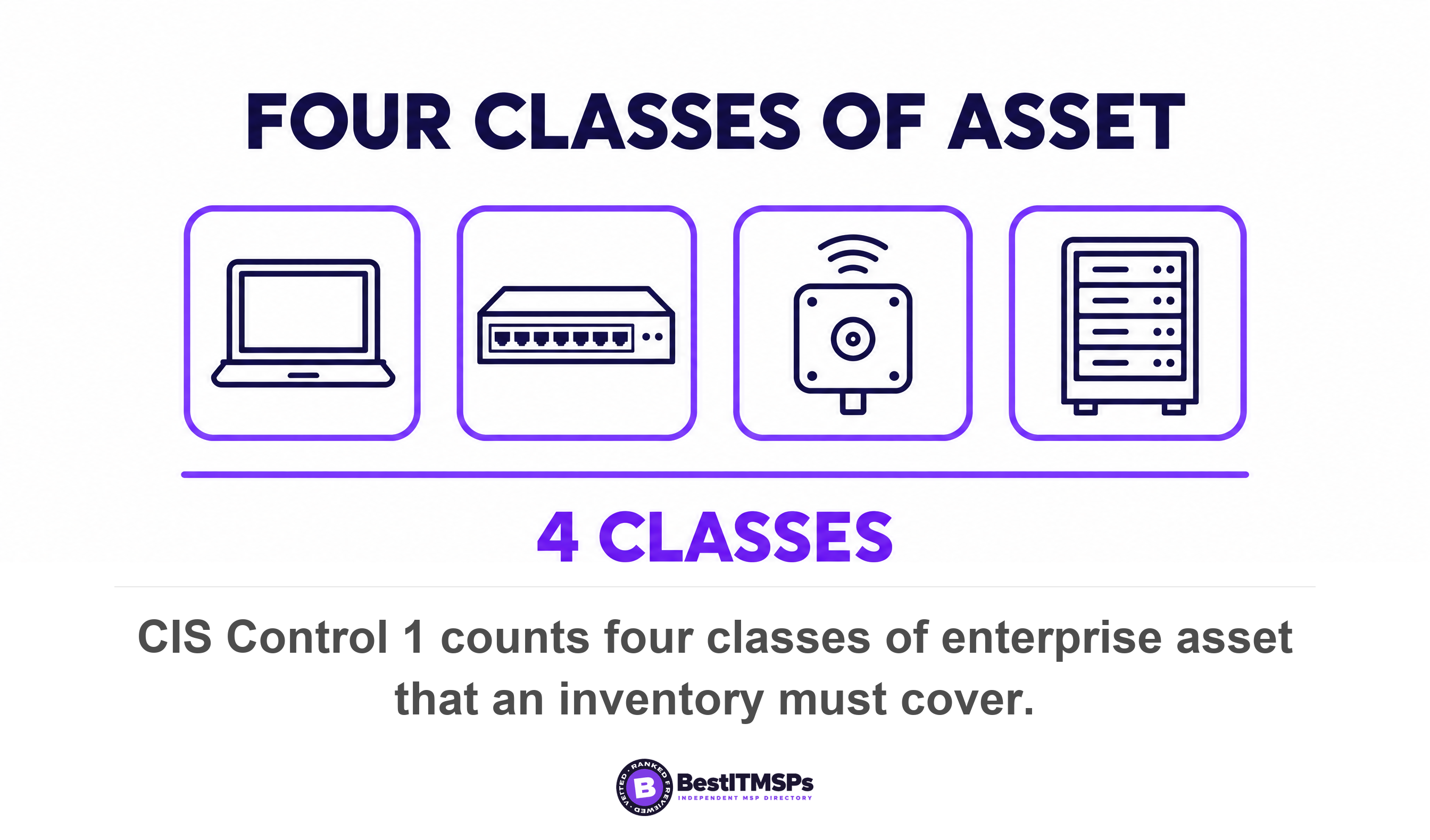
The Center for Internet Security sets the scope. CIS Control 1 covers end-user devices including portable and mobile, network devices, non-computing and Internet of Things devices, and servers, whether they connect physically, virtually, remotely or inside a cloud environment. CIS treats that work as foundational, which is why it sits at number one of the 18 controls rather than somewhere in the middle.
Most owners have never asked to see it. You are not auditing the asset inventory to catch anyone out. You are auditing it because every other number you receive is calculated from it.
Read this beside 8 documents your MSP should be able to hand you on request, which covers the wider document set, and our managed IT services overview if you are still choosing a provider.
Why the asset register is the document every other control is scored against
The asset register is the denominator of every control percentage you are shown. Patch compliance, backup coverage and EDR deployment are all fractions. The top number counts the machines that passed. The bottom number is this one list.
Change the list and every percentage moves without a single technical change. Drop a server out of the register and your patch compliance rises. Add it back and the figure falls. We worked that arithmetic through for patching alone in your patch compliance rate is not a grade, it is a denominator. The point generalises, and that is the part nobody tells you. One missing machine is simultaneously unpatched, unmonitored, unprotected and absent from every report you receive. It fails four controls at once and appears in none of them.
That is why the register, not the reports, is the thing to audit first. A report is a statement about a list. An accurate report drawn from an inaccurate list is still wrong, and checking the report alone verifies the arithmetic while skipping the input.
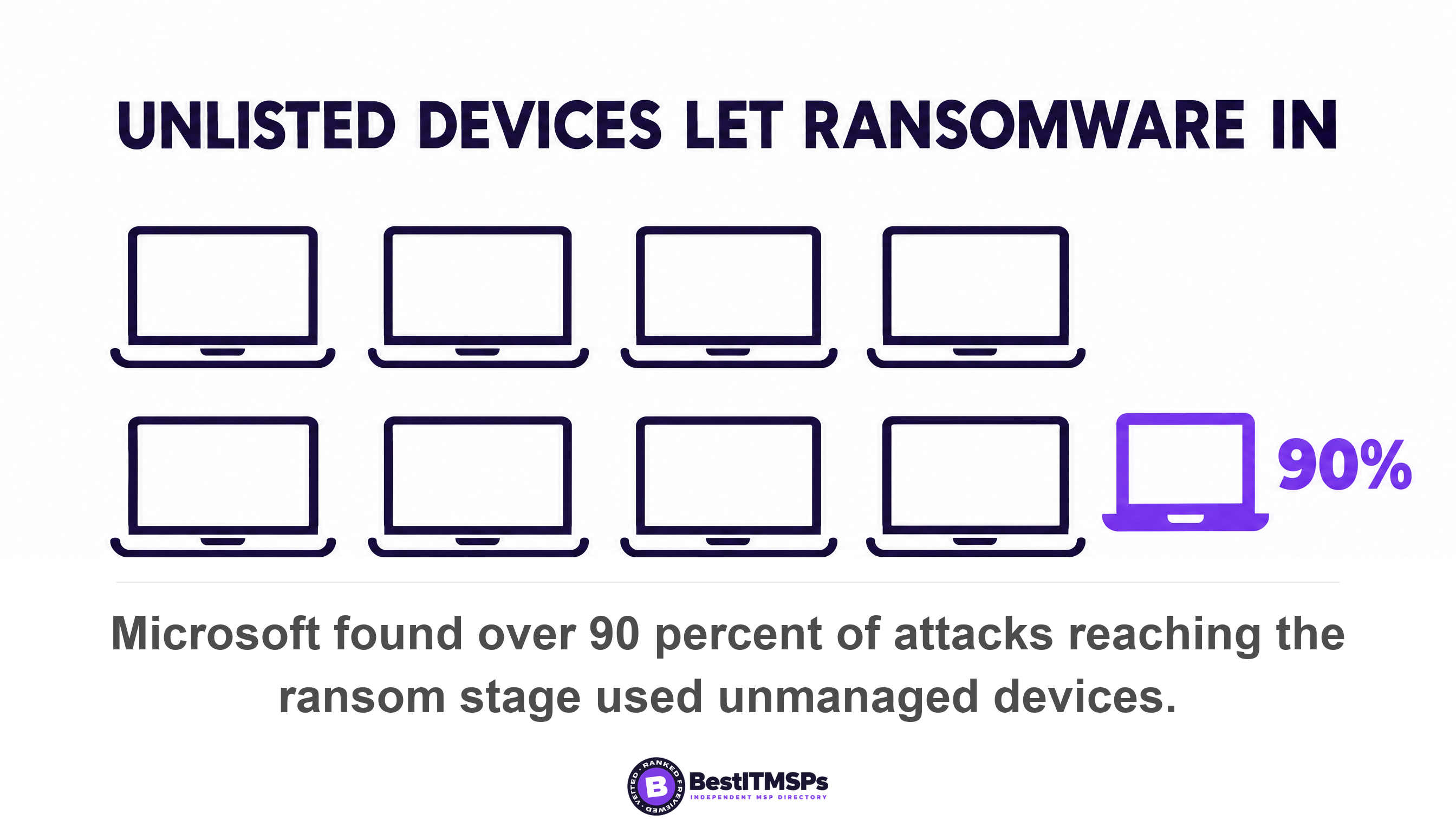
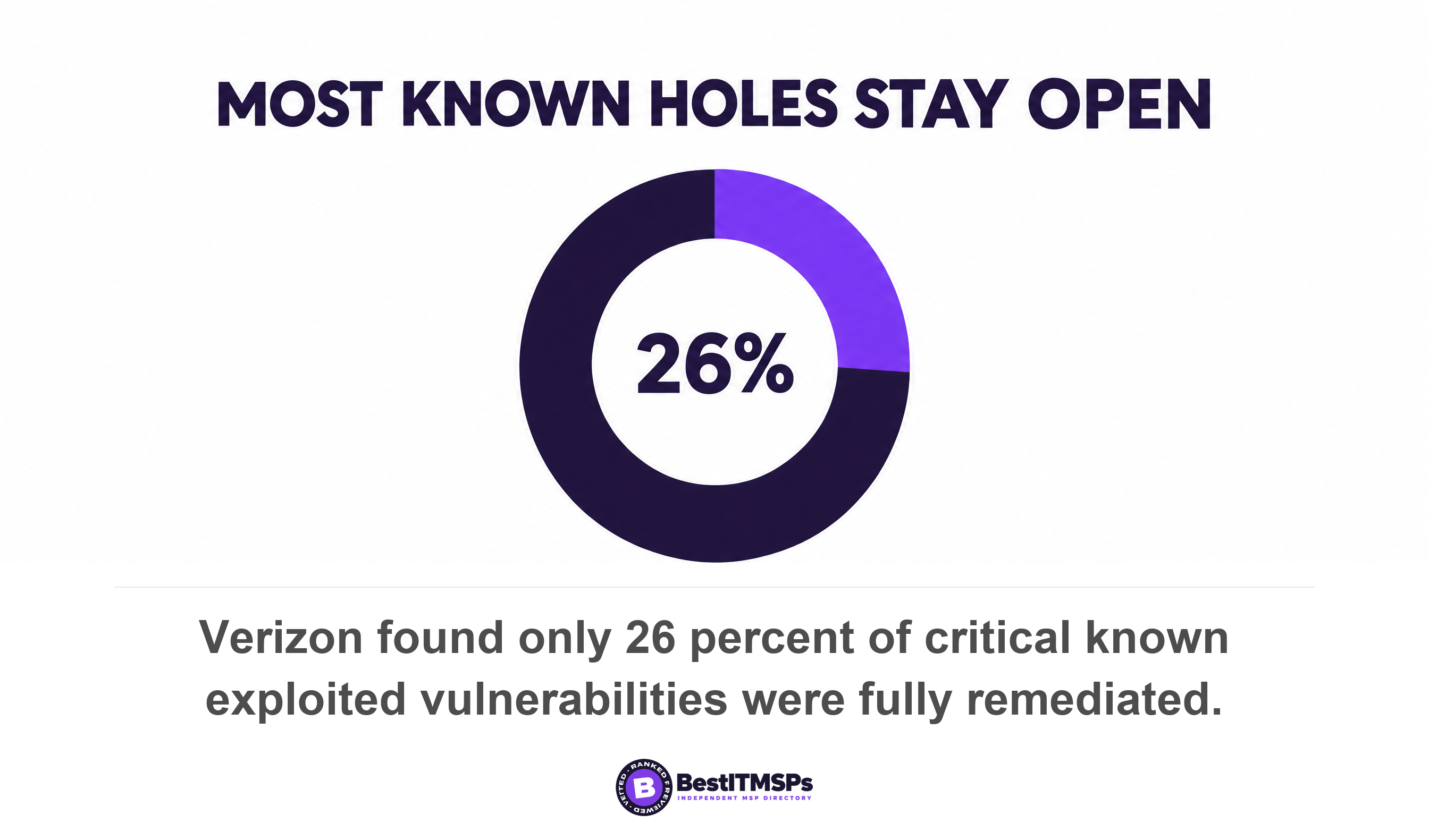
The risk is measured rather than theoretical. Microsoft's 2024 Digital Defense Report found that in attacks reaching the ransom stage, over 90 percent used unmanaged devices as their initial access point or for remote encryption. An unmanaged device is simply one nobody listed. Verizon puts vulnerability exploitation as the top initial access vector at 31 percent of breaches, with credential abuse down to 13 percent, and found only 26 percent of critical known exploited vulnerabilities fully remediated, down from 38 percent, at a median 43 days to full resolution. A patching tool cannot patch a machine it has never seen.
The money follows the same logic. IBM puts the global average cost of a data breach at $4.99 million, a record high, and the average time to identify and contain one at 247 days. A device outside the register contributes to both figures quietly, because nothing is watching it to shorten the clock.
The fields a usable asset register carries
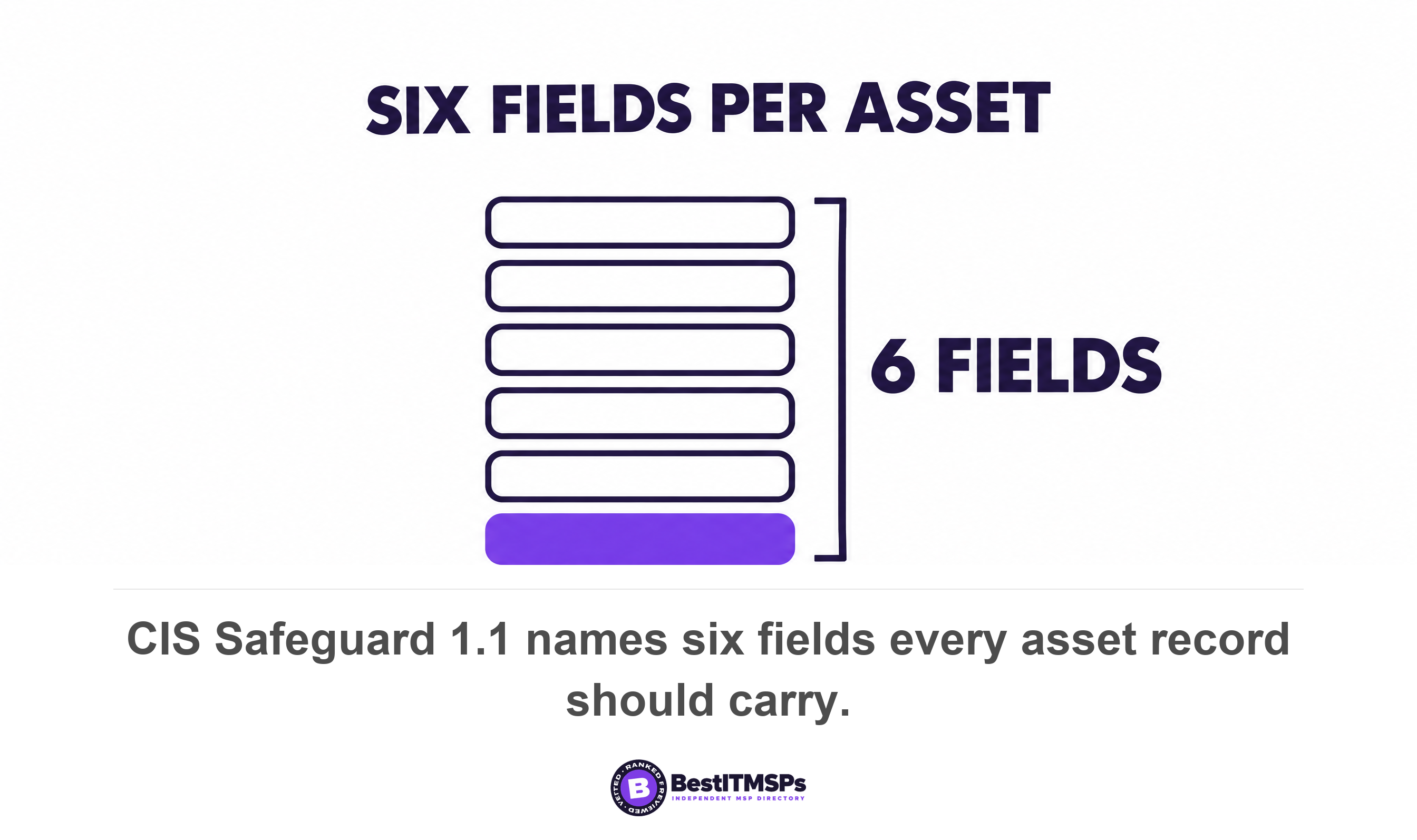
A usable asset register carries 6 fields the standard names, plus 5 more that decide whether it is any use to you. CIS Safeguard 1.1 asks for the network address where static, hardware address, machine name, enterprise asset owner, and department for each asset, plus whether that asset is approved to connect to the network.
Those 6 tell you what exists. The next 5 tell you what to do about it, and most registers handed to a buyer are missing at least three of them.
- Purchase and warranty dates. Without them you cannot tell a three-year-old laptop from an eight-year-old one, or forecast replacement spend.
- Operating system and version. A machine name proves nothing about what is running on the machine.
- Support status. End-of-life status is the field that turns an asset into a liability, because an unsupported device stops receiving patches altogether.
- Network reach. What an asset can reach matters more than where it sits. A printer on the same flat network as your finance server is a different risk from one on its own segment.
- Date last verified. Not the date the row was last edited.
Last verified and last edited are different claims, and the gap between them is the single most useful question you can ask. A row edited last week may still describe a laptop that left the building in 2024, because somebody corrected a typo in the machine name. A row verified last week means a discovery scan or a person actually saw the asset. Ask which column your provider's export contains. Many registers hold only the second kind of date, which makes every line look current and proves nothing. Then ask your provider to verify ten rows in front of you.
How often should an asset register be refreshed?
To refresh an asset register properly, name a cadence in the contract, because the published standards differ by a factor of 26. CIS asks you to review and update the inventory of all enterprise assets bi-annually, or more frequently. CISA requires federal agencies to perform automated asset discovery every 7 days.
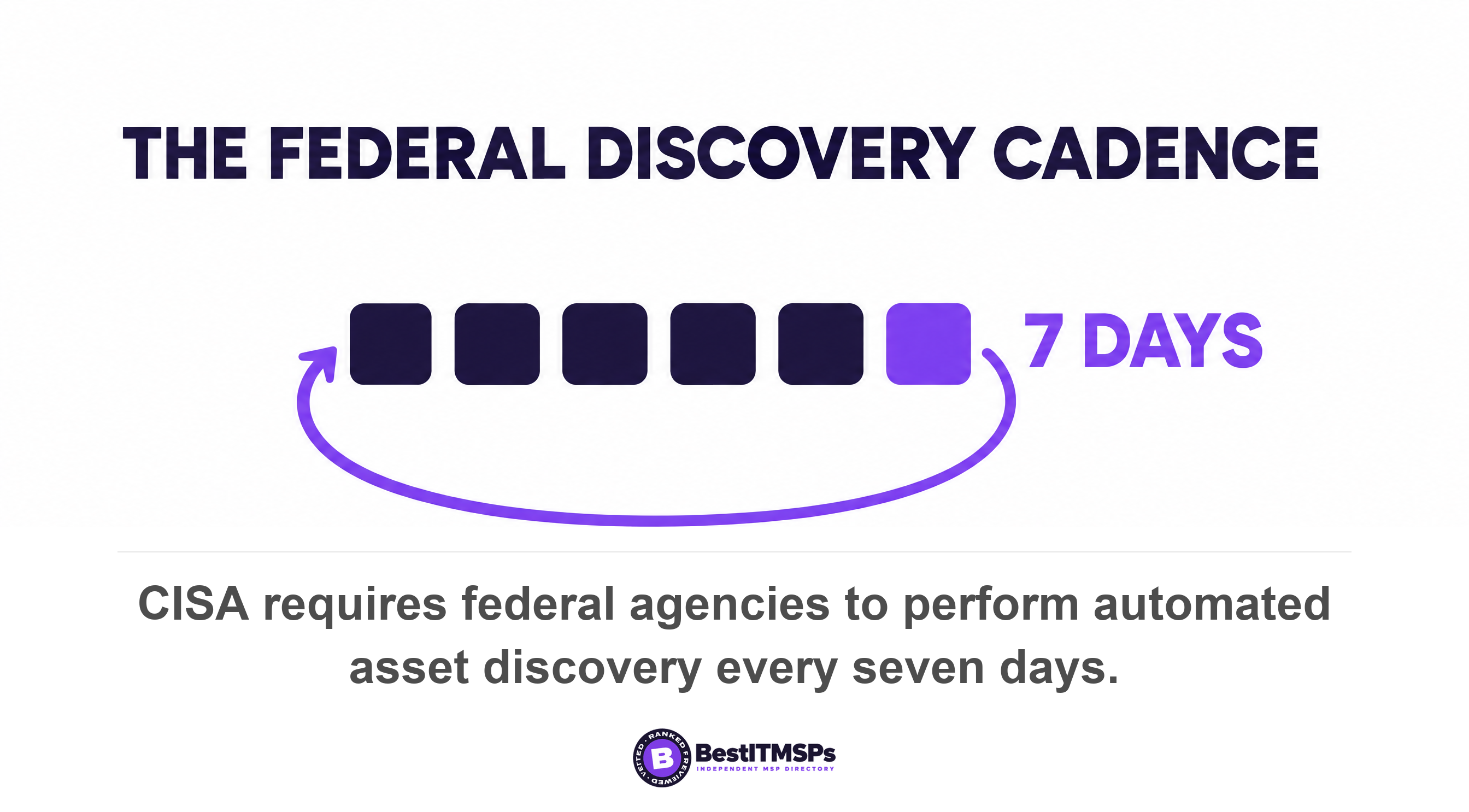
Both figures are correct, because they describe different work. The bi-annual number is a human review of the whole register. The 7-day number is a machine discovery scan. A complete regime runs both, and the CIS safeguards spell the machine half out. Safeguard 1.3 asks for an active discovery tool run daily, or more frequently. Safeguard 1.5 asks for a passive asset discovery tool at least weekly.
CISA is firmer still about what happens after discovery. Agencies must initiate vulnerability enumeration across all discovered assets every 14 days, including nomadic and roaming devices, across all IP-addressable networked assets reachable over IPv4 and IPv6. On request they must begin discovery within 72 hours and return the available results within 7 days. You are not a federal agency. Those cadences are still the clearest published yardstick you can hold a provider to.
Ask for one number instead of a policy. How many days old is the oldest unverified record in the register? A provider who monitors the estate properly knows. A provider who does not will send you the refresh policy instead of the figure.
How to reconcile the register against something independent
To reconcile the asset register, compare it against three lists your provider does not control. The DHCP table, the identity directory and the finance asset list. Each one catches a different kind of gap, and a register that survives all three is a register you can trust.
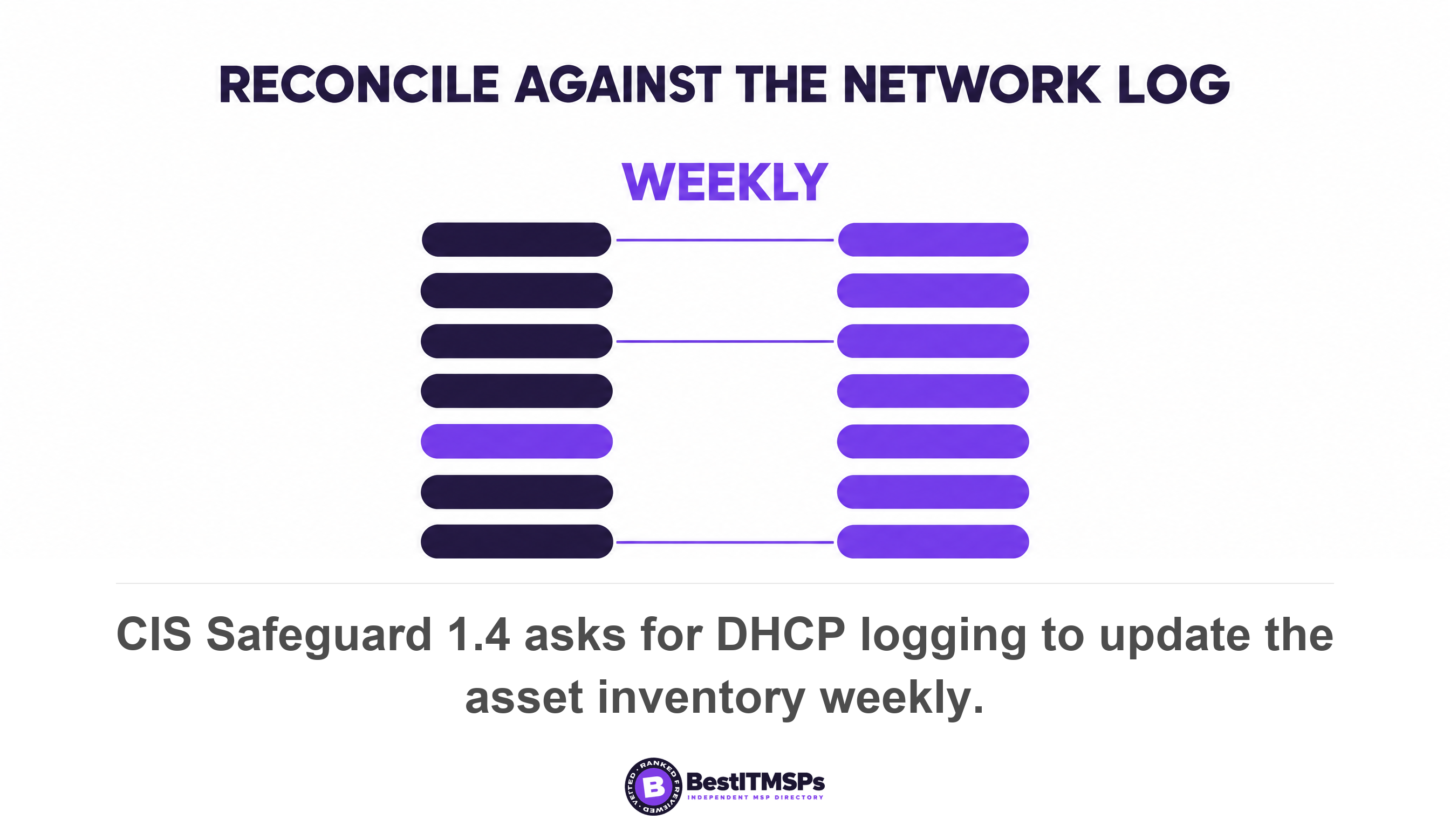
The standard names the first comparison outright. CIS Safeguard 1.4 is use Dynamic Host Configuration Protocol logging to update the enterprise asset inventory, weekly or more frequently. DHCP is the service that hands out network addresses, so its log records everything that actually connected. Anything in the DHCP table and absent from the register is an unmanaged device. That set is usually a mix of BYOD phones, a contractor's laptop, a smart screen in the boardroom and one forgotten server.
The identity directory catches the opposite failure. Compare the accounts in your identity directory, the system that holds your staff logins, against the owner column in the register. You find departed staff still owning live devices, and live devices owned by nobody. Both are reconciliation findings you can close the same week.
The finance asset list catches shadow IT, which is technology bought outside the IT process rather than an act of rebellion. Your bookkeeper's fixed asset schedule and your card statements record purchases your provider never saw. CISA's own directive concedes this limit, because its scope excludes ephemeral assets such as containers and third-party software as a service. A discovery scan finds what is on the network. It does not find the platform a department bought with a company card.
Run the three comparisons once and you hold a short list of findings. The useful output is not the count. It is which list the misses came from, because that names the process that failed.
What the gaps in an asset register tell you
The shape of a gap names the failure, so read the misses by category rather than by total. Four patterns come up repeatedly, and each points at a different broken process.
- Network gear missing. Switches, firewalls and access points rarely carry a monitoring agent, so an agent-based register never sees them. Ask which tool discovers them.
- Cloud and SaaS missing. The register covers hardware only, which leaves your tenant, your file storage and your line-of-business platforms governed by nobody.
- Owner column blank. Nobody can be asked to approve a patch window or confirm a decommissioning, so routine changes stall.
- Every row verified on the same date. That is one bulk edit, not an ongoing process.
A configuration management database is the next step up, and the difference is worth knowing before anyone sells you one. A CMDB records the relationships between assets, so it can answer which services break when one server goes down. An asset register only lists the assets. Most small businesses have neither, and a complete, current asset register is the one to demand first, because a CMDB built on a stale register inherits every error in it.
Ask what tool produces the register as well. An export from a monitoring platform, an export from a mobile device management console and a hand-kept spreadsheet are three documents with three different blind spots. A provider who maintains all three without reconciling them has three registers and no asset inventory.
Decommissioning and the chain of custody most registers drop
A register tracks an asset across its whole lifecycle, including the part after you stop using it. Decommissioning is where most registers fail, because a row gets deleted rather than closed, and the deletion erases the only evidence the device ever existed.
Two things belong against every retired asset. The date and method of data destruction, and the chain of custody showing who held the device between the desk and the disposal. NIST republished its guidance on the first in September 2025. SP 800-88 Revision 2, Guidelines for Media Sanitization covers choosing a method that renders access to the target data infeasible for a given level of effort, and it supersedes the 2014 revision that many disposal policies still quote.
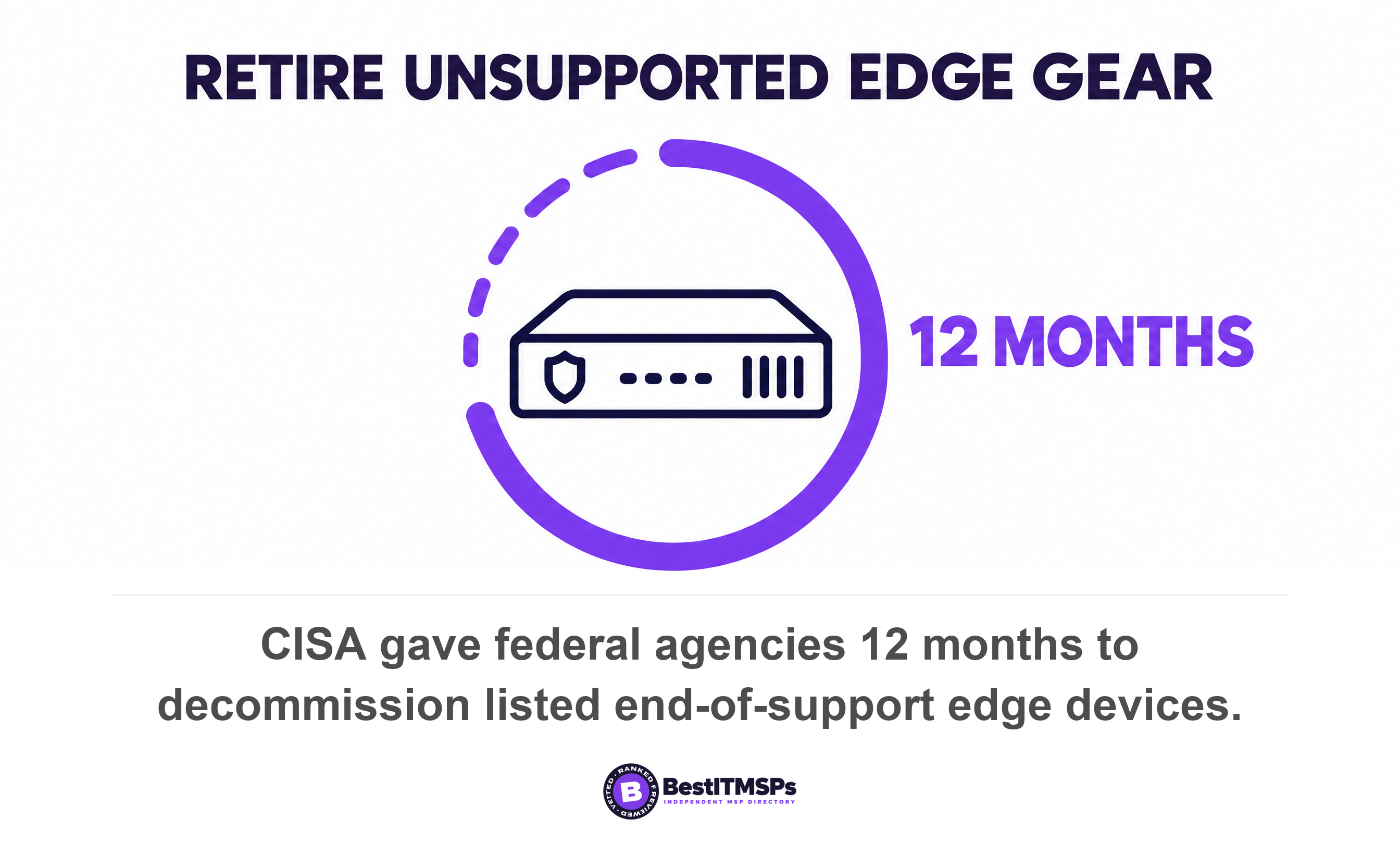
End-of-life status drives the same workflow earlier. CISA treats unsupported network equipment as a deadline rather than a severity score. Its February 2026 directive orders agencies to inventory all devices on the CISA end-of-support edge device list and provide that inventory within three months, to decommission the listed devices within 12 months, and within 24 months to establish a continuous discovery process for edge devices. The directive defines edge devices to include load balancers, firewalls, routers, switches, wireless access points, network security appliances and IoT edge devices.
Check your own register for that class of kit. If the only end-of-life dates in it belong to laptops, the equipment sitting at your network boundary is being tracked by nobody.
The three things to ask for this week
Ask for 3 things in one email, and give a date. A portable copy you keep, a stated refresh cadence, and one documented reconciliation against an independent list.
- Export it to a format you hold. A CSV or spreadsheet file in your own storage, not a login to your provider's portal. A portable copy survives a dispute, a migration and a change of provider.
- Fix the cadence in writing. Name the discovery frequency, the human review frequency, and who signs off that the review happened.
- Require one reconciliation a quarter. Against the DHCP table, the identity directory or the finance asset list, with the findings written down and the count of misses reported to you.
None of this makes an estate perfectly documented, and no honest provider claims that. It makes the register verifiable, which is the part you can hold somebody to. Keep each dated export. Two exports six months apart tell you whether the register is maintained or retyped, and that comparison costs you nothing.
A provider who can tell you the oldest unverified record in your asset register is maintaining it. A provider who sends you the refresh policy is describing one.
Then compare. Take the 3 asks to a shortlist of vetted managed IT providers in your city and ask each the same questions. The provider who treats the asset register as a live document rather than an onboarding artefact is usually the one doing the work. For the review rhythm this sits inside, read supervising the IT provider you already have, and check what out-of-scope IT support really covers before you ask for a register rebuild you have not priced.
FAQ
What should an IT asset register include?
An IT asset register lists every device, server, network appliance and cloud service, with an owner against each. CIS Safeguard 1.1 asks for the network address, hardware address, machine name, enterprise asset owner and department for each asset. Add purchase and warranty dates, operating system version, support status, and the date each record was last verified.
Is a CMDB the same as an asset register?
No. An asset register lists what you own. A configuration management database, or CMDB, also records how assets depend on each other, so it answers which services fail when one server goes down. Demand a complete, current asset register first, because a CMDB built on a stale register inherits every error in it.
How often should an asset register be updated?
The standards set two cadences for two kinds of work. CIS asks you to review and update the inventory bi-annually, or more frequently, while CISA requires federal agencies to perform automated asset discovery every 7 days. A workable rule for a small business is a weekly discovery scan plus a documented human review twice a year.
Can you ask your MSP for a copy of the asset register?
Yes, and in a portable format you keep. The register describes your own estate, so confidentiality does not apply to it. Ask for a CSV or spreadsheet export rather than portal access, then keep each dated copy. Two exports six months apart show whether the register is maintained or simply retyped.
What is the difference between a discovery scan and an asset register?
A discovery scan finds what is connected to the network right now. An asset register is the maintained record, including assets a scan cannot see. CISA's own directive excludes ephemeral assets and third-party software as a service from its scope, which is why shadow IT bought on a company card never shows up in a scan.
Best IT MSP is the independent directory of managed IT and cybersecurity providers across the US and Canada. Organic ranking is earned on verified rating and firmographic data, paid placement is always labelled, and we do not sell IT services. Take the three asks to a merit-ranked shortlist in your city and compare the answers side by side.