Call quality complaints are usually not the phone system
Call quality complaints are rarely the phone platform. Four measurements decide how a call sounds. They are one-way latency, jitter, packet loss and the perceived quality score. Microsoft's Call Quality Dashboard marks audio poor above 30 milliseconds of jitter. Read those numbers from the admin center you already pay for before you replace anything.
- Three complaints map to three different measurements. Talking over each other is delay, robotic audio is jitter, and vanishing words are packet loss.
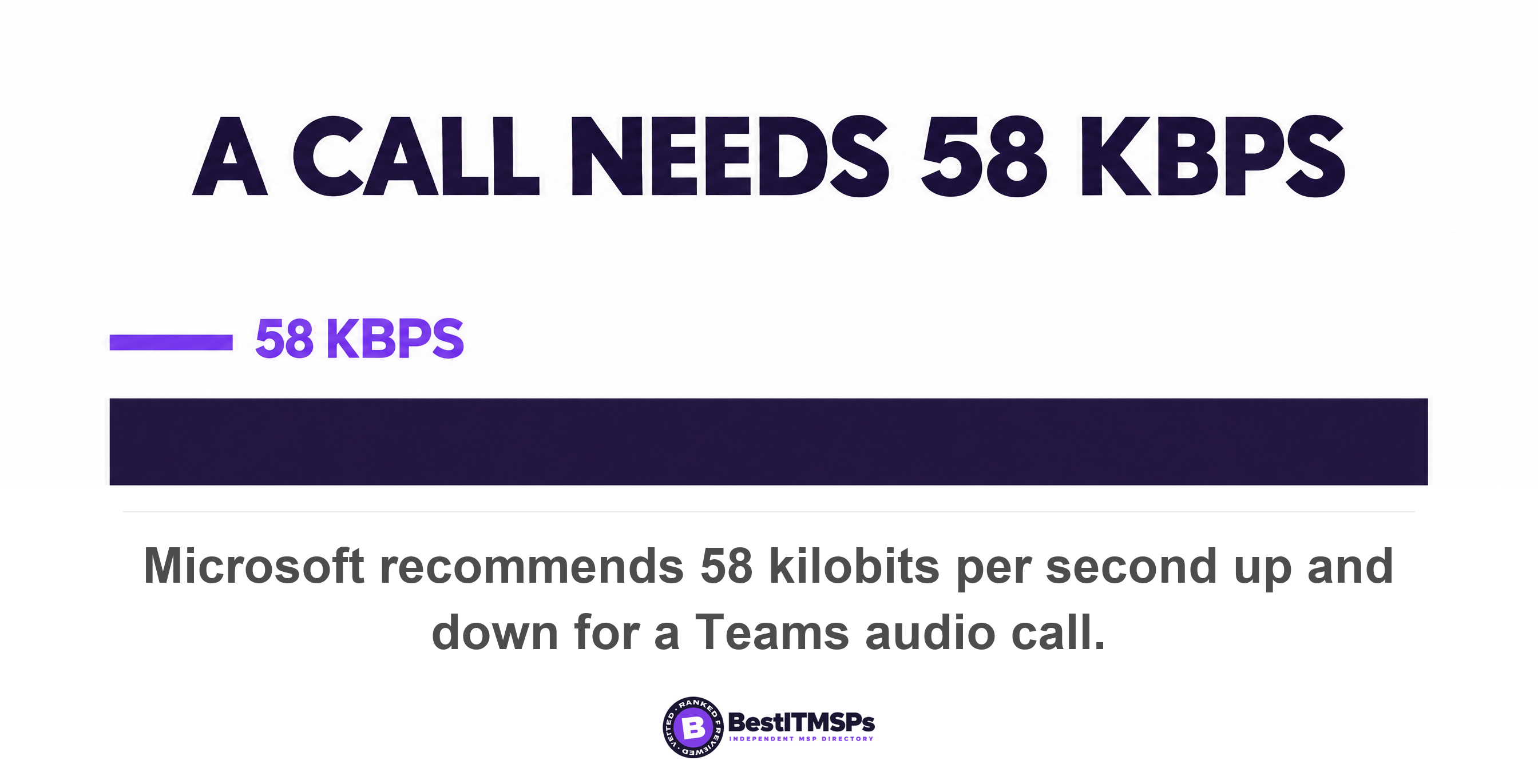
- A Teams audio call needs 58 kilobits per second up and down. Bandwidth is almost never the reason the phones sound bad.
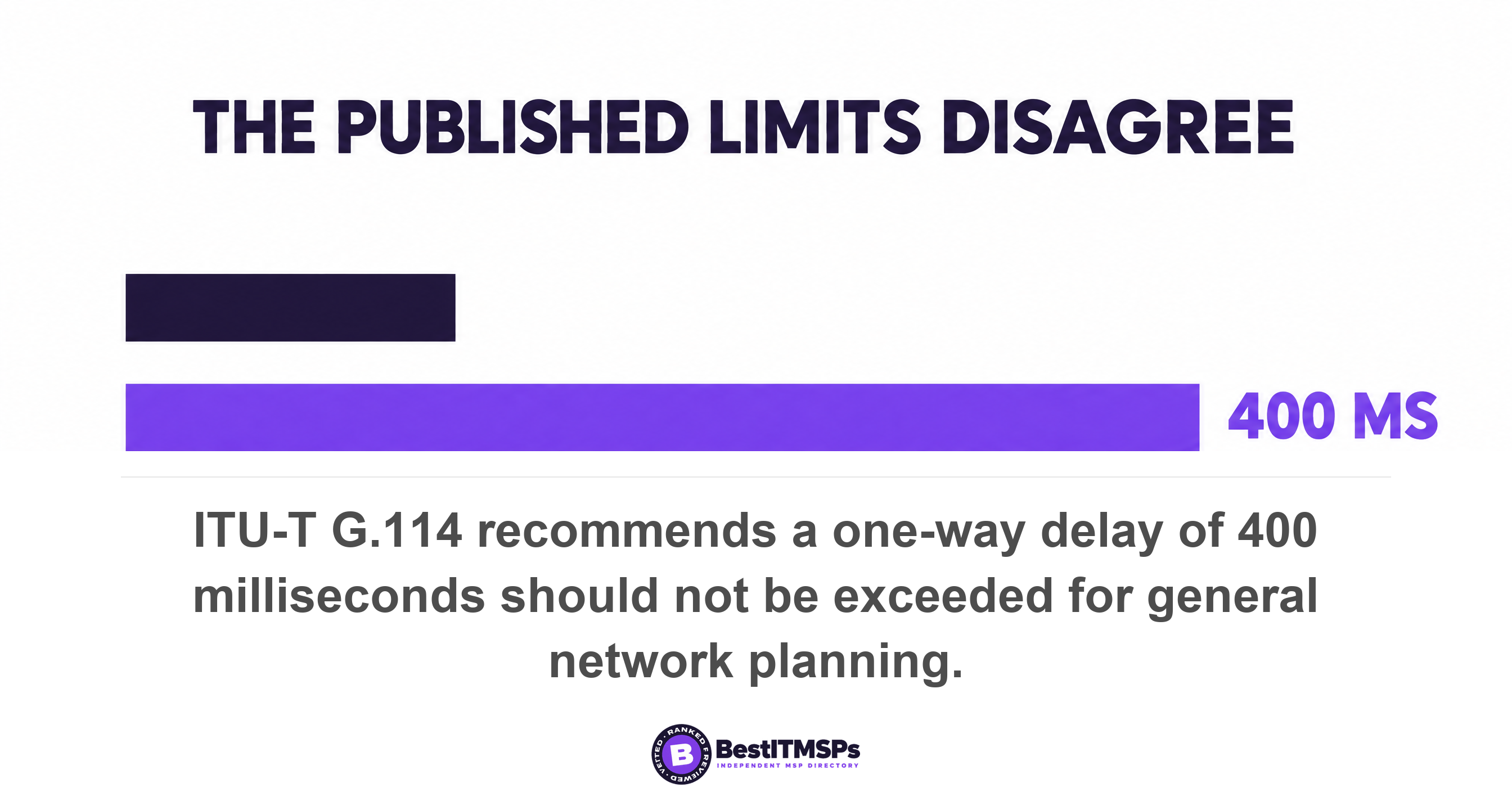
- The published limits disagree. Microsoft calls audio poor above 10 percent packet loss, RingCentral requires under 1 percent, and the ITU planning limit is 400 milliseconds one-way.
- The Call Quality Dashboard does not support partner delegated administration, so your provider needs a named role inside your own tenant to open it.
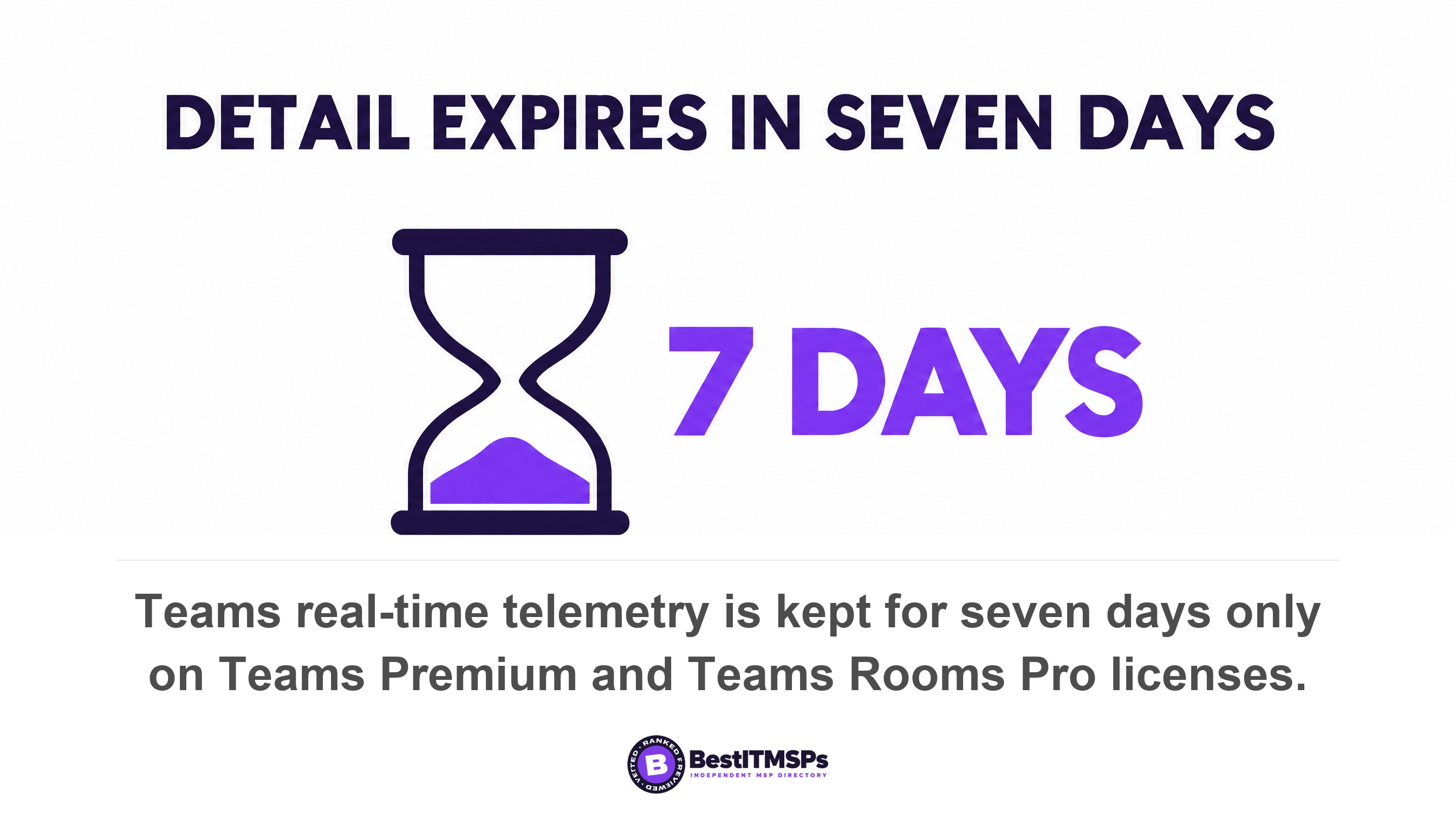
- Report a bad call the same day. Real-time telemetry survives seven days only on Teams Premium and Teams Rooms Pro, and aggregate telemetry lasts 30 days.
Why call quality complaints are usually not the phone system
Call quality complaints are usually not the phone system, because the platform does not control the four things that decide how a call sounds. Those four are one-way latency, jitter, packet loss and the score that combines them. Every one is produced by the path between the handset and the service, and by the device in front of the user.
Microsoft states the symptom mapping in its own quality of service documentation, in three lines. Delayed round-trip time means media packets take a long time to reach their destinations, which causes people to talk over each other. Jitter means media packets arrive at different rates, which can result in missing words or syllables in calls. Packet loss means packets dropped, which can also result in lower voice quality and hard-to-understand speech. Three complaints, three measurements, and not one is a brand of phone system.
Bandwidth is rarely the answer either. Microsoft's recommended bandwidth for a Teams audio call is 58 kilobits per second up and down, against a minimum of 10, and Teams prioritizes audio quality over video quality when bandwidth is insufficient. One business broadband line carries hundreds of calls at that rate, so a 300 megabit circuit is not the constraint.
So replacing a platform buys a new invoice and changes no measurement. This guide gives you the four numbers, their published limits, the reports that hold them, the roles needed to open those reports, and the order to investigate in. Read it beside Hosted VoIP vs On-Premise Phone Systems and Your ISP SLA: what it guarantees, and what it actually pays.
The four measurements that decide whether a call sounds good
Four measurements decide whether a call sounds good, and each one produces its own complaint. Latency produces interruption, jitter produces choppy and robotic audio, packet loss makes words disappear, and the quality score tells you whether anybody noticed.
One-way latency, which makes people talk over each other
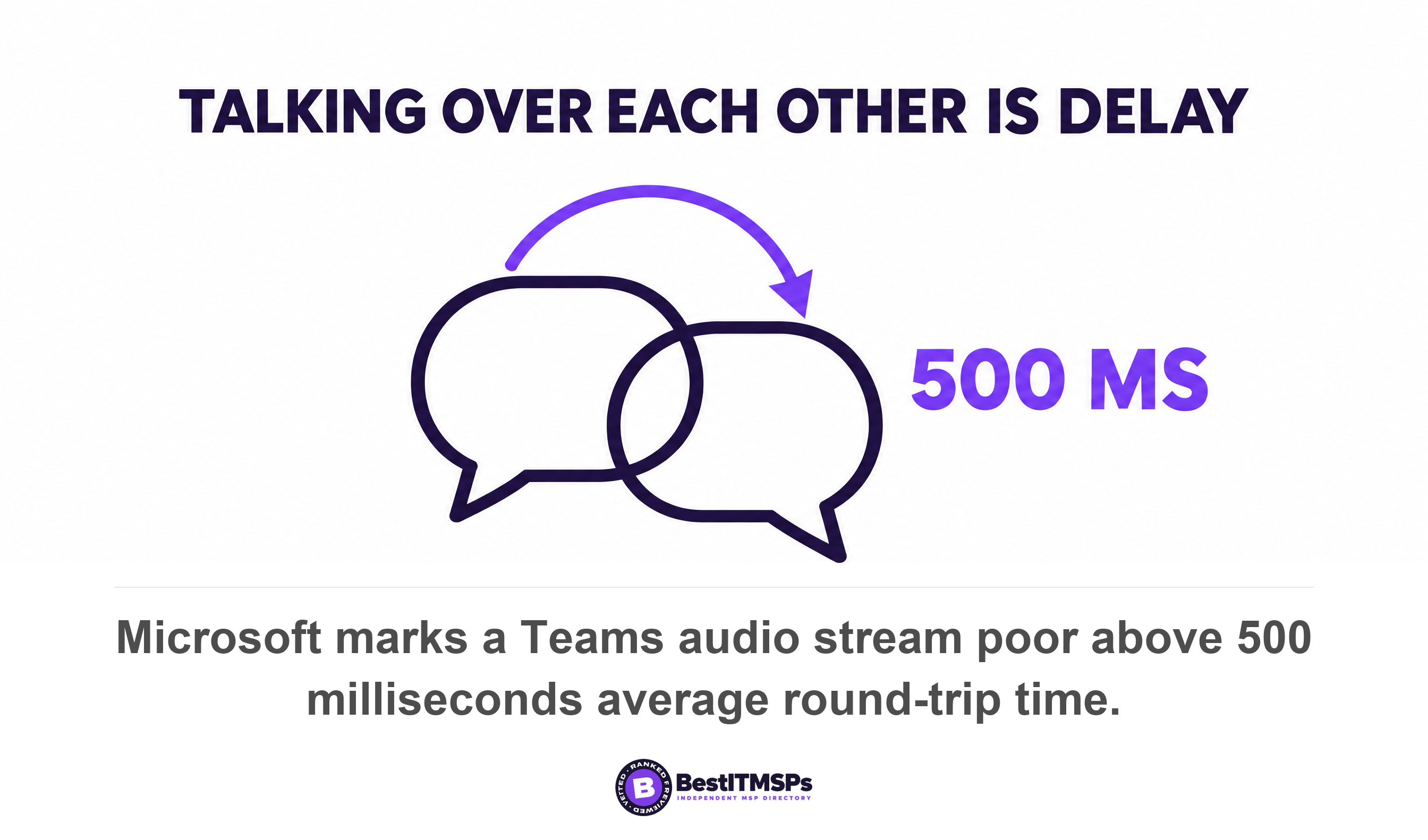
Latency is the time a packet takes to travel, reported one-way or as round-trip time. ITU-T Recommendation G.114 states that a one-way delay of 400 ms should not be exceeded for general network planning, while warning that highly interactive tasks, including many voice calls, can be affected by much lower delays. Microsoft's Call Quality Dashboard marks an audio stream poor when average round-trip time passes 500 milliseconds. RingCentral publishes a tighter requirement of under 150 ms for one-way communications and under 300 ms for two-way. In the Teams admin center the field is round-trip time, and high round trip time can cause audio latency.
Jitter, which makes audio choppy and robotic
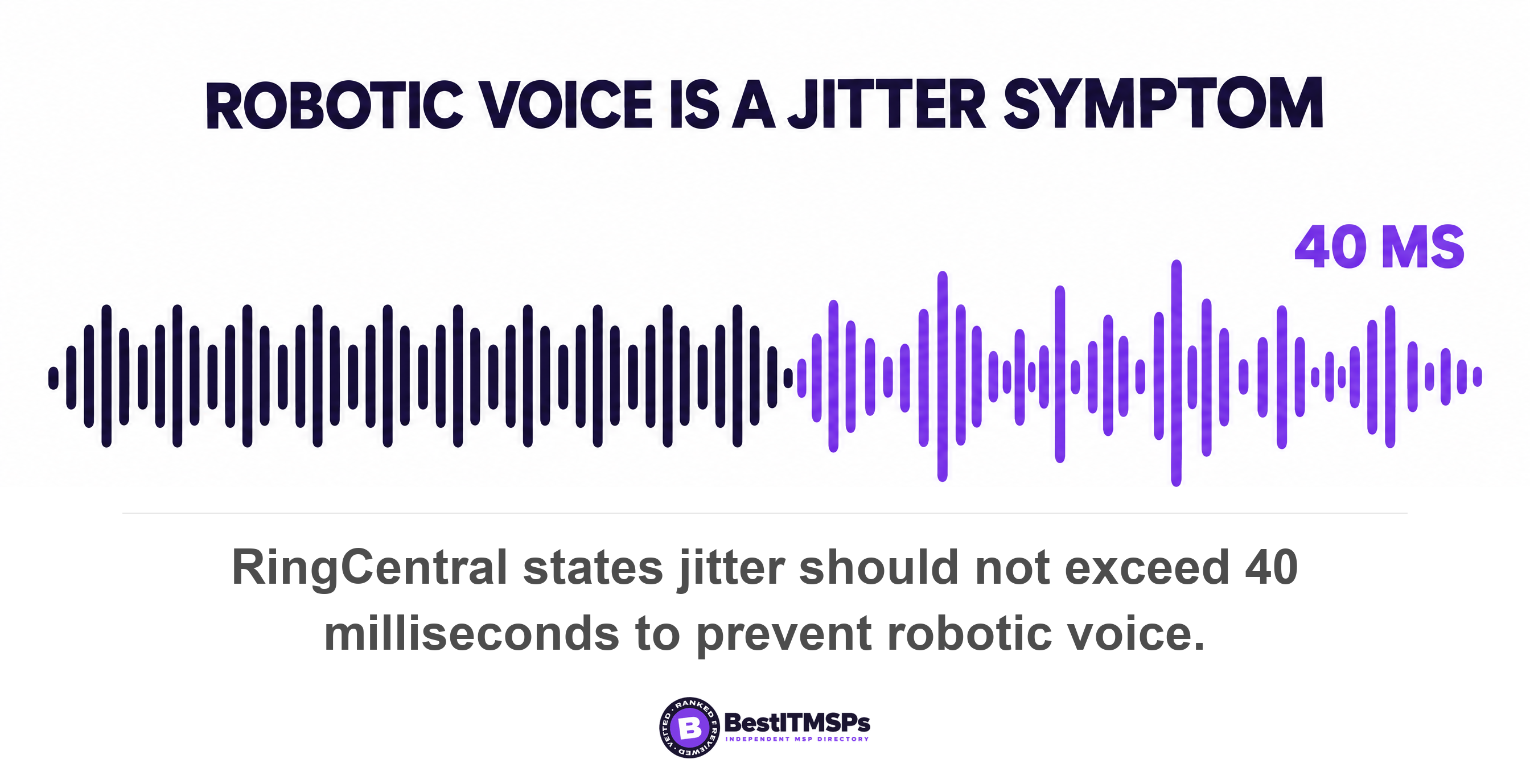
Jitter is the variation in packet delay rather than the delay itself. Microsoft defines it as a measure of the variation in packet delay for a data stream, and says audio can become choppy when jitter is too high. The Call Quality Dashboard marks audio poor above 30 milliseconds of average jitter. RingCentral allows more, stating that jitter should not exceed 40 ms to prevent the occurrence of robotic voice or speech content outages.
A jitter buffer hides small variation by holding packets back and replaying them evenly, and that trade has a cost. The IETF applicability statement on packet delay variation notes that even a well aligned buffer discards any packets with longer delays. A longer buffer therefore smooths the audio and adds delay, moving the problem into the latency column. Teams reports the repair work as a local healed ratio, and high healer usage is experienced by end users as choppy audio.
Packet loss, which makes words disappear
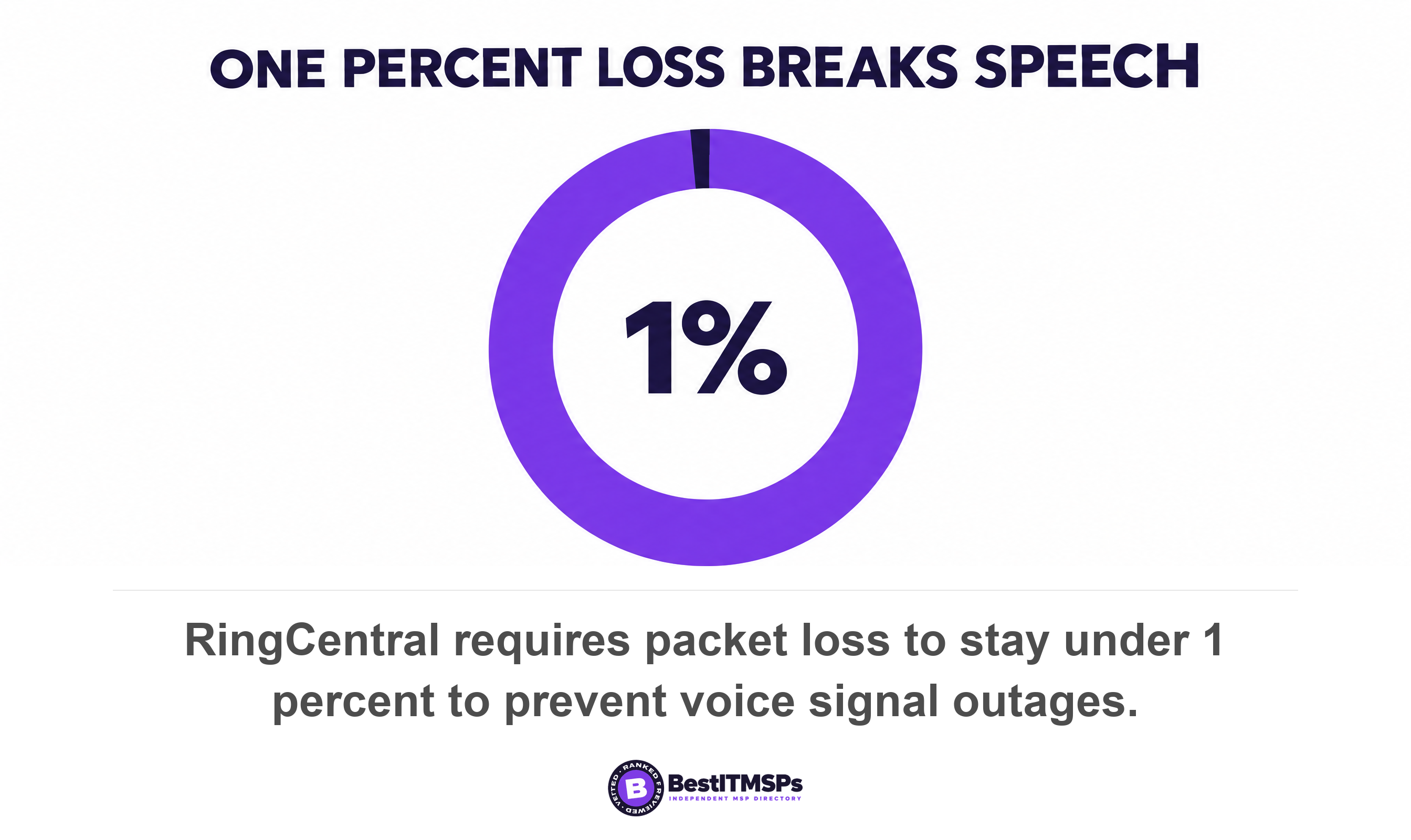
Packet loss is the share of packets that never arrive, and it carries the widest published disagreement of the four. RingCentral requires that packet loss should not exceed 1 percent to prevent voice signal outages. Microsoft does not call a stream poor until the average packet loss rate passes 0.1, which is 10 percent. That is a tenfold gap between two vendors describing one impairment.
The quality score, which tells you whether anyone noticed
The quality score turns the network numbers into one figure on a five-point scale, called a mean opinion score. Zoom bands it in the admin dashboard, where 4.0 to 5.0 is Good, 3.0 to 4.0 is Fair, 2.0 to 3.0 is Poor and 1.0 to 2.0 is Bad. Teams carries the same idea as a network mean opinion score and lists NMOS degradation among the network issues that qualify a session as poor. ITU-T G.107 gives the E-model, whose primary output is a scalar rating of transmission quality, and ITU-T P.800.1 supplies terminology that avoids misunderstanding about what a specific MOS value means.
The published limits disagree, so ask who wrote the number
The published limits disagree, so the useful question about any threshold is which document it came from. Converted to round-trip time, the three sources above sit 500 milliseconds apart. RingCentral requires under 300 ms two-way, Microsoft flags poor above 500 ms round trip, and the ITU's 400 ms one-way planning figure is roughly 800 ms there and back. All three are current and correctly quoted.
The most quoted number of all deserves its own correction, because almost everyone attributes it wrongly. You will be told the ITU requires 150 ms one-way. Read G.114 itself and it says something different: previous versions of this Recommendation noted that if delays were kept below 150 ms, then most applications would not be significantly affected, while an upper limit of 400 ms for network planning purposes was always a part of the Recommendation. The 150 is the ITU describing its own older editions in the past tense. The same document then puts the practical case plainly, saying that for inter-regional calls of 10,000 km or less the delay would be around 225 ms, certainly not as low (or as desirable) as 150 ms, but still quite satisfactory for the vast majority of users. So a provider quoting 150 ms at you is quoting a superseded edition as a hard limit, and a call sitting at 225 ms is not broken by the standard's own account.
One vendor disagrees with itself. RingCentral's network requirements table sets jitter at 40 ms while its own quality of service technology page says jitter greater than 50ms can result in packet loss and degraded voice quality. The same page recommends dedicated upload and download bandwidth of 90 kbps or higher for each voice line. None of it is dishonest. These figures are engineering guidance written for different purposes, not a certified pass mark.
Microsoft says so outright, and this is the sentence to read before accepting a red number as proof. Its classifier note states that if one threshold breaks the stream is marked poor, but this doesn't mean the audio stream was actually of poor quality, nor does it mean the user perceived a quality issue, and that the media stack can mitigate considerable network performance degradation in excess of the thresholds before users notice.
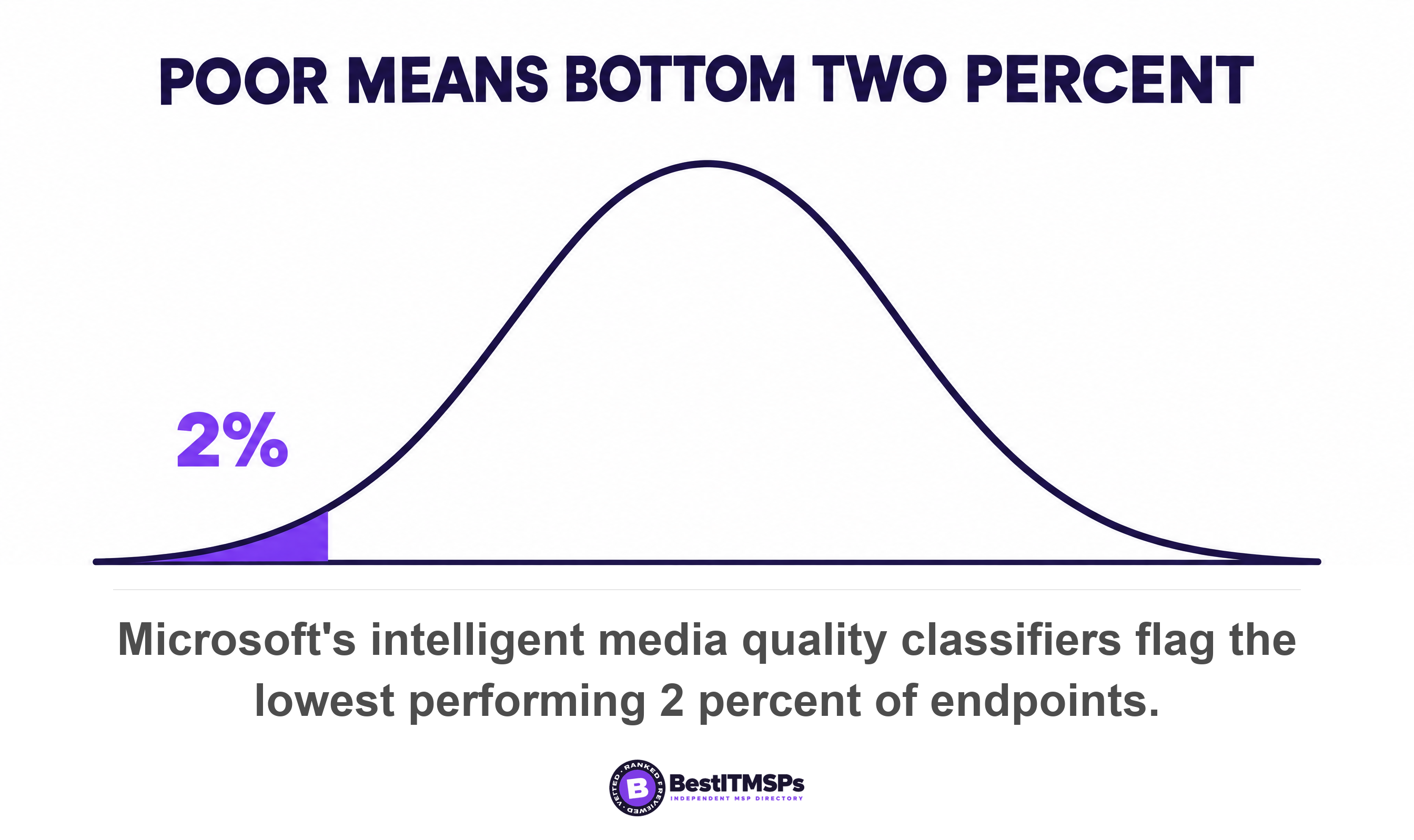
The newer tooling has abandoned the pass mark altogether. In the current Teams admin center, meeting and call quality is no longer categorized as Good or Poor. Machine learning classifiers judge it by ranking instead, and Microsoft identifies the lowest performing 2 percent of endpoints within a specific platform, region and media type as having a poor call experience. Poor now means bottom two percent of comparable calls, which is a measurable statement about your estate rather than a verdict on one call.
Which complaint points at which measurement
Match the complaint to the measurement before anyone opens a ticket, because the words staff use already narrow it to one or two numbers.
- Talking over each other. Delay. Microsoft attributes it to media packets taking a long time to reach their destinations.
- Robotic or warbling voice. Jitter. RingCentral names robotic voice and speech content outages as the jitter symptom.
- Missing words or syllables. Jitter again, in Microsoft's own description of the impairment.
- Choppy audio. The jitter buffer working hard. Teams reports it as a healed ratio, and high healer usage is experienced by end users as choppy audio.
- Audio cutting out, speech hard to understand. Packet loss, which Microsoft ties to lower voice quality and hard-to-understand speech.
- Calls that fail to connect or drop at setup. Not a quality problem. Microsoft attributes dropped calls to firewall or proxy blockers, and Call Analytics carries a separate setup failure class where the user could not join the call or meeting.
- One person is quiet, loud or boomy. The capture device. Microsoft's input device classifier targets quality issues associated with audio capture devices, including microphones.
How to get these numbers out of the tools you already pay for
To get these numbers, open the admin center of the platform you already pay for, read the telemetry for one bad call, then look for the pattern across the estate. Both views exist in Microsoft Teams and Zoom, and both carry conditions.
Microsoft Teams, one call at a time
Per-call detail sits in the Teams admin center under Manage users, then the Meetings and calls tab. After a meeting ends, it might take from 30 minutes to 2 hours for the telemetry to be processed. Each session then shows jitter, packet loss, round-trip time, bitrate and codec, the microphone and speaker names with their driver versions, and a connectivity type field naming Ethernet or WiFi. You can also export all completed meeting data for the 30-day period as a CSV file. Values outside the expected range turn red, and Microsoft cautions that a value being highlighted doesn't necessarily mean the user experienced poor quality. The older per-user view gave the reading rule plainly, where yellow is outside normal range and unlikely to be the main cause, while red is a significant problem and likely the main cause.
The Call Quality Dashboard, for the pattern
The Call Quality Dashboard answers the question a single call cannot, which is whether one building, one subnet, one access point or one internet provider is behind the complaints. Its network classifier dimensions include the ISP name, the Wi-Fi band, channel, radio type and signal strength, the access point BSSID and the wireless driver version. Two limits apply. Classifiers only run where a user sent or received at least 60 seconds of media, and a stream stays unclassified unless packet utilization exceeds 500 packets, so a muted listener in an hour-long meeting reads as unclassified rather than good.
Zoom, dashboard first and the paid feed second
Zoom's dashboard shows per participant bitrate, jitter, latency and average and maximum loss beside the mean opinion score bands. Continuous data is a separate purchase. The Zoom Quality of Service Subscription is an add-on product that delivers Meeting, Webinar and Phone QoS data, it requires that at least one user on the account has developer permissions enabled, and Zoom warns that dashboard data should not be compared with data delivered via QSS. So if your provider shows you a third-party chart, ask which feed it came from.
The license and role traps that make the report arrive empty
Five permission traps stop these reports arriving, and each one belongs to your tenant rather than to your provider's skill. A buyer who asks for a report nobody can open concludes, wrongly, that the data does not exist.
- Your outsourced provider may not be able to open the dashboard at all. Microsoft lists it as a limitation, stating that CQD does not currently support delegated administration for Microsoft Partners.
- A partner working through delegated privileges needs a named role in your tenant. Microsoft states that partner admins using Granular Delegated Admin Privileges must be assigned the Teams Communications Support Specialist or Teams Communications Support Engineer role in the customer tenant.
- Somebody has to switch the dashboard on once. The first sign-in must be done by an account with Activate CQD privileges, which then allows users holding less privileged admin roles to log in.
- The junior role cannot see the detail. Of the eight roles that can view dashboard reports, the Teams Communications Support Specialist and the Reports Reader cannot view end-user identifiable information, and that specialist handles basic call-quality problems, does not investigate meetings, and escalates to a support engineer.
- The window closes faster than most ticket queues move. The dashboard keeps end-user identifiable information for 28 days, real-time telemetry is kept for seven days only for Teams Premium and Teams Rooms Pro accounts, and for everyone else only while the meeting is live, and aggregate telemetry lasts 30 days for all users regardless of license type.
A complaint raised on Friday about Tuesday's call has already lost the detailed view unless you hold the premium license. Tell staff to report a bad call the same day.
Wi-Fi, the computer and the headset explain more calls than the platform
Wi-Fi, the computer and the headset explain more complaints than the platform does, and the vendors say so in their own documentation.
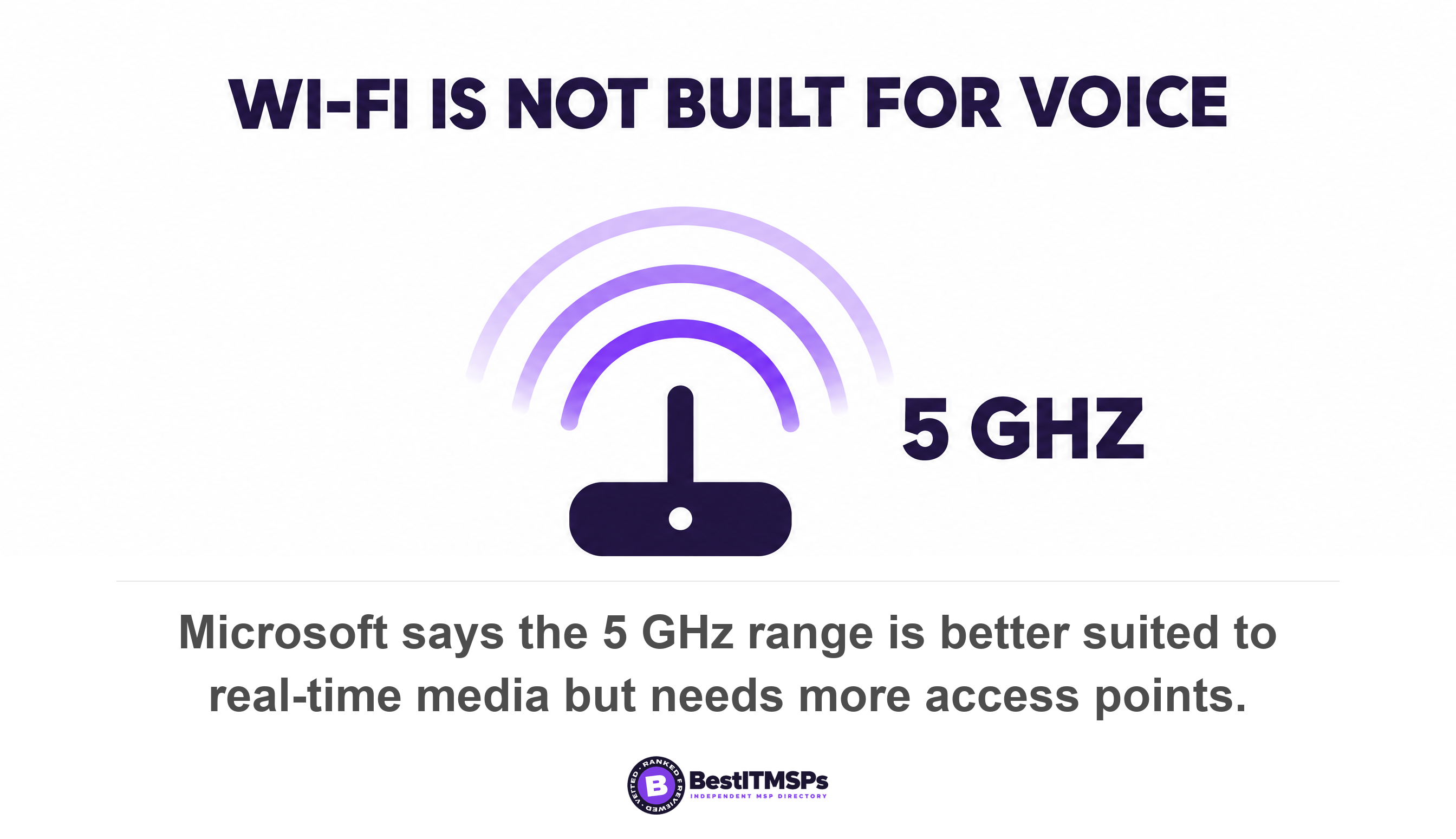
Microsoft is blunt about the wireless network, warning that WiFi networks aren't necessarily designed or configured to support real-time media. It says the same of VPNs, which are typically not designed or configured to support real-time media, and recommends that you avoid running real-time communications traffic over a VPN. On radio, the 5 GHz range is better suited to real-time media due to its dense range, but requires more access points to get sufficient coverage, and access points on the same channel placed too close together compete and produce a bad experience for the user. Wireless design is its own subject, covered in Business WiFi: Access Points and Network Design.
The machine and the microphone get their own verdicts. Microsoft's lower-level classifiers predict whether a problem sat in the network, the compute device or the input device, and the admin center names four root cause areas, which are Network, Compute, Device and Media. For microphones the published target is specific, with a recommended signal level range of minus 24 to minus 14 and an optimal noise level below minus 60. A high noise reading means the microphone might be too far from the user, so check whether the device matches the use case, such as whether a speakerphone suits the room size.
Two more readings close most remaining cases. High system CPU usage with low process CPU usage means the machine is running other tasks that consume the resources, which is a laptop problem rather than a telephony one. Low Wi-Fi signal strength reads as the office location not being adequately covered, and the published action is to check the number and positioning of the access points. Call Analytics also flags a failing headset directly, at capture or render not-functioning event ratios of 0.005 or above.
Investigate call quality problems in this order
To diagnose a call quality problem, work outward from the user in eight steps, because each step costs more than the one before it.
- Record one bad call the same day, with the time, the other party and the symptom in the user's own words.
- Open the session telemetry for that call and read round-trip time, jitter and packet loss together rather than one at a time.
- Read the connectivity type field next. Ethernet or WiFi decides which of the following steps matter.
- Check the capture device name and driver version, then the signal and noise levels, before touching the network.
- Check the compute readings, comparing system CPU against process CPU to separate a busy laptop from a busy link.
- Group the bad calls in the Call Quality Dashboard by subnet, building, access point and ISP name.
- Configure quality of service before buying bandwidth. Microsoft recommends that you use QoS first, then add bandwidth where necessary, marks audio DSCP 46, Expedited Forwarding, on client source ports 50,000 to 50,019, and warns that QoS works as expected only when implemented on all links between callers. It adds that a small business with few users might not need QoS, but should consider it if experiencing network delays.
- Escalate to the platform or the carrier last, carrying the grouped evidence rather than the complaint.
Steps one to five cost an afternoon and no money. A congested internal link is cheaper to fix than a replacement phone system, and a wired docking station is cheaper than either.
What to ask for, and when it really is the platform or the carrier
Ask your provider for six artefacts, then judge the reply by whether it contains numbers. Each item is a named report or a named field, so a capable provider produces it in a day.
- Export the 30-day completed meetings CSV for the staff who complain.
- Measure round-trip time, jitter and packet loss for the ten worst calls, with the connectivity type beside each one.
- Name the microphone, speaker and driver versions recorded on those calls.
- Group 30 days of calls by subnet and by ISP name, and send the two charts.
- Verify in writing which admin role your provider holds in your tenant, and the date it was granted.
- Confirm whether audio carries a quality of service marking, and on which links it survives.
Sometimes the platform or the carrier really is at fault, and the grouped view is how you prove it. A call crosses several segments and the worst one sets the result, which is why the dashboard reports the ISP name at all. If bad calls cluster on one carrier and nowhere else, the conversation moves to what that carrier's service level agreement actually pays, which we cover in Your ISP SLA: what it guarantees, and what it actually pays. If calls die whenever the connection switches, that is session state rather than quality, and Your internet goes down. Does anything actually fail over? explains why.
None of this guarantees a perfect call, and no honest provider promises one. It does give you four numbers, their published limits, the report that holds them and the role needed to open it. If the answer you get is a quotation for a new platform rather than a measurement, compare providers who will monitor and troubleshoot what you already own.
FAQ
Why does my phone system sound bad when our internet is fast?
Speed is the wrong measurement. A Teams audio call needs only 58 kilobits per second up and down, so capacity is almost never the limit. Quality depends on delay, jitter and packet loss across the path, and Microsoft marks a stream poor above 30 milliseconds of jitter whatever the line speed.
What are acceptable jitter, latency and packet loss levels for voice calls?
The published limits differ by author. RingCentral requires under 150 ms one-way, jitter under 40 ms and packet loss under 1 percent. Microsoft only flags a stream poor above 500 ms round trip, 30 ms jitter or 10 percent loss. ITU-T G.114 sets a planning bound of 400 ms one-way.
How do I tell whether a bad call was the network or the headset?
Read the per-call telemetry, which separates them. Microsoft's classifiers predict whether the problem sat in the network, the compute device or the input device, and the admin center names four root cause areas, Network, Compute, Device and Media. A failing headset also raises a device not functioning issue at ratios of 0.005 or above.
Can my IT provider see our Teams call quality reports?
Only with a role inside your tenant. Microsoft states that the Call Quality Dashboard does not support delegated administration for Microsoft Partners, and that GDAP partner admins must hold the Teams Communications Support Specialist or Engineer role in the customer tenant. Ask which role your provider holds, by name.
Will replacing the phone system fix call quality complaints?
Rarely, because a new platform changes none of the four measurements. Microsoft attributes talking over each other to packets taking a long time to reach their destinations and robotic audio to packets arriving at different rates. Both happen on your network and your devices. Measure first, then decide.
Best IT MSP is the independent directory of vetted managed IT and cybersecurity providers across North America. Organic ranking is earned on rating and verified data, and paid placement is always labelled. Take the eight-step order above to three merit-ranked firms in your city and compare the answers.