Server Support: In-House vs Managed
Server support is the ongoing work of keeping a business's servers running, secure, and reliable: monitoring, patching, maintenance, backup, and security. You can handle it in-house with your own staff or outsource it to a managed service provider.
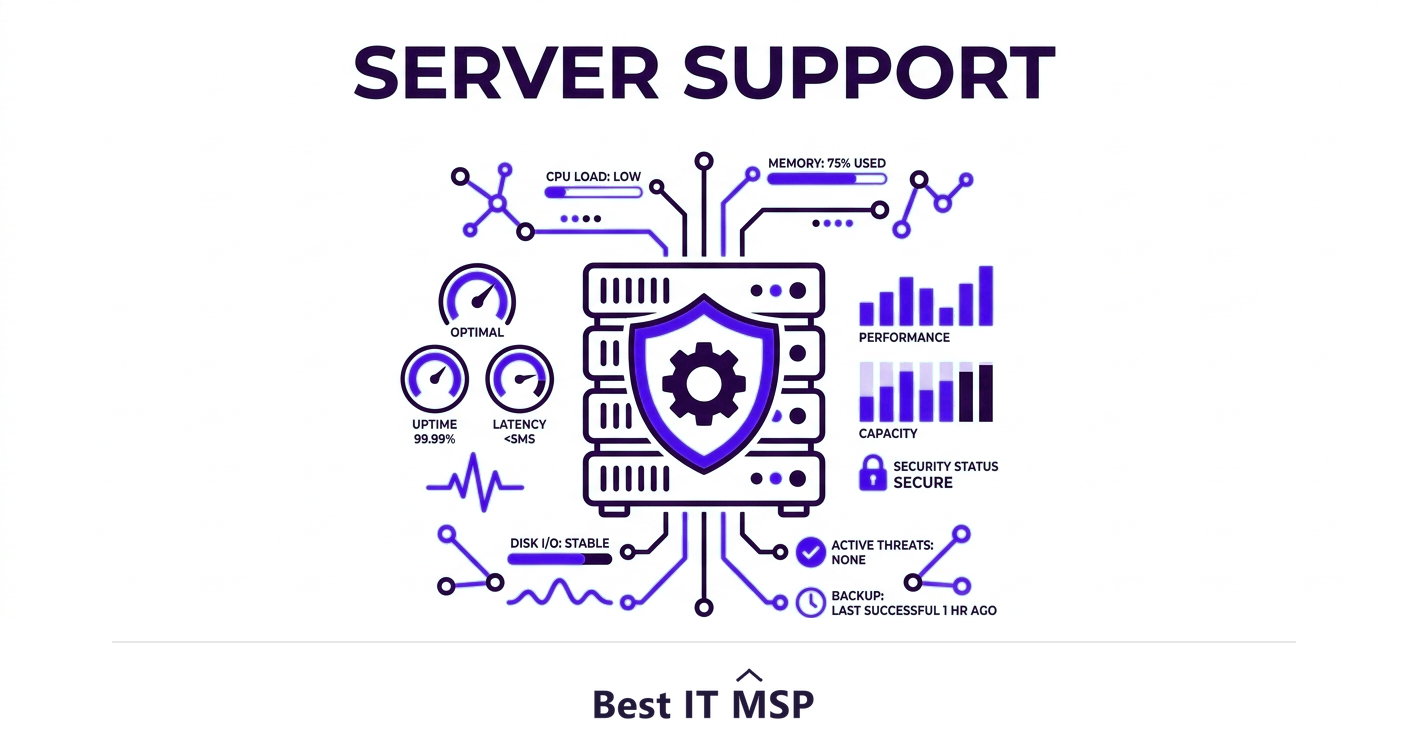
- Server support covers monitoring, patching, maintenance, backup, and security for a business's servers.
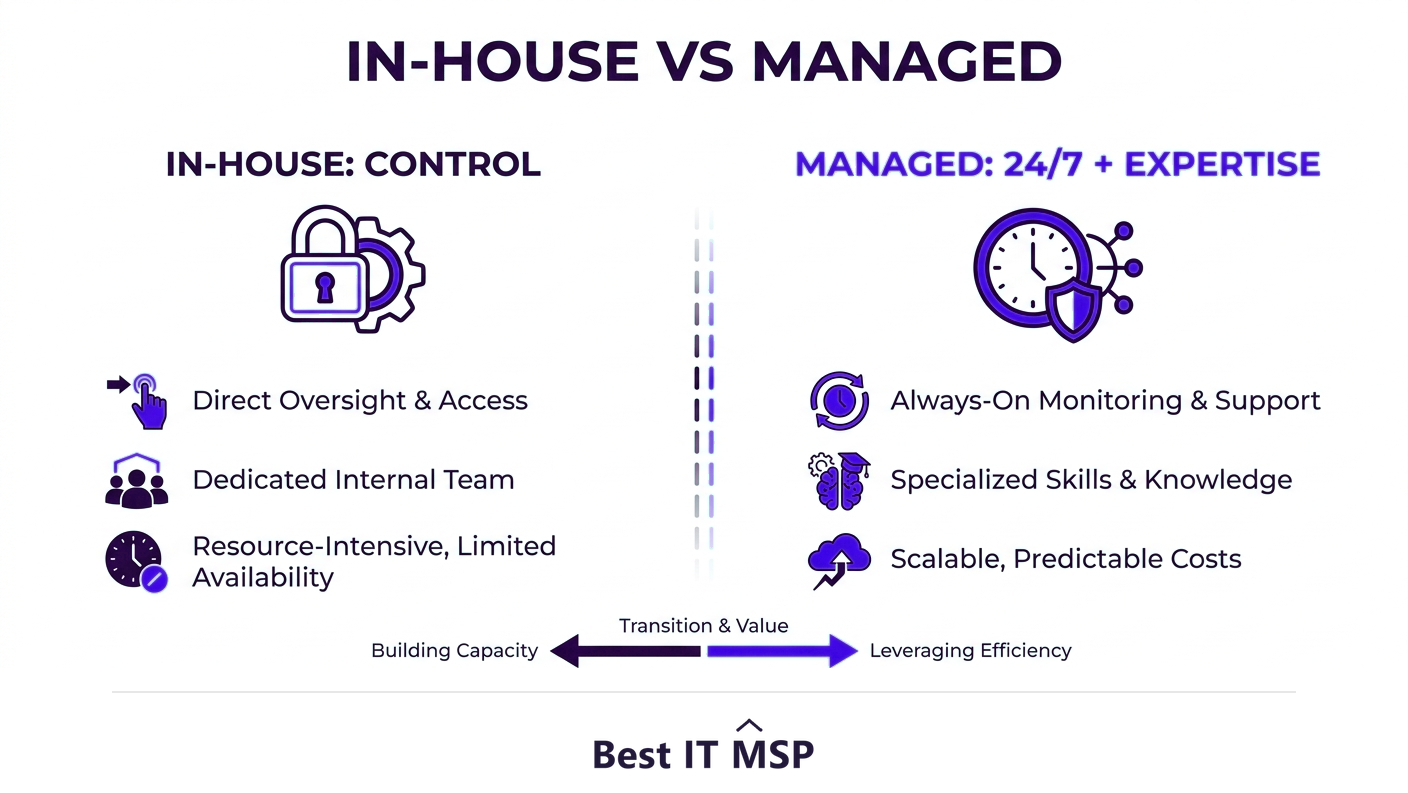
- In-house server support offers control but is costly to staff for 24/7 coverage and deep expertise.
- Managed server support provides round-the-clock monitoring and specialists for a predictable fee.
- Whether servers are on-premises or cloud, they still need active management; the cloud does not remove that.
- Server downtime is expensive, so the deciding factor is the reliability and coverage each model delivers.
How did we compare in-house and managed server support?
By the work itself, since server support is not one job but six, and the two models differ less in what gets done than in who is available to do it at three in the morning.
- The dimensions. Coverage hours, who holds the specialist knowledge, how patching actually gets scheduled, and what happens when hardware fails.
- The evidence. Patch latency comes from Verizon, downtime cost from ITIC, breach cost from IBM, and the security hiring gap from ISC2.
- No vendor ranking. This compares approaches, not products. It names no vendors and recommends no supplier.
- Independence. Best IT MSP does not sell IT services or security services, and does not appear in its own rankings.
Read the table against your own rota rather than against an ideal one.
What is server support?
Servers are the workhorses of a business's technology, running applications, storing files, hosting databases, managing email, and handling authentication. Server support is the ongoing work of keeping those servers healthy: monitoring them around the clock, applying patches and updates, maintaining the hardware and operating systems, running backups, and securing them against threats. When servers run well, no one notices; when they fail, work stops. The question most businesses face is not whether servers need support, they always do, but who should provide it: your own in-house staff, or an outside managed service provider. This guide compares those models, covers cloud versus on-premises servers, and weighs the real cost of getting server support wrong.
It pairs with our server and data center support overview and the managed IT services hub, and builds on our comparison of managed IT vs in-house IT.
What does server support actually involve?
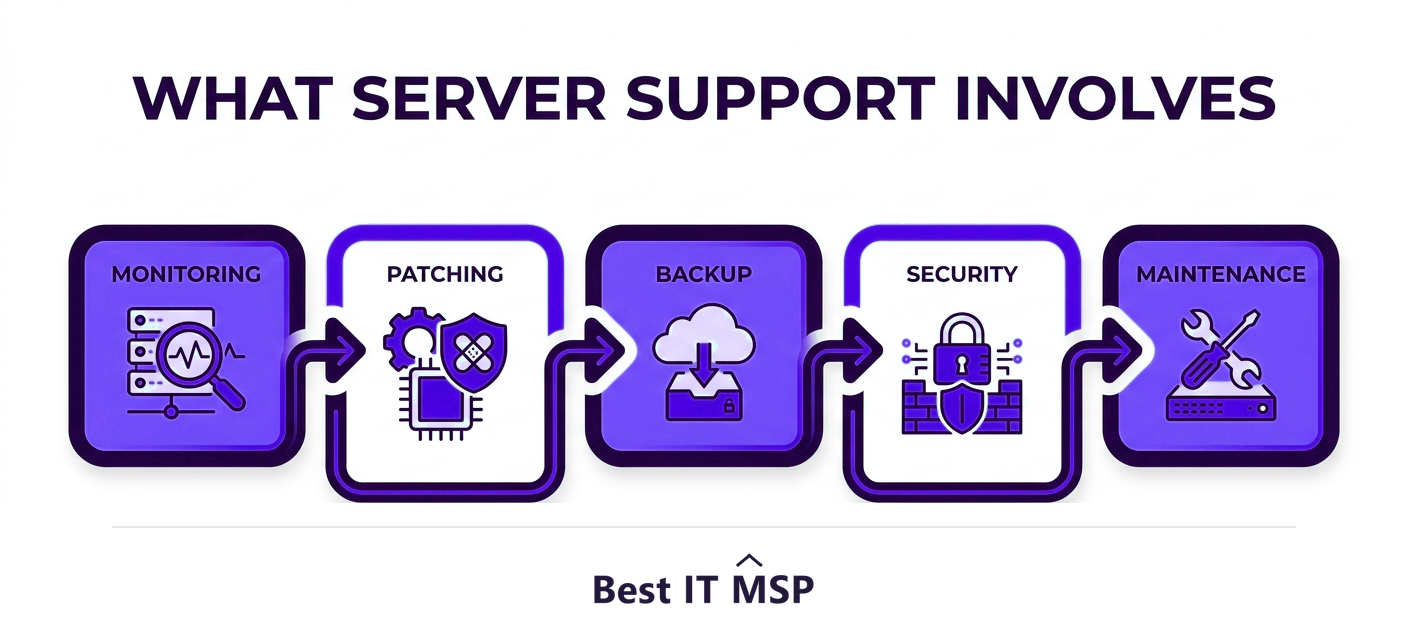
Good server support is a continuous set of disciplines, not an occasional repair:
- <strong>Monitoring.</strong> Watching server health, performance, storage, and availability continuously so issues are caught before they cause an outage.
- <strong>Patching and updates.</strong> Keeping operating systems and software current to patch vulnerabilities and bugs before they are exploited.
- <strong>Backup and recovery.</strong> Running and testing backups so data and services can be restored quickly after a failure or attack.
- <strong>Security.</strong> Hardening servers, controlling access, and defending against threats, since servers hold the data attackers want most.
- <strong>Performance and capacity management.</strong> Tuning and planning so servers keep up as demand grows.
- <strong>Hardware maintenance.</strong> For physical servers, monitoring and maintaining the equipment itself and planning replacements.
Skipping any of these is how a quietly degrading server becomes a sudden, expensive outage.
How do in-house and managed server support compare?
In-house server support means employing your own staff to manage your servers. The advantage is direct control and people who know your environment intimately. The drawbacks are coverage and expertise: servers need attention outside business hours, and a small team cannot easily provide 24/7 monitoring or be expert in every operating system, application, and security discipline, particularly given a global shortfall of about 4.8 million cybersecurity professionals. Managed server support outsources the work to a managed service provider, which monitors your servers around the clock, patches and maintains them proactively, and brings specialists and enterprise tools, all for a predictable monthly fee. The trade-off is slightly less direct control, offset by far broader coverage and expertise. For most small and midsize businesses, managed support delivers more reliability per dollar than a small internal team can.
| Dimension | In-house | Managed |
|---|---|---|
| Monitoring cover | The hours your staff are working | Continuous, with an on-call rota behind it |
| Patching cadence | Fitted around other work, and first to slip | Scheduled and contracted |
| Specialist depth | Whatever your team happens to know | Spread across a bench of specialists |
| Backup testing | Often intended, rarely diarised | Usually a contractual deliverable |
| Hardware failure | You source, fit and fund the replacement | Handled to an agreed response time |
| Knowledge risk | Concentrated in one or two people | Held by the provider, and documented |
Do cloud servers still need support?
A common misconception is that moving servers to the cloud removes the need for server support. It does not; it changes its shape. With on-premises servers, you are responsible for everything, including the physical hardware. With cloud servers, the provider handles the underlying hardware, but you still have to manage, patch, secure, and back up the server operating systems and applications you run on it, under the shared responsibility model. Whether your servers are physical machines in a closet, virtual servers in your own data center, or cloud instances on AWS or Azure, they all need active, ongoing server management. As more workloads move to the cloud, with public cloud spending forecast to reach $723.4 billion in 2025, this server management responsibility follows the workloads rather than disappearing, and the businesses that assume the cloud handles it for them are often the ones caught out by an unpatched or misconfigured server.
What does poor server support cost?
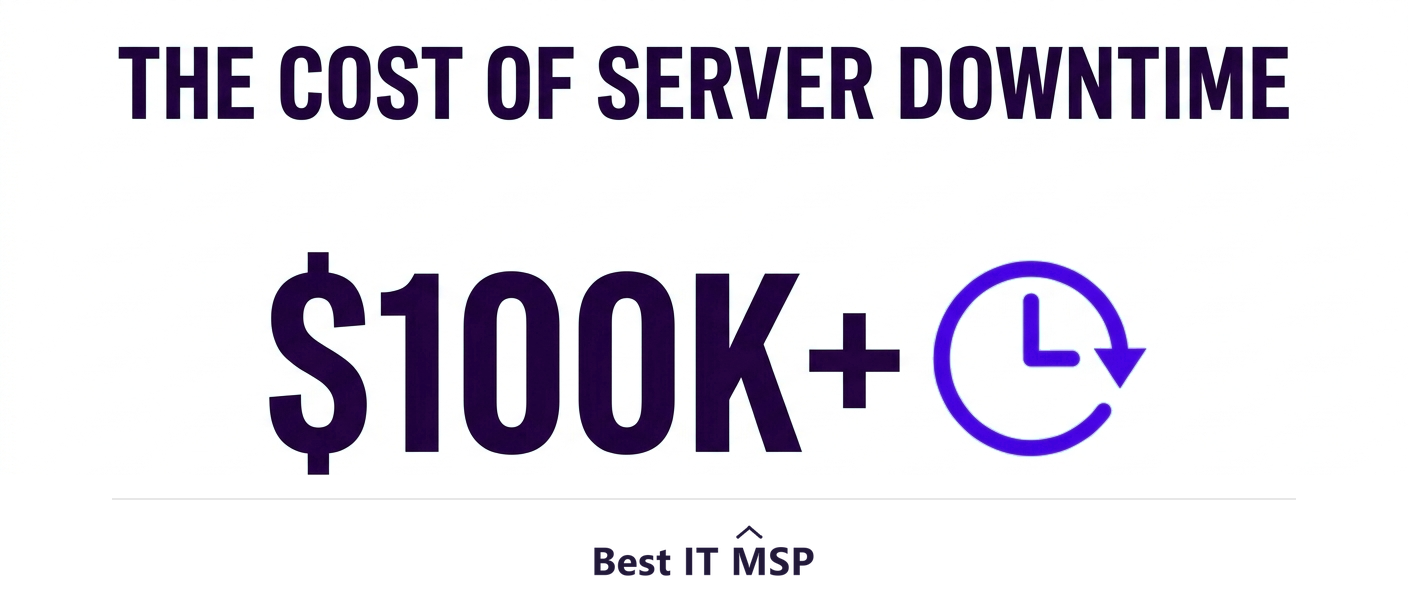
Servers are exactly where neglected support gets expensive. An unpatched server is a prime target, and the average data breach costs $4.88 million and takes an average of 258 days to identify and contain. A server that fails without a tested backup can mean permanent data loss. And any server outage stops the work that depends on it, at a cost of more than $100,000 an hour for most organizations. Proactive server support exists to prevent all three: monitoring catches failing hardware early, patching closes security holes, and tested backups make recovery fast. Automation strengthens this further, saving breached organizations an average of $2.22 million. The cost of good support is almost always far lower than the cost of a single serious server incident.
Patching is where the gap between intention and practice shows first. Verizon's analysis of the CISA known-exploited catalogue found that organisations take an average of 55 days to remediate half of their critical vulnerabilities once a patch exists. A server left in that window is not unpatched through negligence, it is unpatched because nobody had a scheduled hour for it.
How do you know you need better server support?
A few signals suggest your current approach is not enough. You only hear about server problems once they have already caused an outage, which means no one is monitoring proactively. Patches and updates routinely fall behind because the team is too busy. Backups exist but have never actually been tested by restoring them. Server performance is degrading and no one is planning capacity. Or your in-house person is a single point of failure, with no coverage when they are away. Any of these means the gap between a minor issue and a major outage has narrowed dangerously. The fix is a proactive support model, whether that means strengthening the internal team or bringing in a managed provider, a shift reflected in a managed services market growing from about $330 billion in 2024 toward $879 billion over the next decade.
How do you get server support right?
Servers are too important to support reactively. Whether you keep it in-house, outsource to a managed provider, or blend the two, what matters is that your servers are monitored around the clock, patched promptly, backed up and tested, secured properly, and planned for capacity. The right model is the one that delivers that reliably for your size and budget, and for most small and midsize businesses, managed or co-managed server support reaches that bar more affordably than building it all internally.
If you want help with server support, comparing vetted providers on merit is the place to start. Browse merit-ranked managed IT firms by city in the Best IT MSP directory, where ranking is earned on rating and verified data, not on who pays the most. You can also explore our backup and disaster recovery overview.
FAQ
What is server support?
Server support is the ongoing work of keeping a business's servers running, secure, and reliable. It includes continuous monitoring, applying patches and updates, maintaining hardware and operating systems, running and testing backups, securing the servers against threats, and managing performance and capacity. It can be handled by an in-house team or outsourced to a managed service provider.
Should server support be in-house or managed?
In-house support gives direct control and staff who know your environment, but it is costly to provide 24/7 coverage and broad expertise. Managed support from a provider delivers round-the-clock monitoring, proactive patching, specialists, and enterprise tools for a predictable monthly fee, with slightly less direct control. For most small and midsize businesses, managed support delivers more reliability per dollar.
Do cloud servers still need server support?
Yes. Moving servers to the cloud changes the shape of support, it does not remove it. Under the shared responsibility model, the cloud provider handles the underlying hardware, but you still must manage, patch, secure, and back up the server operating systems and applications you run. Cloud, virtual, and physical servers all need active, ongoing management.
What does poor server support cost a business?
It can be severe. An unpatched server is a prime target, and the average breach costs $4.88 million; a server that fails without a tested backup can mean permanent data loss; and any server outage stops dependent work at more than $100,000 an hour for most organizations. Proactive support prevents all three and almost always costs far less than a single serious incident.
What does server support include?
It includes proactive monitoring of server health and performance, patching and updates to close vulnerabilities, backup and recovery so data can be restored quickly, security hardening and access control, performance and capacity management, and, for physical servers, hardware maintenance and replacement planning. Each is a continuous discipline rather than an occasional repair.
How do I know if I need better server support?
Warning signs include only learning about server problems after an outage (no proactive monitoring), patches falling behind, backups that have never been tested by restoring, degrading performance with no capacity planning, and a single in-house person with no coverage when away. Any of these means the gap between a minor issue and a major outage has narrowed dangerously.
Best IT MSP is the independent directory of vetted managed IT providers across North America. Compare merit-ranked firms in your city that provide proactive server support. No pay-to-play.