Punish staff for clicking and the person who clicked stops telling you
Punishing employees for failing phishing tests removes the report you most need, which is the clicker's own. The NCSC warns that employees afraid for their jobs will not report mistakes. Speed is the business case, because Sophos found attackers reach the AD server in 3.4 hours. Measure the self-report rate among clickers instead.
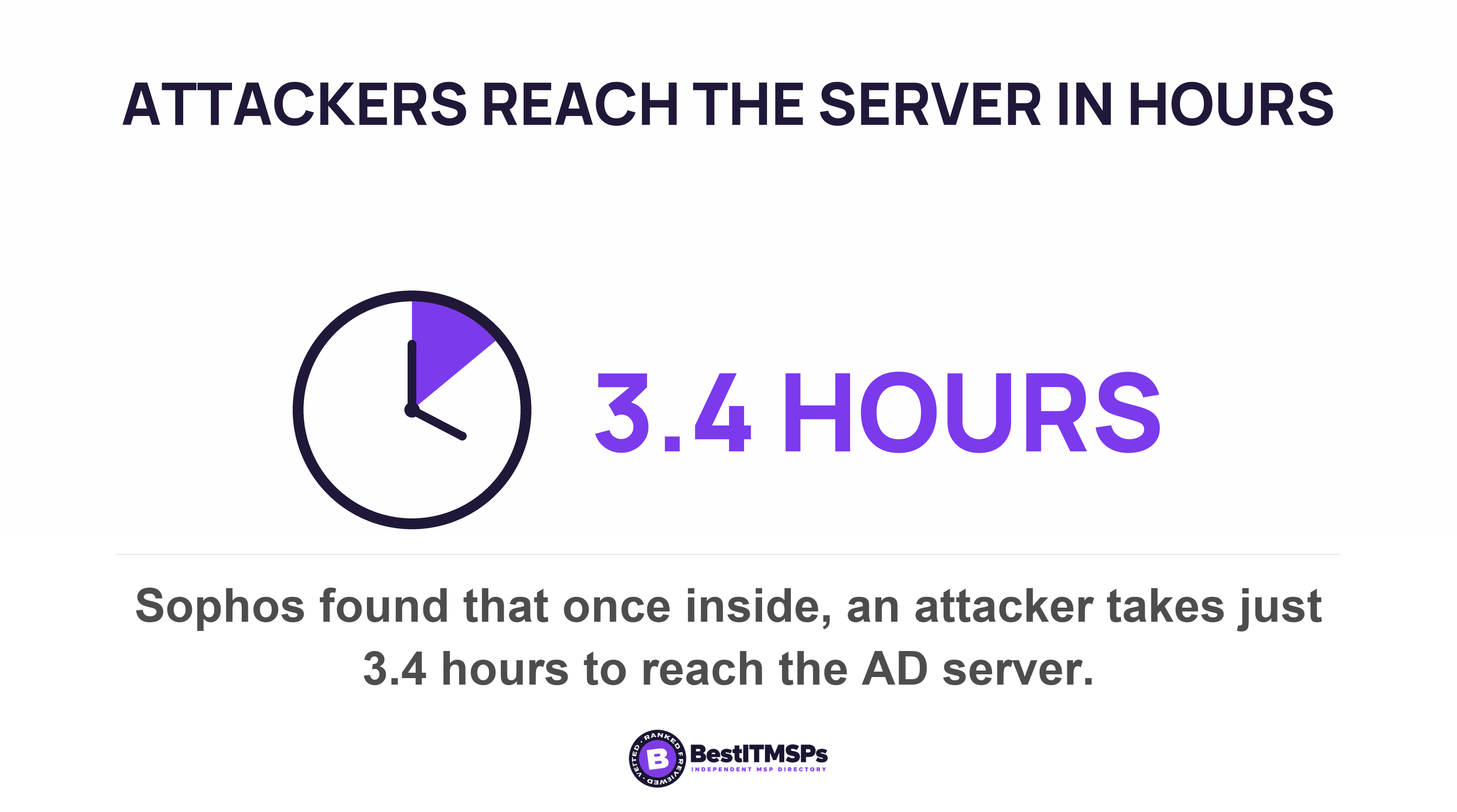
- Sophos found attackers reach the AD server in 3.4 hours. The minutes between a click and a phone call are the part you control.
- Punishment does not cut reports evenly. It removes the self-report from the person who already typed a password into a fake page.
- Both NIST and the NCSC say it outright. NIST states phishing exercise activities should not be punitive, nor should any employee be called out for their response.
- In Microsoft 365, a staff report triggers an automated investigation only on Defender for Office 365 Plan 2. Business Premium is Plan 1.
- By default, every phishing report your staff send lands in the global admin's own mailbox. Check who reads it at 9pm on a Friday.
What does punishing a clicker actually cost you?
Punishing a clicker costs you the minutes between the click and the phone call. Those minutes are the only part of a phishing incident a small business still controls.
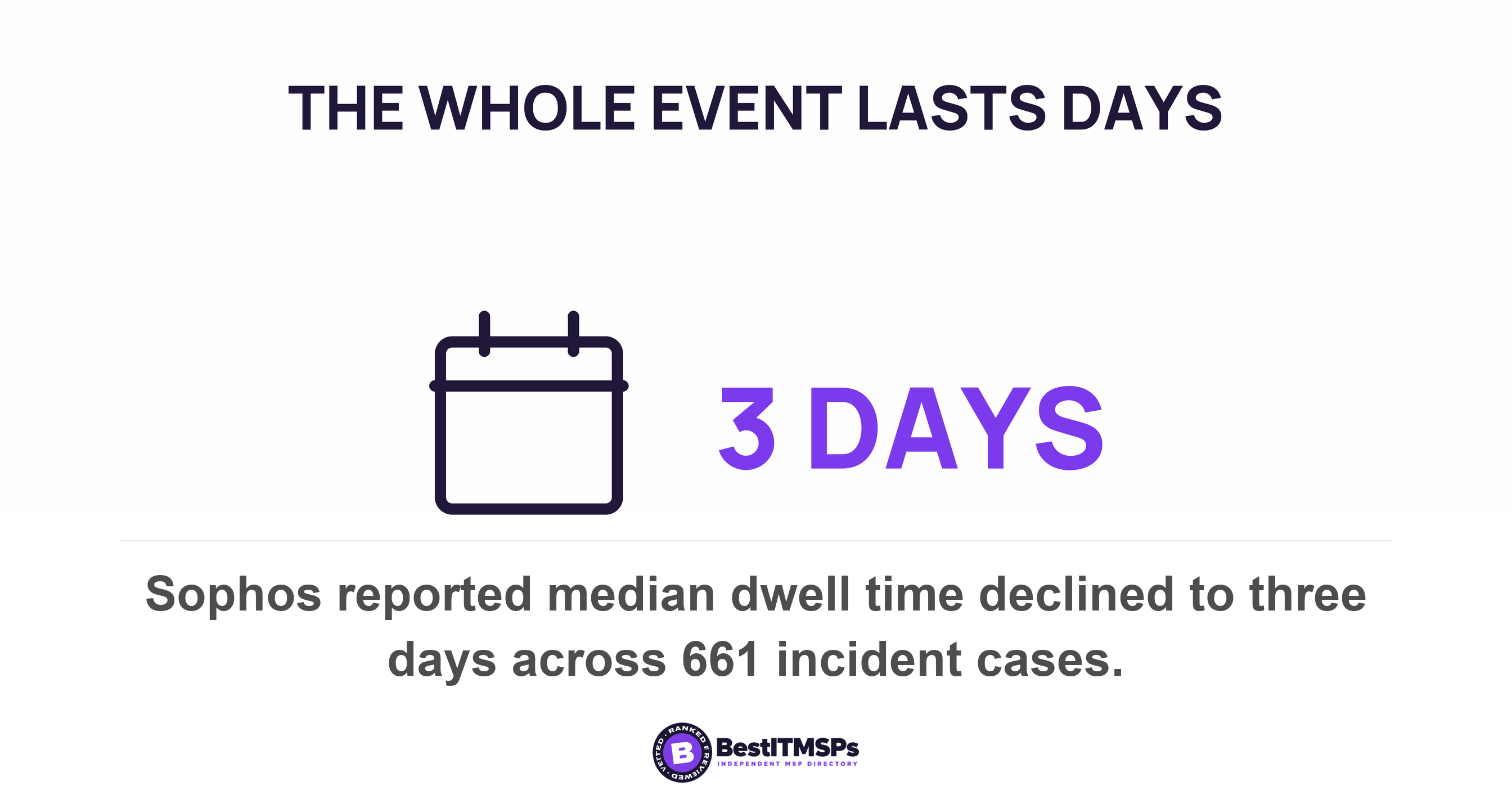
Sophos examined 661 incident cases from November 2024 to October 2025. Once inside, it takes them just 3.4 hours to get to the AD server, the machine holding your staff accounts. Median dwell time declined to three days, so the whole event is short.
Timing makes the gap worse. Sophos found 88% of ransomware payloads are deployed during non-business hours. Somebody clicks at 4pm on a Thursday. The payload runs at 2am on Friday.
A penalty attached to clicking decides what happens in between. The NCSC warns that if you appear to value the absence of reports of problems, you incentivise people to keep quiet about issues. This post is about the consequence you attach to the person. For the number to put on the report, read Report rate, not click rate, is the phishing simulation number that matters.
Punishment does not cut reports evenly
Punishment cuts one class of report and leaves the other alone. A colleague who spotted the fake invoice and deleted it loses nothing by reporting it. The person who already typed a password into a fake login page is reporting their own mistake into a process with a penalty at the end.
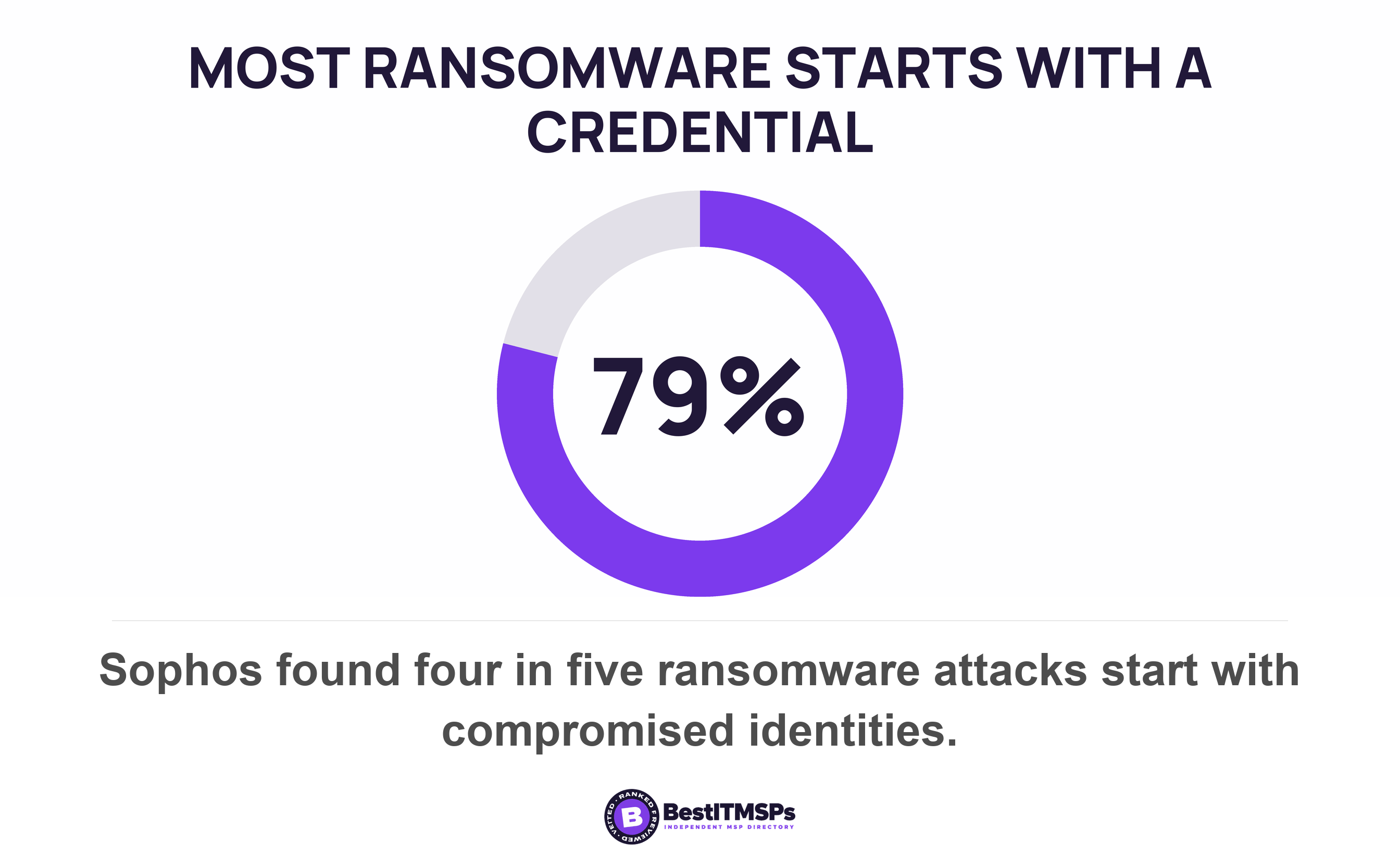
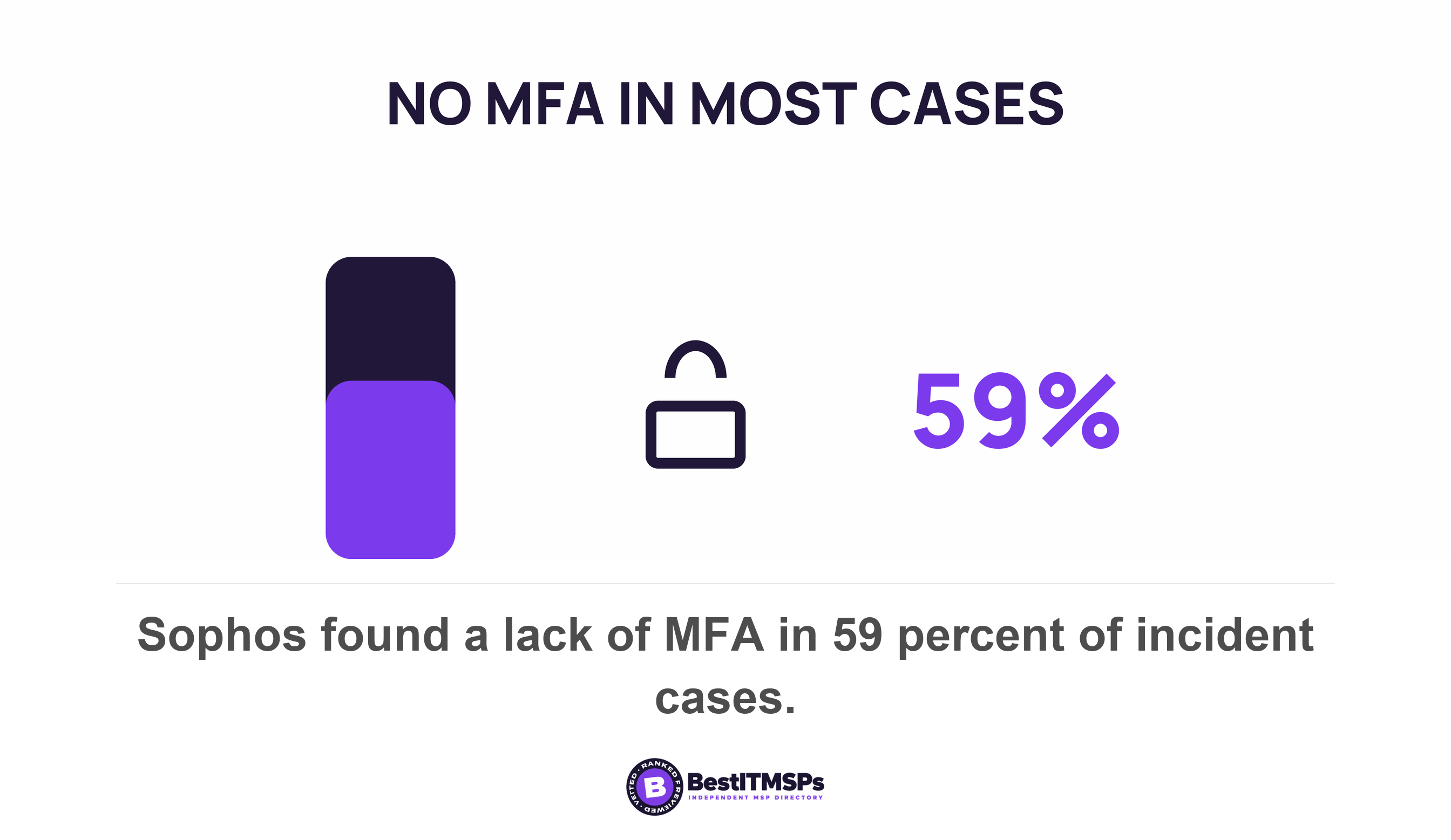
Those two reports are not worth the same. A bystander report says a campaign is running. A self-report says which account is already compromised, and that is the fact deciding what your provider does next. Sophos found four in five (79%) of ransomware attacks starting with compromised identities, and a lack of MFA in 59% of cases.
So a punitive programme can show a flat report rate while the valuable class quietly disappears. Bystanders keep pressing the button. Clickers stop. The NCSC advises that users who fear reprisals will not report mistakes promptly, if at all, and that it is important that users feel supported to come forward even when they have clicked.
Measure the self-report rate among clickers. That is the share of people who clicked and then reported it anyway. One figure, from a system your provider already runs, and the only one showing whether your consequence works against you.
Is there published proof that punishment reduces reporting?
No controlled study measures it. The published record is advisory rather than experimental, and it is worth saying that plainly, because a number dressed as proof is easy to dismiss and the mechanism is not. What the record does have is agreement across two national bodies. NIST's own learning-program guidance states that phishing exercise activities should not be punitive, nor should any employee be called out for their response, and sets the expectation that you tell staff the exercises are running on a random basis and that the results will be used to guide future learning activities. That is a US federal publication and the UK's NCSC arriving at the same instruction independently.
The NCSC states the mechanism in its own words. It writes that employees who are afraid for their jobs will not report mistakes, that blaming users for clicking on links doesn't work, and that threatening someone with punishment doesn't change these factors. That is guidance from a national authority, not a measured effect size.
US guidance covers less of this than people assume. CISA's Cross-Sector Cybersecurity Performance Goals set the training control at recognizing social engineering attempts and other common attacks, reporting attacks and suspicious activity. The goal attaches no consequence to failing it.
The nearest measurement sits in another field. A 2023 study of one radiation oncology department surveyed 89 of 127 staff and linked their psychological safety scores to their real incident submissions. It concluded that the reporting system enabled staff, especially those who did not feel PS, to speak up, writing PS for psychological safety. Patient safety is not phishing. The design lesson holds, because a button is easier to press than a conversation.
What does a reported phish let your provider do?
A reported phish starts an automated investigation that hunts the same message in every other mailbox and queues the clean-up. On most small-business licences it does not, and that is the part to check.
Microsoft documents this directly. In organizations with Defender for Office 365 Plan 2, Automatic investigation and response (AIR) is triggered automatically to carry out analysis and clean up actions for you. The trigger list names five alert types, and user submissions and user click alerts are two of them. The other three are suspicious email content, zero-hour auto purge and suspicious mailbox behaviour.
Then the licence. Microsoft's service description marks automated investigation and response No for Plan 1 and Yes for Plan 2, and states that Plan 1 is included in Microsoft 365 Business Premium while Plan 2 is included in enterprise-level subscriptions, such as Microsoft 365 E5.
The report button works on every plan. The machinery behind it does not. On Business Premium a staff report lands in a mailbox and waits for a human, which makes that human the whole control. The plan question itself sits in Business Premium or E3: the licensing question your MSP should have modelled.
Four things to fix in your reporting process this week
Fix who receives the reports, the words on the button, the reply to the reporter, and the route that works when the mailbox does not. None of the four needs a new product.
- Check who receives the reports. Microsoft states that the default user reporting mailbox is the Exchange Online mailbox of the global admin, and that the global admin isn't shown as the user reported mailbox until after the first user in the organization reports a message.
- Edit the words on the button. The built-in Outlook Report button can ask the user to confirm before reporting and show a success message after the message is reported, and you can write custom versions of the five reporting pop-ups in up to seven different languages.
- Answer the reporter. The Mark as and notify action emails them the outcome, with a customisable body and footer for Phishing, Junk and No threats found. The NCSC asks for this, advising you to quickly provide feedback on what action has been taken.
- Add a route that does not need their mailbox. The NCSC advises you to ensure users know in advance how they can report incidents, and to bear in mind that they may be unable to access normal means of communication if their device is compromised.
There is a trap in the second one. Microsoft's comparison table shows the confirmation prompt, the success message and the customisable pop-ups as present for the built-in Report button and absent for a non-Microsoft add-in button. Attack simulation training is Plan 2 only, so a Business Premium business buys simulations from a third party, installs that vendor's add-in, and loses all three. Be precise about what survives, because it is not nothing: the same table marks emailing users the results of the investigation as present for both, and the results email stays customisable. What the add-in costs you is the acknowledgement at the moment of reporting, which is the moment the person is least sure they did the right thing.
What does published guidance say about running the simulation at all?
Published guidance warns about simulations on three counts, which are legal exposure, trust, and the ceiling of the exercise. The NCSC is unusually direct for a government body.
On consequences, it writes that punishing people for clicking on emails you've sent starts to resemble entrapment. On process, it warns that phishing simulations can also create legal risk, and that you should always check with your HR department before undertaking any phishing simulations. On the relationship, it states that phishing simulations also erode trust between employees and security.
On the ceiling it is flat. No training package, including phishing simulations, can teach users to spot every phishing attempt. The NCSC blog puts the division of labour more plainly, noting that being able to spot a phish is not their job, and that organisations have the power to put in place technical measures that reduce the responsibility on a user.
The NCSC also names an alternative. Rather than using simulations, some companies ask participants to craft their own phishing emails, because a friendly competition between peers can avoid unhelpful us vs them scenarios. It adds that the message needs buy-in across all departments including HR, support and senior management.
What do you do about someone who clicks every time?
Change that person's controls, not their performance review, and keep HR for deliberate circumvention. The two cases look alike in a report and are not the same thing.
Separate a judgement error from a rule broken on purpose
Opening unfamiliar mail is the job in sales, accounts payable, recruitment and reception. The NCSC's position is that users frequently need to click on links from unfamiliar domains to do their job, and that people click for a range of reasons. Repeated clicking by someone whose inbox is public says something about the role.
Deliberate circumvention was always a conduct matter. Sharing a password, turning off MFA, forwarding company files to a personal account and skipping a payment verification step are policy breaches your handbook already covers. Handle them there, with HR, on the evidence, and not on a simulation score.
Then harden the role instead of scoring it
CISA strongly urges all organizations to implement phishing-resistant MFA, and notes that number matching is not as strong as phishing-resistant MFA. Give the finance and executive accounts phishing-resistant MFA first. Add a second approver for payment changes. Each of those cuts what a click can do, which a warning letter does not.
Three questions to ask your provider at the next review
Ask three questions at the next review and ask for the answers in writing. Each is one figure or one setting, and a provider running a real programme produces all three in a day.
- Request the self-report rate among clickers for the last four campaigns, meaning the share who clicked and then reported it.
- Confirm which Defender for Office 365 plan the tenant holds, and whether a user report triggers an automated investigation on it.
- Name the mailbox receiving staff phishing reports, and the person who reads it at 9pm on a Friday.
Then read your own policy. If the phishing section lists a consequence for the employee and no acknowledgement for the reporter, you have written a programme that rewards silence. For the chain that runs after a report, read The alert fired at 2:14am. You heard at 9:30. What happened in between?.
FAQ
Does a no-blame phishing policy mean nobody is accountable?
No. A no-blame policy removes the penalty for clicking and keeps every existing rule about conduct. Sharing a password or disabling MFA stays a handbook matter. The NCSC advises organisations to avoid creating a punishment or blame-oriented culture around phishing, which is narrower than it sounds.
What should a no-blame phishing reporting policy say?
Say three things. Reporting a suspected phish never leads to a penalty, including when the person clicked first. Every report gets an answer. Deliberate rule-breaking is handled separately. The NCSC asks that training should re-assure users that they won't get in trouble if they report phishing incidents.
Who should receive phishing reports in a small business?
A named shared mailbox, monitored out of hours, rather than one person's inbox. Microsoft states that the default user reporting mailbox is the Exchange Online mailbox of the global admin. Change it, because Sophos found 88% of ransomware payloads are deployed during non-business hours.
What do you do if the same employee clicks every time?
Harden the role rather than scoring the person. Give that account phishing-resistant MFA, because CISA strongly urges all organizations to implement phishing-resistant MFA, and add a second approver for payment changes. Public-facing staff click because users frequently need to click on links from unfamiliar domains to do their job.
Do phishing simulations need HR sign-off?
Check before you run one. The NCSC warns that phishing simulations can also create legal risk, and that you should always check with your HR department before undertaking any phishing simulations. It also notes that punishing people for clicking on emails you've sent starts to resemble entrapment.
Best IT MSP is the independent directory of vetted managed IT and cybersecurity providers across North America. Organic ranking is earned on rating and verified data, and paid placement is labelled. Take these three questions to merit-ranked firms in your city and compare the answers.