EDR vs Antivirus: What Is the Difference?
Antivirus blocks known threats by matching them to a list of signatures. EDR (Endpoint Detection and Response) goes further, watching how programs behave to catch new and unknown attacks, then giving you the tools to investigate and respond. Antivirus is prevention against known malware; EDR adds detection, visibility, and response.
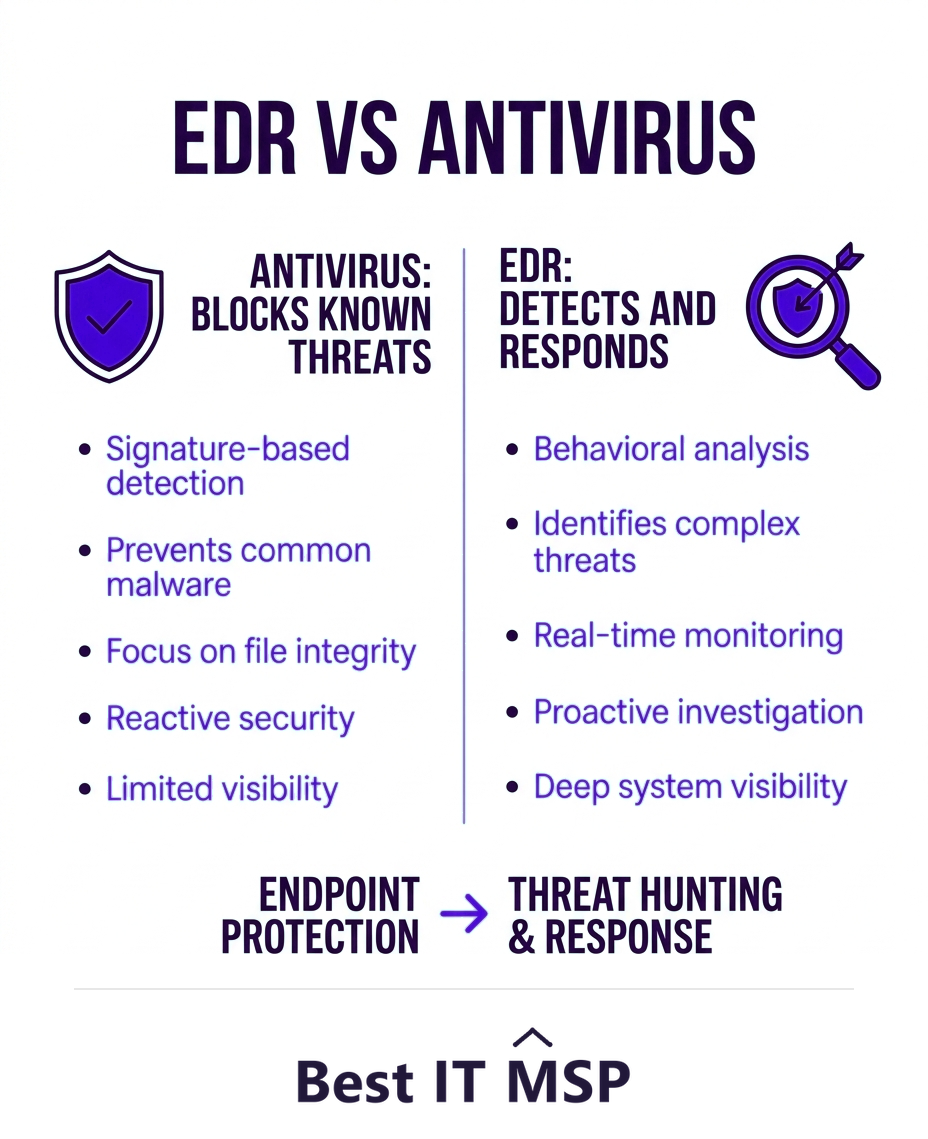
- Antivirus stops known threats by matching them to signatures; EDR detects suspicious behavior, including new threats.
- EDR adds what antivirus lacks: continuous visibility, investigation, and the ability to respond to an attack.
- Modern attacks like ransomware often evade signature-based antivirus, which is why EDR has become the standard.
- Most modern EDR tools include antivirus, so EDR is an upgrade rather than a separate add-on.
- Managed EDR (MDR) adds a human team to monitor and respond, which most small businesses need.
How did we compare EDR and antivirus?
Both of these protect an endpoint, so the useful comparison is not which is stronger but what each one can see and do once something is already running.
- The dimensions. Detection method, scope, response, the threats each covers, and what you can see afterwards. Each is answerable about your own environment today.
- The evidence. The figure this comparison turns on is patching latency, the gap between a fix existing and a fix being applied, taken from Verizon's analysis of the CISA known-exploited catalogue. Breach and downtime costs come from IBM and ITIC.
- No vendor ranking. This compares approaches, not products. It names no vendors and recommends no supplier.
- Independence. Best IT MSP does not sell IT services or security services, and does not appear in its own rankings.
The five dimensions below are the same ones the section above argues, arranged so a single row can be checked against your own tooling.
EDR vs antivirus: the core difference
Antivirus and EDR are both endpoint security tools, meaning they protect the laptops, desktops, and servers your business runs on. The difference is in how they work and what they can do. Antivirus is a guard checking IDs against a wanted list: it blocks threats it already recognizes by matching them to known signatures. EDR, or Endpoint Detection and Response, is more like a detective with cameras throughout the building: it watches how programs actually behave, flags anything suspicious even if it has never been seen before, and gives you the tools to investigate and shut it down. In short, antivirus prevents known malware, while EDR detects, investigates, and responds to threats of all kinds.
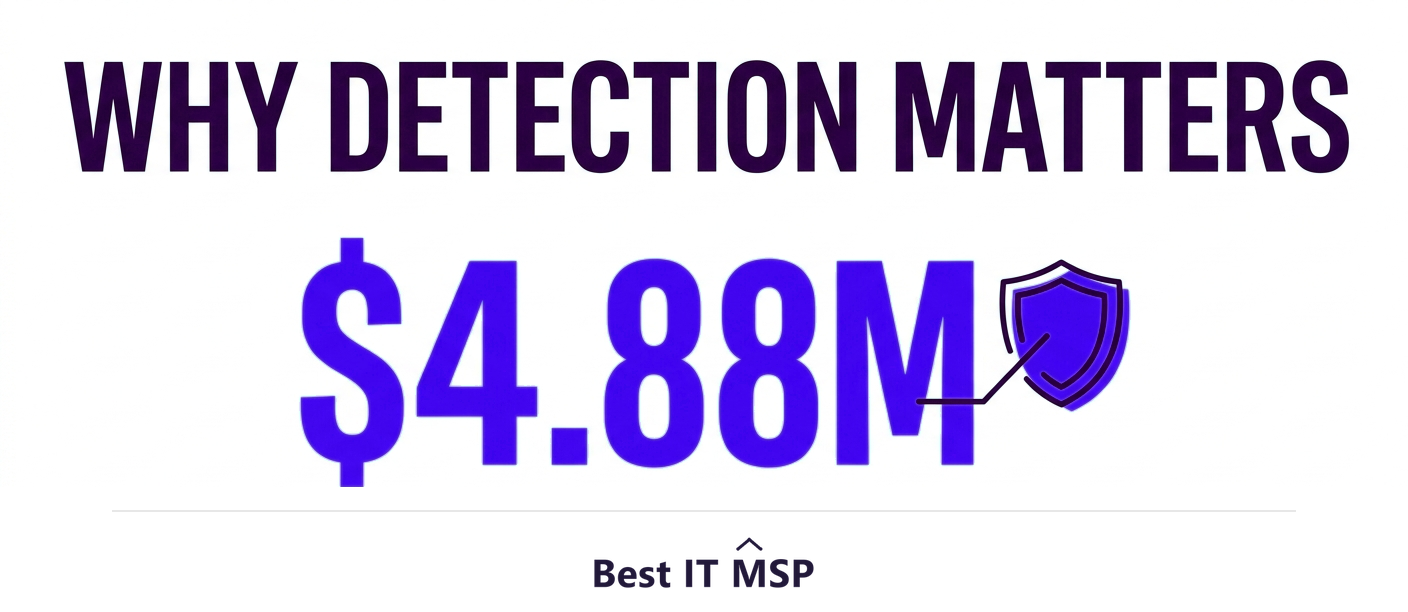
That difference matters more every year, because modern attacks are built to slip past signature-based defenses. With the average data breach reaching $4.88 million and reported cybercrime losses topping $12.5 billion in a single year, relying on antivirus alone leaves a dangerous gap. This guide explains how each works and which your business needs. It pairs with our managed SOC and MDR and cybersecurity services overviews.
How antivirus works
Traditional antivirus (AV) works mainly by signatures. Security vendors catalog known malware, each with a unique fingerprint, and the antivirus scans your files against that database, blocking anything that matches. It is fast, lightweight, and effective against the enormous volume of known, commodity malware that circulates every day. For decades it was the front line of endpoint protection, and it still does useful work as a first filter. Its limitation is fundamental: it can only stop what it already recognizes. A brand-new threat, or a known one disguised just enough to change its fingerprint, can walk right past it.
How EDR works
EDR takes a different approach. Instead of only asking is this a known bad file, it continuously monitors what is happening on each endpoint, the processes running, the files being changed, the network connections being made, and looks for suspicious behavior. If a program suddenly starts encrypting files en masse (a hallmark of ransomware) or behaving like an attacker, EDR detects it even if that specific malware has never been seen before. Crucially, EDR does not just alert; it records what happened so you can investigate, and it gives you tools to respond, isolating an infected device, killing a malicious process, or rolling back changes, to contain the attack.
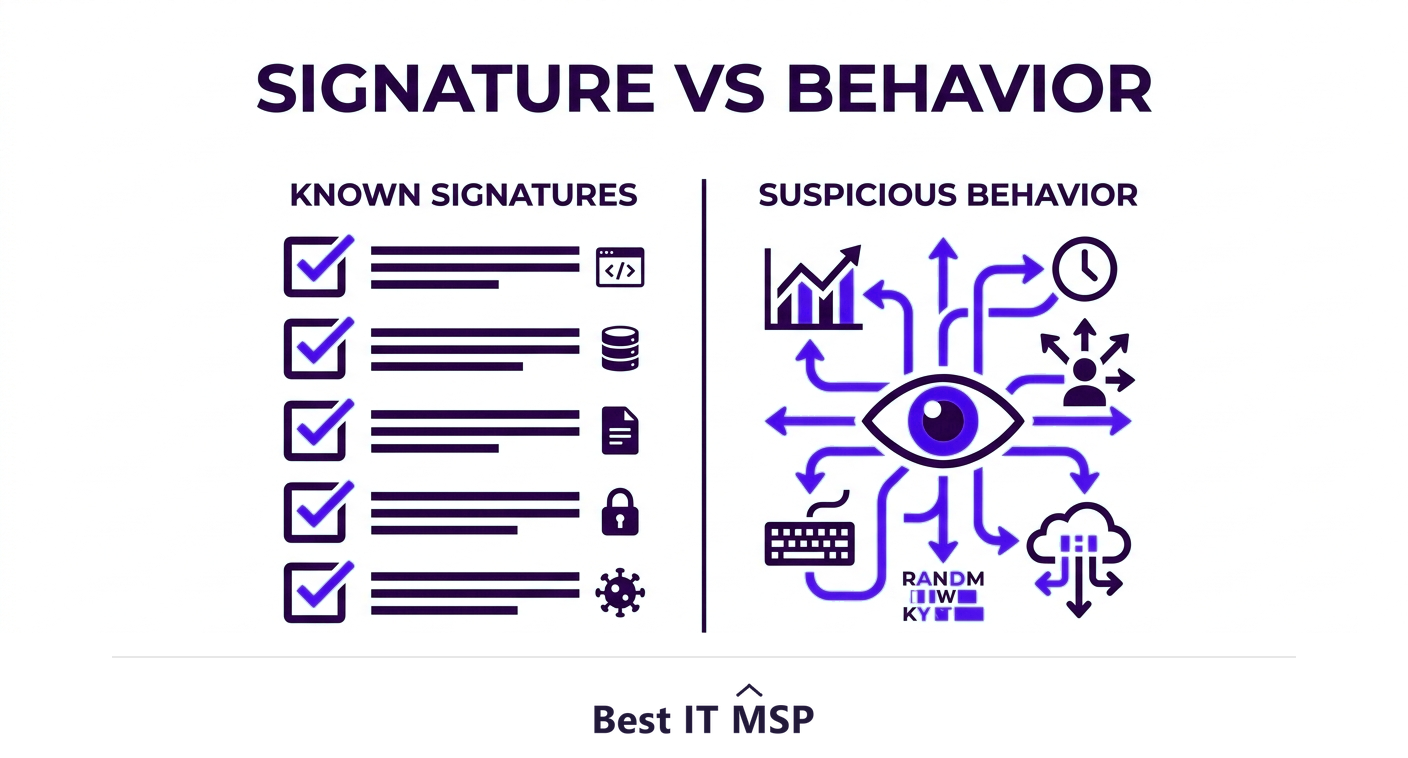
This is the response in Endpoint Detection and Response, and it is what antivirus lacks. EDR assumes some threats will get through and focuses on catching and stopping them fast, which matters when the average breach takes about 258 days to identify and contain without good detection.
The key differences at a glance
Put side by side, the contrast is clear:
| Dimension | Antivirus | EDR |
|---|---|---|
| Detection method | Matches known signatures | Analyses behaviour, catching unknown and novel threats |
| Scope | Blocks files | Continuous visibility across all endpoint activity |
| Response | Quarantines or deletes a matched file | Investigate and actively contain an incident |
| Threats covered | Known malware | Ransomware, fileless attacks and intrusions with no signature |
| Visibility afterwards | Tells you little after the fact | Records a timeline of how the attack unfolded |

- <strong>Detection method.</strong> Antivirus matches known signatures; EDR analyzes behavior to catch unknown and novel threats.
- <strong>Scope.</strong> Antivirus focuses on blocking files; EDR provides continuous visibility across all endpoint activity.
- <strong>Response.</strong> Antivirus quarantines or deletes a matched file; EDR lets you investigate and actively contain an incident.
- <strong>Threats covered.</strong> Antivirus handles known malware; EDR handles ransomware, fileless attacks, and sophisticated intrusions that have no signature.
- <strong>Visibility.</strong> Antivirus tells you little after the fact; EDR records a timeline so you can see how an attack unfolded.
Do you still need antivirus if you have EDR?
This is the most common point of confusion, and the answer is reassuring: you are not choosing between them. Most modern EDR platforms include antivirus, or next-generation antivirus, as their prevention layer, then add detection and response on top. So EDR is best understood as an upgrade that contains antivirus rather than a separate product you bolt alongside it. You keep the fast blocking of known threats and gain the behavioral detection and response that antivirus alone cannot provide. The practical question is therefore not antivirus versus EDR, but whether plain antivirus is still enough, and for most businesses facing ransomware, it is not.
The gap between a patch existing and a patch being applied is the window EDR is watching. Verizon found that organisations take an average of 55 days to remediate half of their critical vulnerabilities once patches are available, while the median time to detect mass exploitation of a known exploited vulnerability on the internet is five days. Signature matching has nothing to say during those seven weeks. Behavioural detection does.
EDR, MDR, and the human factor
There is one catch with EDR: it generates alerts and gives you powerful response tools, but someone has to watch those alerts and act on them, often around the clock. A small business rarely has a security team to do that, and skilled staff are scarce amid a global shortfall of about 4.8 million cybersecurity professionals. This is where Managed Detection and Response (MDR) comes in: a provider runs the EDR for you, with a human team monitoring, investigating, and responding to threats on your behalf. Attacks frequently begin with people, with the human element involved in 68 percent of breaches, so a tool that catches what slips past prevention, backed by someone watching it, is essential. The managed services market, growing from about $330 billion in 2024 to about $879 billion over the next decade, reflects how many businesses now outsource exactly this monitoring. For most small and midsize businesses, MDR is how EDR actually delivers protection, rather than producing alerts no one reviews.
Which does your business need?
For any business that could be targeted by ransomware or a serious intrusion, which is essentially every business today, antivirus alone is no longer enough. The modern baseline is EDR, ideally delivered as managed MDR so the alerts are actually watched and acted on. Antivirus remains a useful prevention layer, but as part of EDR rather than the whole defense. Think of antivirus as locking the front door and EDR as having alarms, cameras, and a response team for when someone tries another way in. Given that an hour of downtime costs most organizations more than $100,000, the faster detection and response EDR provides pays for itself by stopping incidents before they spread.
If you are weighing endpoint protection options, a provider can deploy and manage EDR or MDR sized to your business. To start from a vetted, merit-ranked list, browse providers by city in the Best IT MSP directory, where ranking is earned on rating and verified data.
FAQ
What is the difference between EDR and antivirus?
Antivirus blocks known threats by matching them to a database of signatures, so it can only stop what it already recognizes. EDR (Endpoint Detection and Response) continuously watches how programs behave to catch new and unknown threats, then provides tools to investigate and respond. Antivirus prevents known malware; EDR adds detection, visibility, and response.
Is EDR better than antivirus?
EDR is more capable because it catches novel and behavior-based threats that signature-based antivirus misses, and it can investigate and contain an attack. But they are not rivals: most modern EDR platforms include antivirus as their prevention layer. EDR is best seen as an upgrade that contains antivirus, giving you both known-threat blocking and behavioral detection.
Do I still need antivirus if I have EDR?
You do not need separate antivirus, because most modern EDR platforms include antivirus or next-generation antivirus as their prevention layer and add detection and response on top. So adopting EDR keeps the fast blocking of known threats while adding the behavioral detection and response that antivirus alone cannot provide.
What is the difference between EDR and MDR?
EDR is the technology that detects and lets you respond to endpoint threats, but someone has to monitor its alerts and act on them. MDR (Managed Detection and Response) is a service where a provider runs the EDR with a human team monitoring and responding on your behalf, around the clock. For most small businesses without a security team, MDR is how EDR delivers protection.
Why is antivirus alone no longer enough?
Because modern attacks like ransomware and fileless intrusions are designed to slip past signature-based antivirus, which can only stop threats it already recognizes. With the average breach costing $4.88 million and taking about 258 days to detect without good tooling, businesses need EDR's behavioral detection and response to catch and contain the threats antivirus misses.
Which endpoint protection does a small business need?
For any business that could face ransomware, which is essentially all of them, the modern baseline is EDR, ideally delivered as managed MDR so alerts are actually watched and acted on. Antivirus remains useful as a prevention layer, but as part of EDR rather than the whole defense. A managed provider can deploy and run EDR or MDR sized to your business.
Best IT MSP is the independent directory of vetted managed IT and security providers across North America. Compare merit-ranked firms in your city that deploy and manage EDR and MDR. No pay-to-play.