Closed as a False Positive: The Alert You Were Never Shown
An alert closed as a false positive still leaves a record, even though nobody showed it to you. Microsoft's monitoring platforms keep suppressed alerts in their data tables, log every automated closure, and expire a new exception after 24 hours by default. Ask your provider for that record, not for reassurance.
- A suppressed alert is not a missing alert. Microsoft's alert tuning can hide one before it ever becomes an incident, and the record stays in the platform's own data tables.
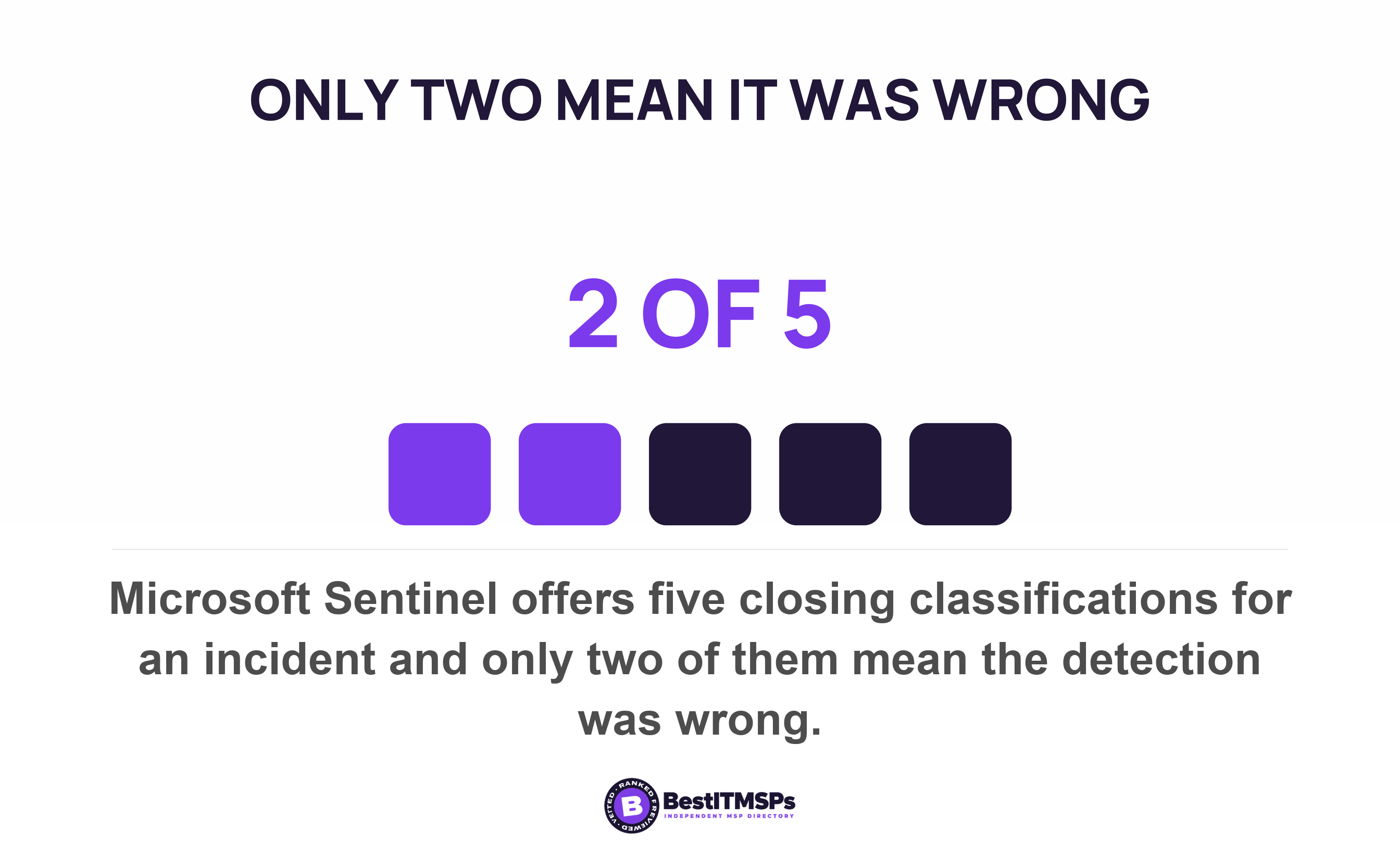
- A false positive and a benign true positive are different failures. Microsoft Sentinel offers five closing classifications, and only two of them say the detection was wrong.
- Suppression rules you never asked for are already running. Microsoft ships built-in alert tuning rules and tells customers to review them.
- No standards body publishes a false-positive rate you can compare yours against. Google publishes the nearest thing, a target of one alert per real incident.
- The only published expiry we found on an exception is 24 hours. That is Microsoft's own default, set to limit the chance of a missed detection.
What does it mean when an alert is closed as a false positive?
It means a detection rule fired, somebody or something decided it did not matter, and the alert left the queue before it reached you. The alert still exists. It sits in a data table with a closing classification beside it. You were never shown it, which is a different thing from it never happening.
That difference is what makes this auditable. A problem nobody ever logged leaves nothing behind, which is why a falling ticket count proves nothing on its own. A suppressed alert is the opposite case. It was generated, stored and classified, so a record exists and you can ask for it. The question is not whether your provider tunes out noise. Every monitoring service does, and must. The question is whether the tuning is written down.
This guide covers how alert suppression works inside two platforms whose documentation is public, what published guidance asks of the decision, and the five fields that separate disciplined tuning from a provider managing its own volume problem. For the hours between a real alert and your phone ringing, read the alert that fired at 2:14am.
A false positive and a true positive nobody acted on are different problems
A false positive means the tool was wrong. A benign positive means the tool was right and the activity was authorized. NIST defines a false positive as incorrectly classifying benign activity as malicious and a false negative as incorrectly classifying malicious activity as benign. Both definitions turn on the word incorrectly, and only one of the two gets discussed.
Microsoft draws that line inside its own product. Closing a Sentinel incident requires a classification, and Microsoft says this step is mandatory. Five options exist. True Positive: suspicious activity, Benign Positive: suspicious but expected, False Positive: incorrect alert logic, False Positive: incorrect data, and Undetermined. Only two of those five say the detection was wrong. One of them admits nobody worked it out.
Defender XDR uses three labels and explains the middle one carefully. It covers alerts that are technically accurate, but represent normal behavior or simulated threat activity, and Microsoft notes those alerts can also be useful for catching real threats, unlike a false positive, which is one you generally don't want to see again. Read that as a buyer. A benign positive is a detection working correctly on activity you approved.
So ask for the split rather than the total. How many incidents closed in each class last quarter, and how many closed Undetermined. A provider running an honest desk reads those numbers off a screen in a minute.
How does alert suppression work inside a monitoring platform?
To suppress an alert, somebody writes a rule that matches it and tells the platform what to do next. Microsoft's feature is now called alert tuning, and its own documentation records that it was previously alert suppression. The rules hide or resolve alerts automatically when expected organizational behavior occurs and the conditions are met.
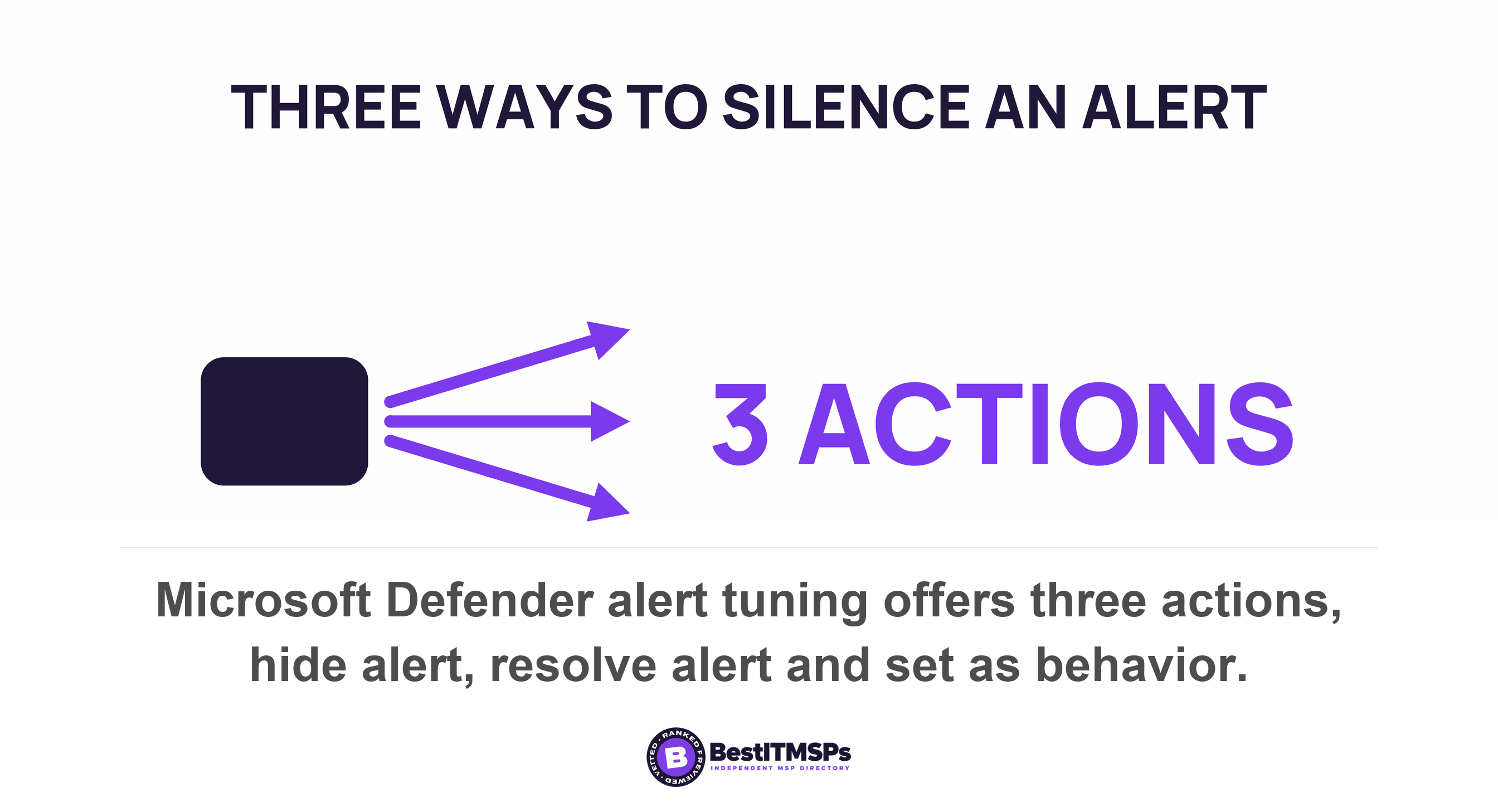
Three actions are available, and the difference between them matters to you. A rule set to hide alert suppresses the alert and prevents incident creation, so it never appears in any incident count, although Microsoft states that hidden alerts remain in AlertInfo and AlertEvidence tables. A rule set to resolve alert closes the alert and its related incidents automatically. A rule set to set as behavior converts the signal into a behavior that never reaches the alert queue at all. One rule can carry up to 200 conditions.
Sentinel offers two routes and Microsoft is open about the trade-off. An automation rule can span several detection rules and keeps an audit trail, recording the reason for the closure and comments. Editing the analytics rule itself is more thorough and typically requires implementation by Security Operations Center (SOC) engineers. A watchlist holds the allow list outside the rule, so an analyst can add exceptions without editing the rule. Microsoft names the usual culprits too, including automated service identities and intentional security scanning activity coming from known IP addresses.
Elastic documents the same mechanism and one consequence worth knowing. Where an exception matches, the rule does not generate alerts even when its other criteria are met. On a multi-step detection the effect widens, because if an exception matches any event necessary to complete the sequence, alerts are not created. Exclude one noisy step and you can switch off a chain detection nobody meant to touch.
The suppression rules you never asked for are already running
Your provider did not write all of them. Microsoft ships built-in alert tuning rules that help reduce reporting noise from common benign activity, and the action it documents for those rules is how to disable one. It also tells customers to review these rules to understand how they might affect which alerts appear in the portal. One is named Auto-Resolve - Email reported by user as malware or phish, which is the alert your own staff raised.
Two limits on the built-in rules are worth asking about. They do not apply to custom detection rules or to custom threat intelligence, so a rule written for your environment is unaffected. And Microsoft states that if its automated investigation detects malicious or suspicious activity, the new alert is reactivated, which makes that particular suppression reversible by design.
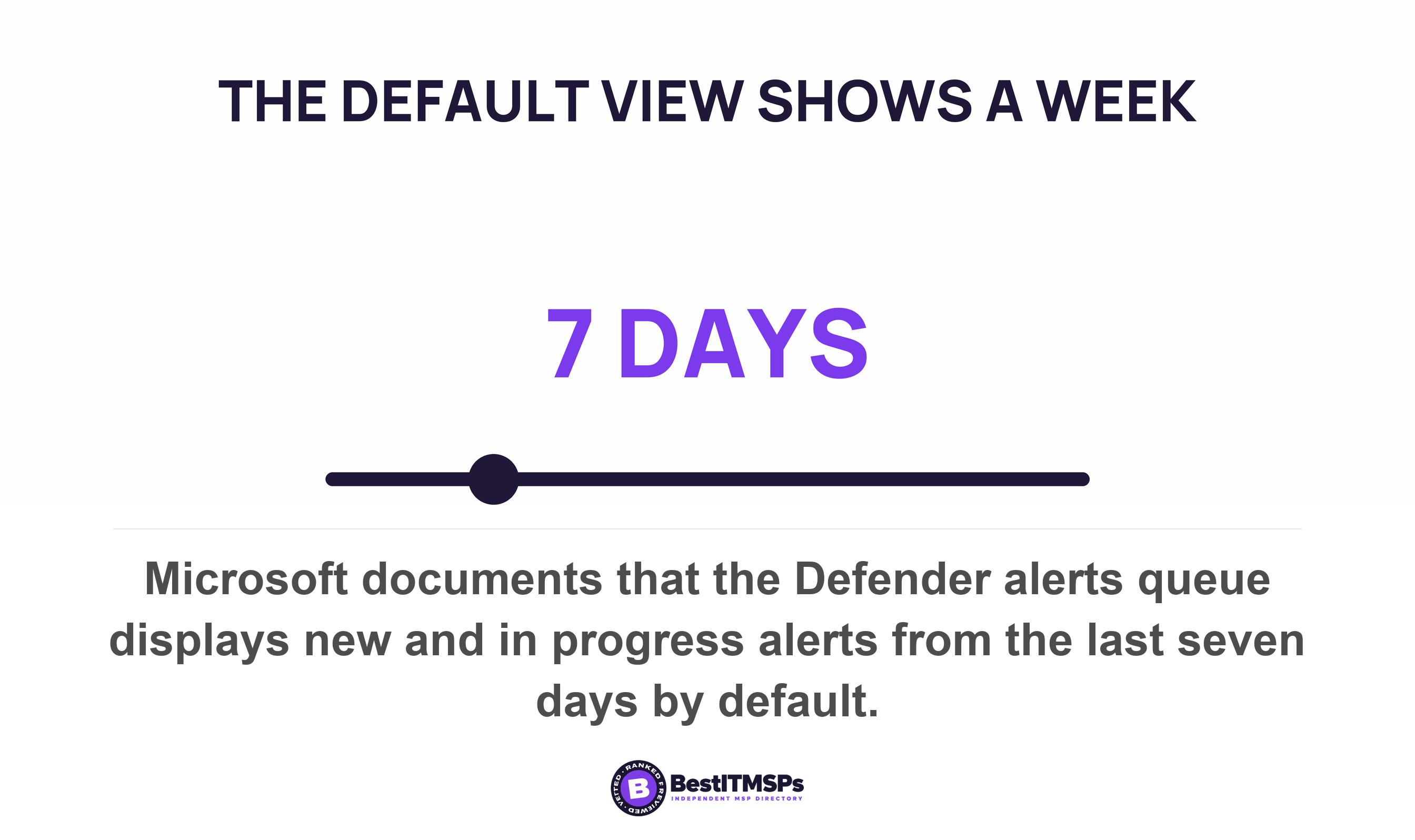
The default view hides more than the rules do. Microsoft documents that the alerts queue displays the new and in progress alerts from the last seven days unless somebody changes the filter. Anything resolved, by a person or by a rule, is already off the screen your provider opens each morning.
Does any standard require the decision to be recorded?
Yes, and one national framework makes the record the whole test. The UK National Cyber Security Centre grades triage on three levels, and its failing description reads You do not keep records of triage performed. Its passing description expects an organization to document all triage related activities performed by monitoring and detection personnel. A passing environment also runs detection rules tuned to reduce false positives in a way that makes it possible to distinguish genuine security incidents from false alarms.
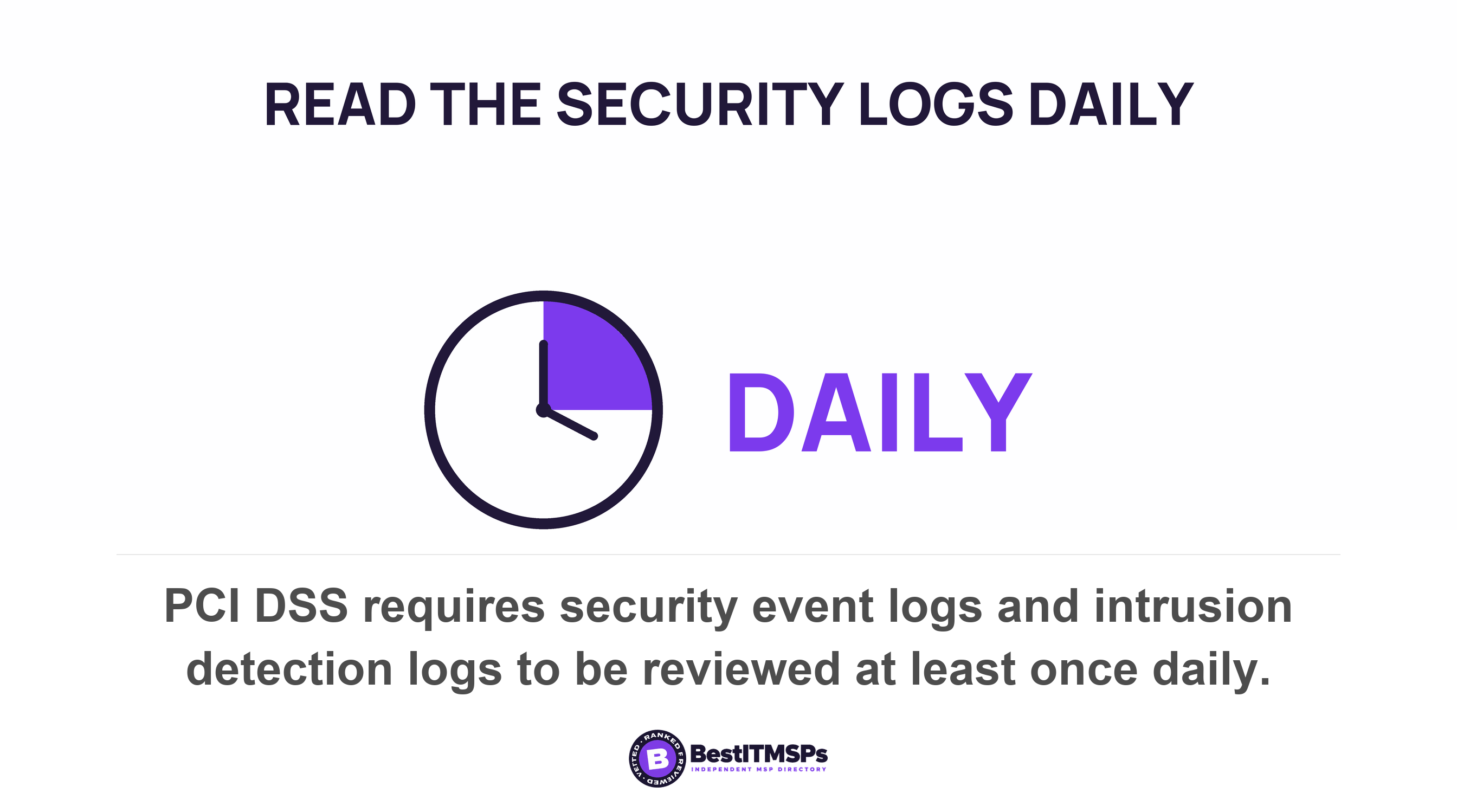
That framework binds UK operators of essential services, so treat it as a free model rather than your obligation. A payment standard that reaches far more small businesses pushes on what happens next. PCI DSS requires that security events and the logs of systems performing security functions are reviewed at least once daily, then adds a separate requirement that exceptions and anomalies identified during the review process are addressed. Addressed, not noted.
Federal control catalogs name the activity and hand you the number. NIST tells an organization to use the traffic and event profiles in tuning system-monitoring devices, which makes tuning evidence-led rather than complaint-led, and to adjust the level of system monitoring activity when there is a change in risk. Notice the direction of that second instruction. Monitoring is meant to tighten as well as loosen.
False positives are named just once in the monitoring family of those controls, and the published worry is not what they hide. The control asks an organization to address the receipt of false positives during malicious code detection and eradication and the resulting potential impact on the availability of the system. Availability. The named concern is a security tool breaking your business, not tuning burying an attack.
No published guidance we found names who approves a suppression rule. That absence is the gap worth noticing, because accepting a risk does have a named signatory and this does not. Our guide to the exception register covers the signature side. A suppression rule is the same decision, made by a technician at 3am, with no form to fill in.
No standards body sets a false-positive rate. Google sets a ratio.
No government or standards body publishes a false-positive rate you could hold yours against. We looked for one. The figures that circulate for alerts nobody investigates all come from vendor-commissioned surveys, they disagree with each other, and we do not use them. The absence is itself the finding, and it is worth saying out loud.
One published set of numbers does exist, from an engineering organization writing about its own desk. Google's site reliability handbook states that the maximum number of incidents per day is 2 per 12-hour on-call shift and sets measurable goals of number of daily tickets < 5, paging events per shift < 2. Where alerts outnumber real incidents, it says the alerting should be tweaked to approach a 1:1 alert/incident ratio.
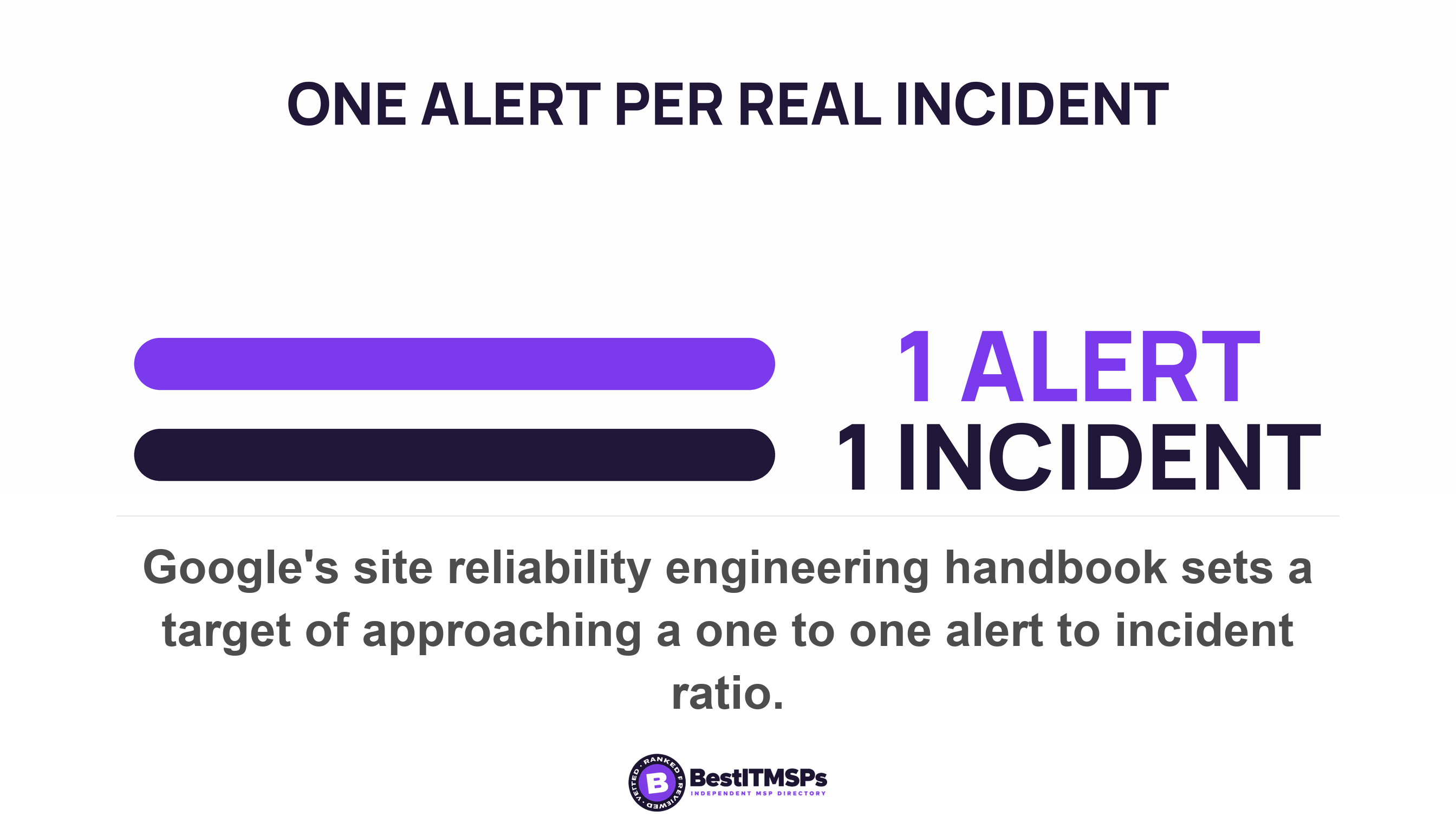
That ratio is a better question than a false-positive rate, and the reason is arithmetic. A false-positive rate is a share of a set your provider defines, so relabeling moves it without anything changing. A ratio of alerts to real incidents needs both counts printed, with the suppression count beside them. Three numbers are much harder to dress than one.
Google also explains why the tuning is necessary rather than suspicious. Low-priority alerts that bother the on-call engineer every hour (or more frequently) disrupt productivity, and the fatigue such alerts induce can also cause serious alerts to be treated with less attention than necessary. A noisy queue is a security failure in its own right, which is the honest case for tuning.
Why tuning saves your provider money either way
Every alert a provider investigates costs it an hour of somebody expensive. Every alert it suppresses costs nothing. Under a fixed per-seat fee, neither choice moves what you pay. That is a structural fact about how the contract is priced, not an accusation about your provider.
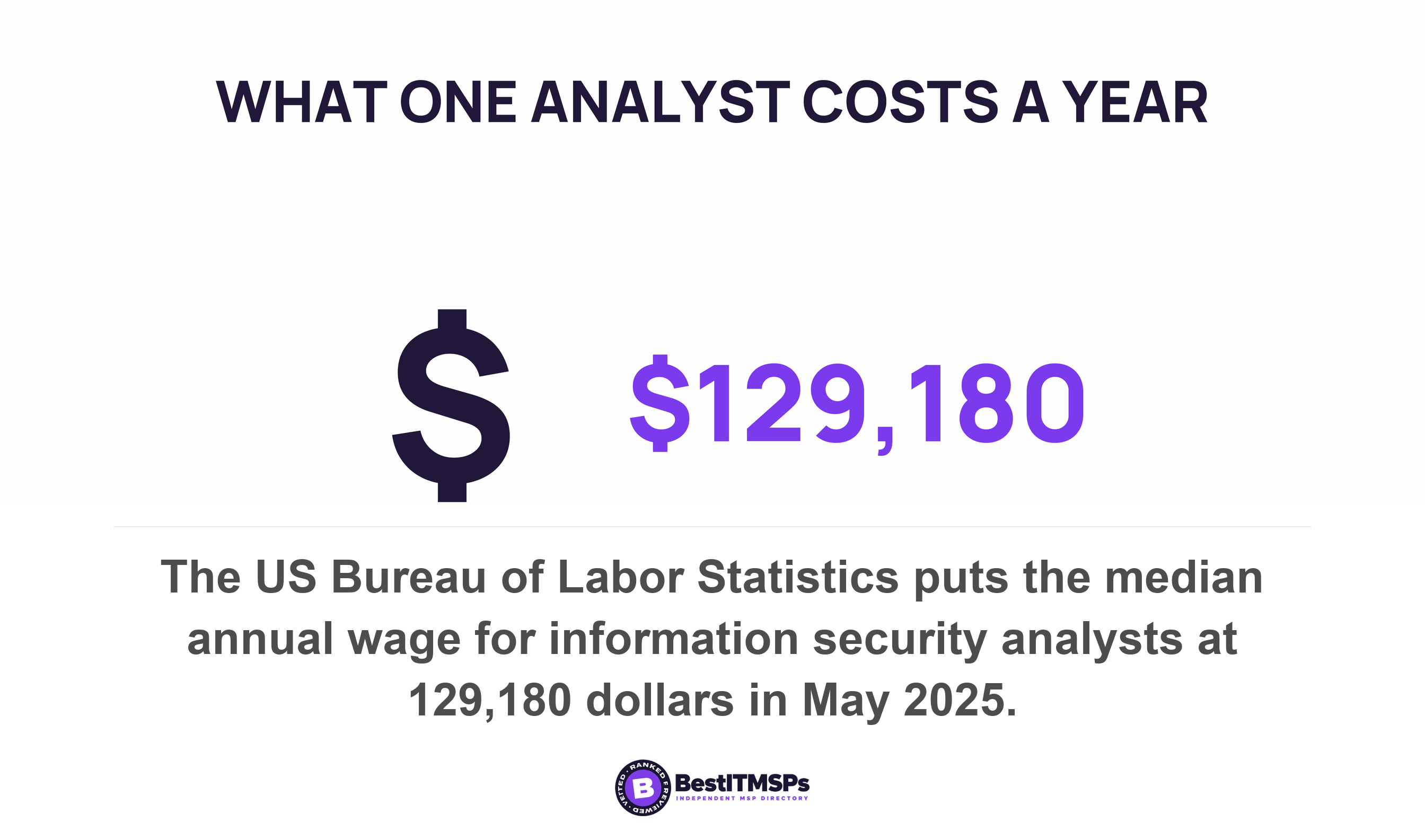
Put a number on the hour. The US Bureau of Labor Statistics reports that the median annual wage for information security analysts was $129,180 in May 2025. Spread across a standard 2,080-hour year that is about $62 an hour in wages. The same agency measures wages and salaries at 70.0 percent of employer costs for private industry workers, which puts the loaded figure near $89. Both of those last two numbers are our arithmetic on the agency's published ones.
The incentive runs the other way too, which is exactly why this has to be stated fairly. A provider that never tunes drowns its own desk, misses the alert that mattered, and bills you for an analyst reading the same harmless alert every morning. Good tuning is the job you are paying for. The problem is tuning that nobody outside the provider can see.
So the fix is not suspicion. It is a record with dates on it, which costs your provider almost nothing to produce and settles the argument in a single page.
Five things a suppression record should name
A suppression record should name the rule, its owner, its scope, its expiry date and the number of alerts it has matched. A provider running disciplined tuning holds all five already, because the platforms produce them. A provider managing a volume problem offers reassurance instead of a documented answer.
- Name the rule and the person who wrote it, because a suppression rule with no named owner is an anonymous decision about your risk.
- Scope it to the narrowest match that works. Microsoft notes that combining attributes, so an exception applies only when one address and one user both appear, reduces the chance for false negatives.
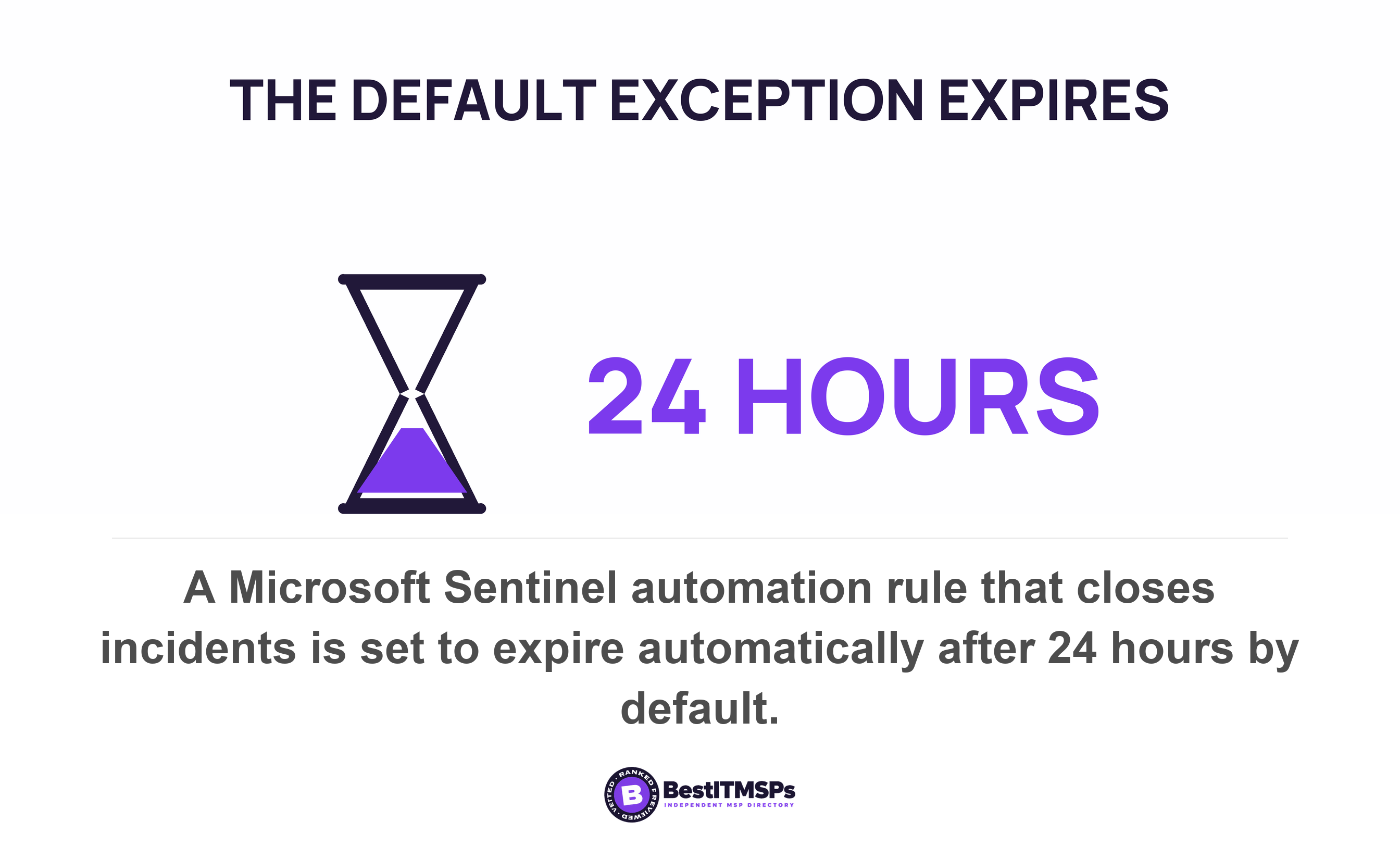
- Expire it on a date. A Sentinel automation rule is by default set to expire automatically after 24 hours, and Microsoft says that expiration reduces the chance of false negative errors.
- Review the live rules on a stated cadence and put the cadence in the service level agreement, since Microsoft tells customers to review even its own built-in tuning rules.
- Record the closure with its classification and comment. Sentinel's activity log exists to show records of any actions taken on the incident by others, including by automated processes.
Then send one email. Ask for every active suppression and allow list rule, with the date each was created, the reason, the expiry date, and the count of alerts each has matched. Good reads as 14 active rules, 3 expiring this month, 1 removed in September. Weak reads as we tune out the noise for you. Where this belongs is the pack you already receive, which the monthly security report covers in full.
A provider that can show you which detections it switched off, and when each one expires, is running a service. A provider that can only tell you the queue is quiet is showing you a filtered view.
Judge the answer on the document rather than the tone. None of this buys perfect security, and no honest provider offers that. It buys a readable account of the detections somebody switched off on your behalf. Best IT MSP is independent and does not sell IT services, so we rank providers on verified rating and firmographic data and publish our evaluation method in full.
FAQ
What does it mean when a security alert is closed as a false positive?
It means a rule fired and somebody judged the detection wrong. NIST defines a false positive as incorrectly classifying benign activity as malicious. The alert itself is not deleted. In Microsoft Defender, hidden alerts remain in AlertInfo and AlertEvidence tables, so your provider can still show you what was closed and why.
Can my MSP hide a security alert from me?
Yes, and the feature is documented. A Microsoft Defender alert tuning rule set to hide alert suppresses the alert and prevents incident creation, so it never appears in an incident count. The alert stays in the platform's data tables, which is why you can ask for the list of active suppression rules and the alerts each one matched.
Is a benign positive the same as a false positive?
No. A false positive means the detection logic was wrong. Microsoft lists Benign Positive: suspicious but expected as a separate closing classification, and says alerts for expected activity can also be useful for catching real threats. Mixing the two hides the difference between a broken rule and a real detection of approved activity.
How often should alert suppression rules be reviewed?
No standard sets a number, so set one yourself. The only published interval we found is Microsoft's default, where a Sentinel automation rule is set to expire automatically after 24 hours. PCI DSS requires security event and intrusion detection logs to be reviewed at least once daily, which is a reasonable floor to borrow.
What is a good false positive rate for a security monitoring service?
No standards body or regulator publishes one. Google's engineering handbook gives the nearest usable target, saying alerting should be tweaked to approach a 1:1 alert/incident ratio with number of daily tickets < 5, paging events per shift < 2. Ask for alerts, real incidents and suppressions as three separate counts.
Best IT MSP is the independent directory of managed IT and cybersecurity providers across the US and Canada. We rank on verified rating and firmographic data, we label paid placement, and we do not sell IT services. Ask three merit-ranked providers in your city for their active suppression rules with expiry dates, then compare what comes back.