No Internet Connection? How to Diagnose and Fix It
When you have no internet connection, the fastest way to fix it is to find where the break is: your device, your local network, or your internet provider. Check whether other devices are affected, restart your device, power-cycle the modem and router, check for an ISP outage, and inspect cables.
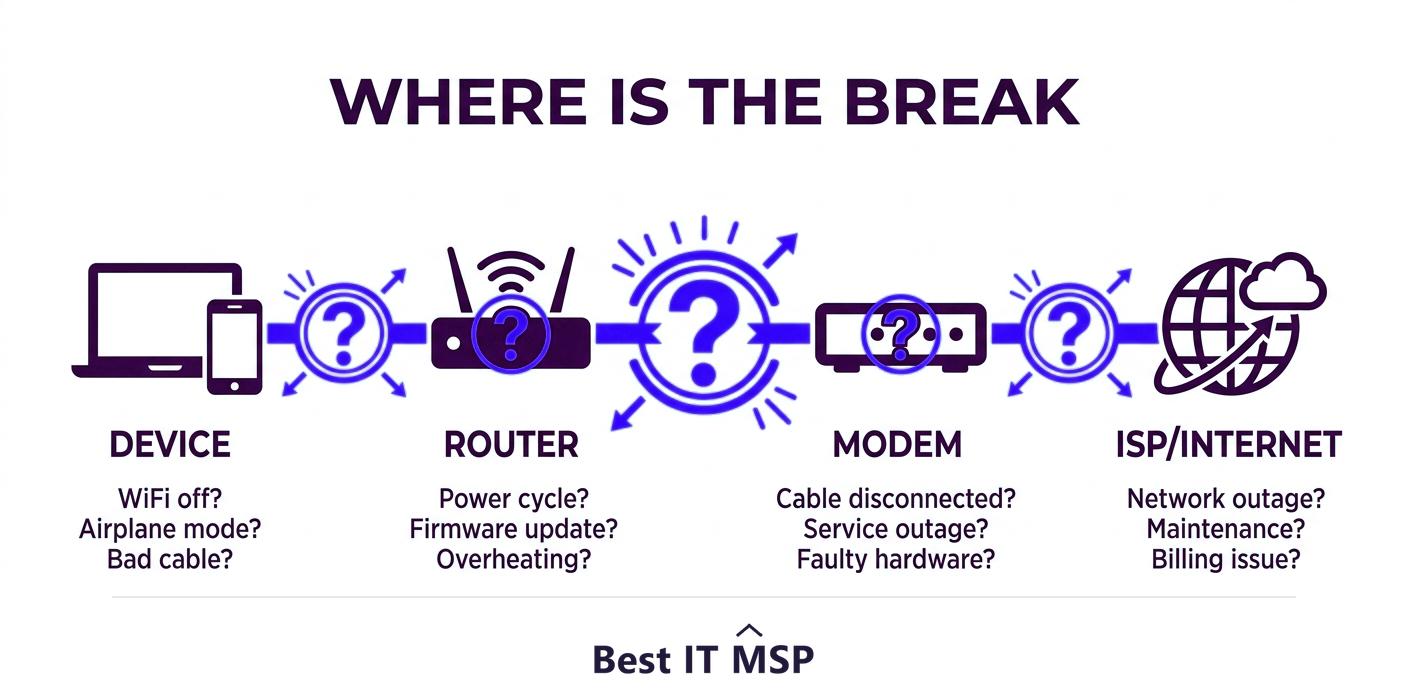
- Diagnose before you fix: find whether the problem is your device, your network, or your ISP.
- If only one device is offline, the problem is that device; if all are, it is the network or ISP.
- Power-cycle the modem and router (modem first) to resolve a large share of outages.
- Check for an ISP outage and inspect cables before assuming the fault is yours.
- Frequent or business-wide outages signal a deeper problem worth professional attention.
Diagnose before you fix
When the internet goes down, the instinct is to start randomly restarting things. A faster approach is to diagnose first: figure out where the connection is actually broken, because the fix depends entirely on the location of the fault. Your connection runs in a chain, from your device, to your local network (your router and modem), to your internet service provider (ISP), and out to the internet. The problem lies at one point in that chain, and a few quick checks tell you which, so you can fix the right thing instead of guessing. This guide walks through that diagnosis and the fix for each case. It complements our guide on WiFi connected but no internet, which covers the related but different case where WiFi shows connected yet nothing loads.
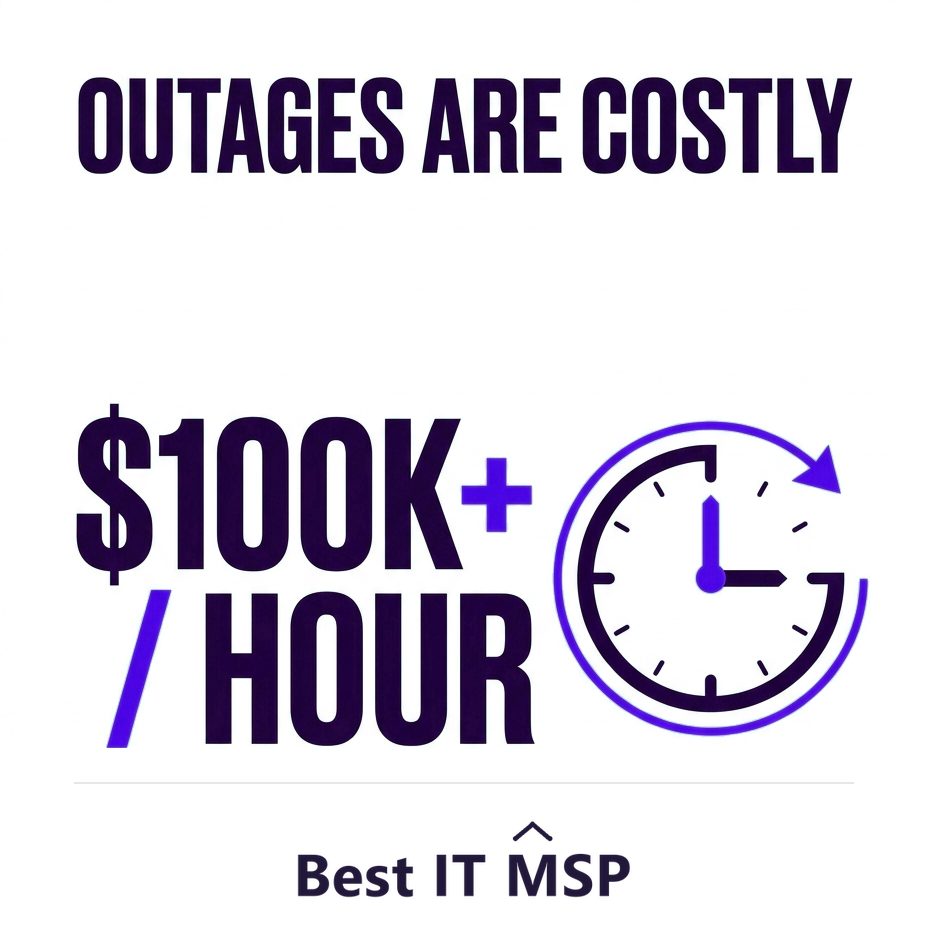
For a business, this is not just an annoyance. When the internet is down, most work stops, and an hour of downtime costs most organizations more than $100,000. Knowing how to diagnose quickly, and when to escalate, limits that cost. This guide pairs with our network support services overview.
Step 1: Is it one device or all of them?
This single question narrows the problem faster than anything else, so ask it first. Check whether other devices, phones, laptops, anything on the same network, also have no internet:
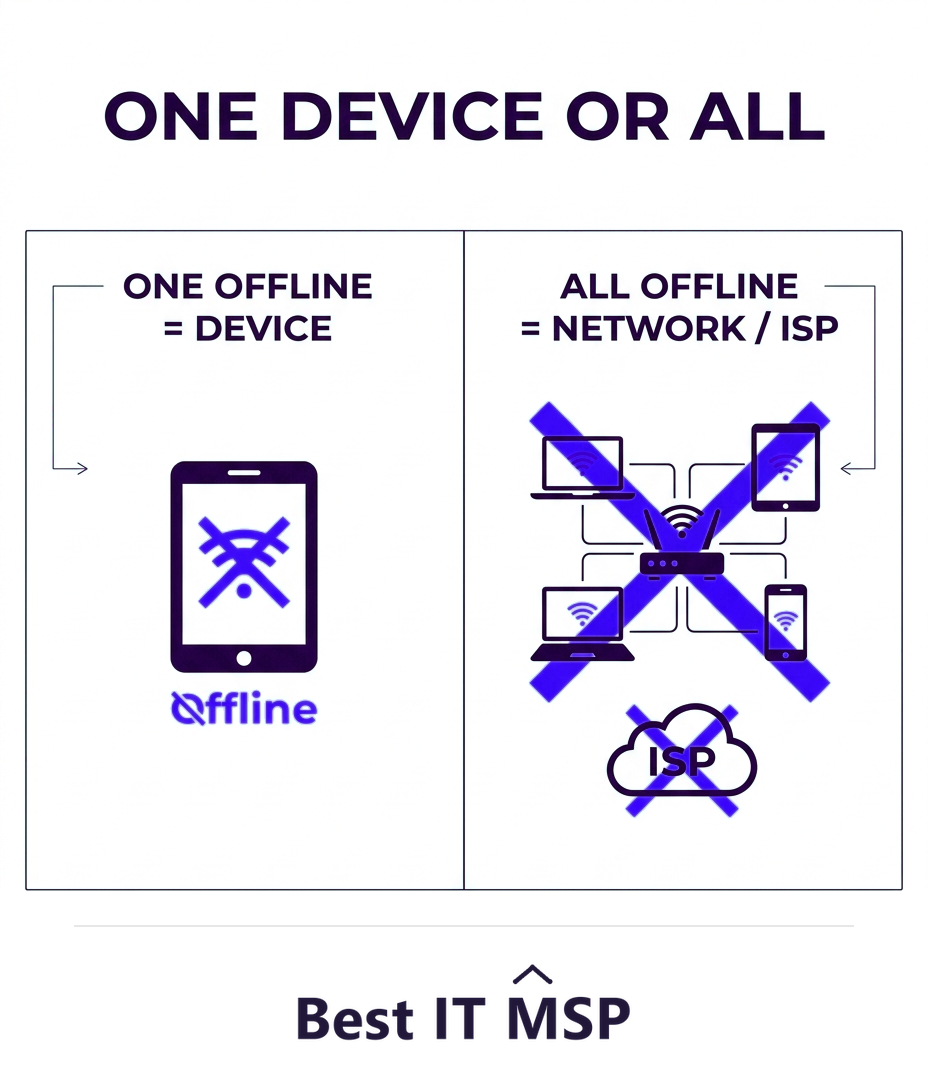
- <strong>Only one device is offline.</strong> The problem is that device, not your internet. Focus there: toggle its WiFi or airplane mode, reconnect to the network, restart it, update its network drivers, and disable any VPN.
- <strong>Every device is offline.</strong> The problem is your network or your ISP, so the device is a dead end. Move on to the modem, router, and provider.
This quick test saves you from spending twenty minutes on a laptop when the whole network is down, or rebooting the router when the issue is just one phone.
Step 2: Restart the device, then power-cycle the network
If a single device is affected, a full restart (not sleep) clears most temporary glitches. If everything is affected, power-cycle your network hardware, which resolves a remarkable share of outages:
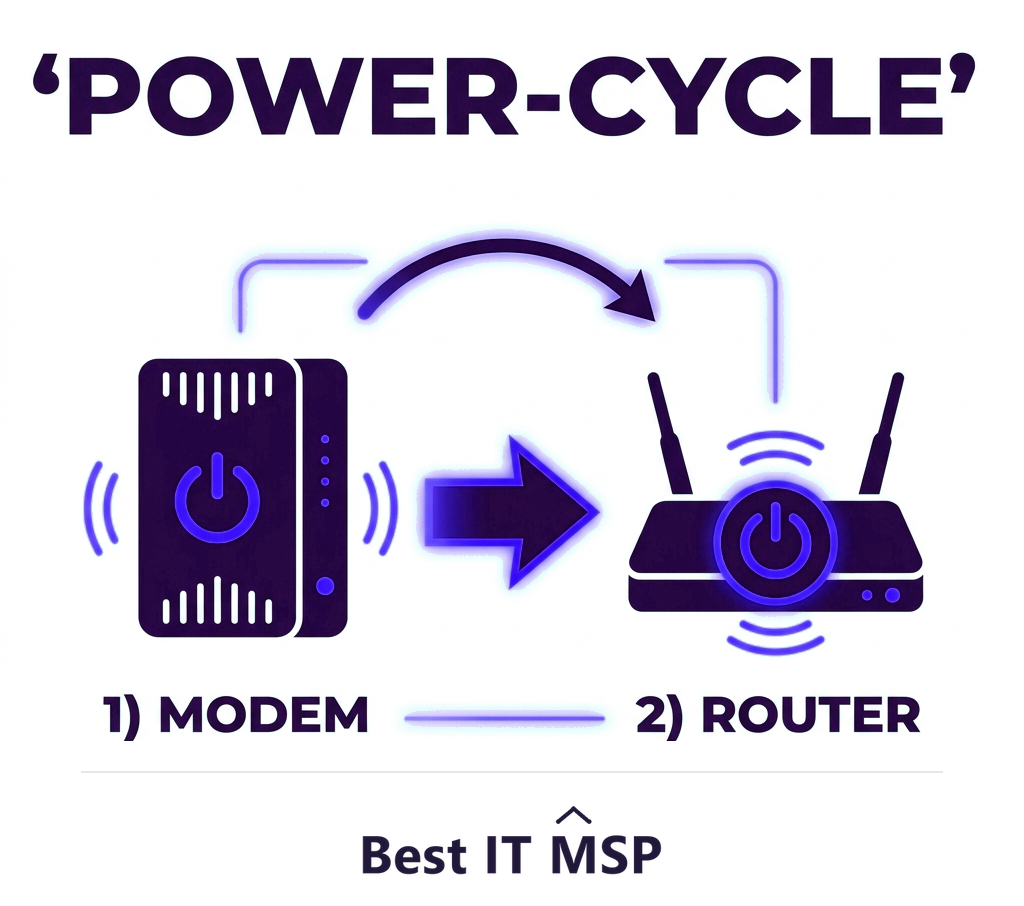
- Unplug both the modem and the router from power.
- Wait about 30 seconds to a minute so they fully reset.
- Plug the modem back in first and let it fully come online (its lights stabilize).
- Then plug the router back in and wait for it to finish starting up.
This sequence re-establishes the connection to your ISP from scratch and clears the most common network faults. Give it a few minutes to fully reconnect before testing.
Step 3: Check for an ISP outage
If power-cycling did not help and every device is still offline, the problem may be your internet provider, not you. Using mobile data, check your ISP's status page, their app, or their social media for reported outages in your area. You can also simply call them. If the ISP is down, no amount of restarting on your end will fix it; the right move is to confirm the outage, report it, and wait, while perhaps switching critical work to a mobile hotspot. Knowing it is the ISP also stops you from wasting time chasing a fault that is not yours.
Step 4: Inspect cables and connections
Physical problems are easy to overlook and common. Check that the cables between the modem, router, and wall are firmly seated, and that the modem's connection to the incoming line (cable, fiber, or phone) is secure. If you use a wired connection, check the Ethernet cable between the device and the router as well, since a bad wired link causes the same total loss. Look at the lights on your modem and router: most have indicators that signal whether they have a healthy connection, and a red or off light points straight to the problem area. A loose, damaged, or unplugged cable is a surprisingly frequent cause of a total outage, and the fix is free.
Step 5: Dig into device network settings
If one device still cannot connect while others can, the issue is in that device's network configuration. Several fixes commonly work: release and renew its IP address, flush the DNS cache or switch to a public DNS such as 1.1.1.1 or 8.8.8.8, run the operating system's built-in network troubleshooter, update or reinstall the network adapter drivers, and as a last resort use the network reset option that returns networking to defaults. Confirm airplane mode is off and the correct network is selected. These steps resolve the stubborn single-device cases that survive a restart.
Why it keeps happening, and when to call a pro
An occasional outage is normal; frequent ones are a signal. Recurring, intermittent loss of connection often points to aging or overheating network hardware, an overloaded or poorly configured network, an unreliable ISP line, or interference, and intermittent faults are the hardest to catch precisely because they come and go. For a home, the steps above handle almost everything. For a business, repeated or site-wide outages are worth fixing properly, because the lost productivity adds up fast against that $100,000-an-hour downtime cost, and connectivity problems can sometimes mask security issues, which matters when the average breach costs $4.88 million, takes about 258 days to identify and contain, and reported cybercrime losses topped $12.5 billion a year. As more business runs in the cloud, in a market where public cloud spending is forecast to top $723 billion in 2025, up from about $595.7 billion in 2024, reliable connectivity matters more than ever.
Reliable business connectivity is exactly what managed network support delivers: proper network design, monitoring that catches problems before staff notice, and fast resolution when something breaks. Building and maintaining that in-house is hard amid a global shortfall of about 4.8 million cybersecurity and IT professionals, which is part of why so many businesses partner with a provider, and why the managed services market is projected to grow from about $330 billion in 2024 to about $879 billion over the next decade.
Keeping the business online
If internet outages keep disrupting your business, the fix is usually structural, not another reboot: a well-designed, monitored network, ideally with a backup connection (such as a secondary line or cellular failover) so a single outage does not stop work. A managed IT provider can design that resilience, monitor your connection around the clock, and resolve issues fast, often before you even notice them. To find a provider that keeps businesses reliably online, browse vetted, merit-ranked firms by city in the Best IT MSP directory, where ranking is earned on rating and verified data.
FAQ
How do I fix no internet connection?
Diagnose where the break is first. Check whether one device or all are offline; if one, restart and check that device's settings, if all, power-cycle the modem and router (modem first), check for an ISP outage, and inspect cables. For a single stubborn device, renew its IP, flush or change DNS, run the network troubleshooter, and update its adapter drivers.
How do I know if the problem is my device, network, or ISP?
Check whether other devices on the same network also have no internet. If only one device is offline, the problem is that device. If every device is offline, the problem is your network or your ISP, which you confirm by power-cycling your hardware and checking your provider's outage status. This single check narrows the fault fast.
How do I power-cycle my modem and router?
Unplug both the modem and router from power, wait about 30 seconds to a minute, plug the modem back in first and let it fully come online, then plug the router back in and wait for it to finish starting. This re-establishes the ISP connection from scratch and resolves a large share of outages. Give it a few minutes before testing.
How do I check if my ISP is down?
Using mobile data, check your internet provider's status page, their app, or their social media for reported outages in your area, or call them directly. If the ISP is down, no fix on your end will help, so confirm the outage, report it, and switch critical work to a mobile hotspot while you wait rather than chasing a fault that is not yours.
Why does my internet keep disconnecting?
Recurring outages often point to aging or overheating network hardware, an overloaded or poorly configured network, an unreliable ISP line, or interference. For a home, basic troubleshooting handles most cases. For a business, repeated or site-wide outages are worth diagnosing properly, since lost productivity adds up against a downtime cost of more than $100,000 an hour.
When should a business call an IT professional about internet outages?
Call a professional when outages are frequent or site-wide, when they return after every fix, or when connectivity fails under load, as these point to structural network or ISP issues. A managed IT provider can design a resilient, monitored network, often with a backup connection, and resolve problems fast, which usually pays for itself given how costly downtime is.
Best IT MSP is the independent directory of vetted managed IT providers across North America. Compare merit-ranked firms in your city that design, monitor, and support resilient business networks. No pay-to-play.