Nobody measured before your AI rollout. Here is what you can still prove.
A time saving is the gap between two numbers, and most businesses recorded only the second one. Microsoft's own dashboard estimates hours saved by multiplying action counts by a six-minute factor. Published trials range from a 34 percent gain for novices to experienced developers running 19 percent slower.
- A time saving is a difference. If nobody timed the task before the licenses arrived, there is no saving to report, only one number with nothing beside it.
- Vendor telemetry counts actions, not value. Microsoft's Copilot usage report shows enabled users, active users and prompts submitted, and no measure of time saved.
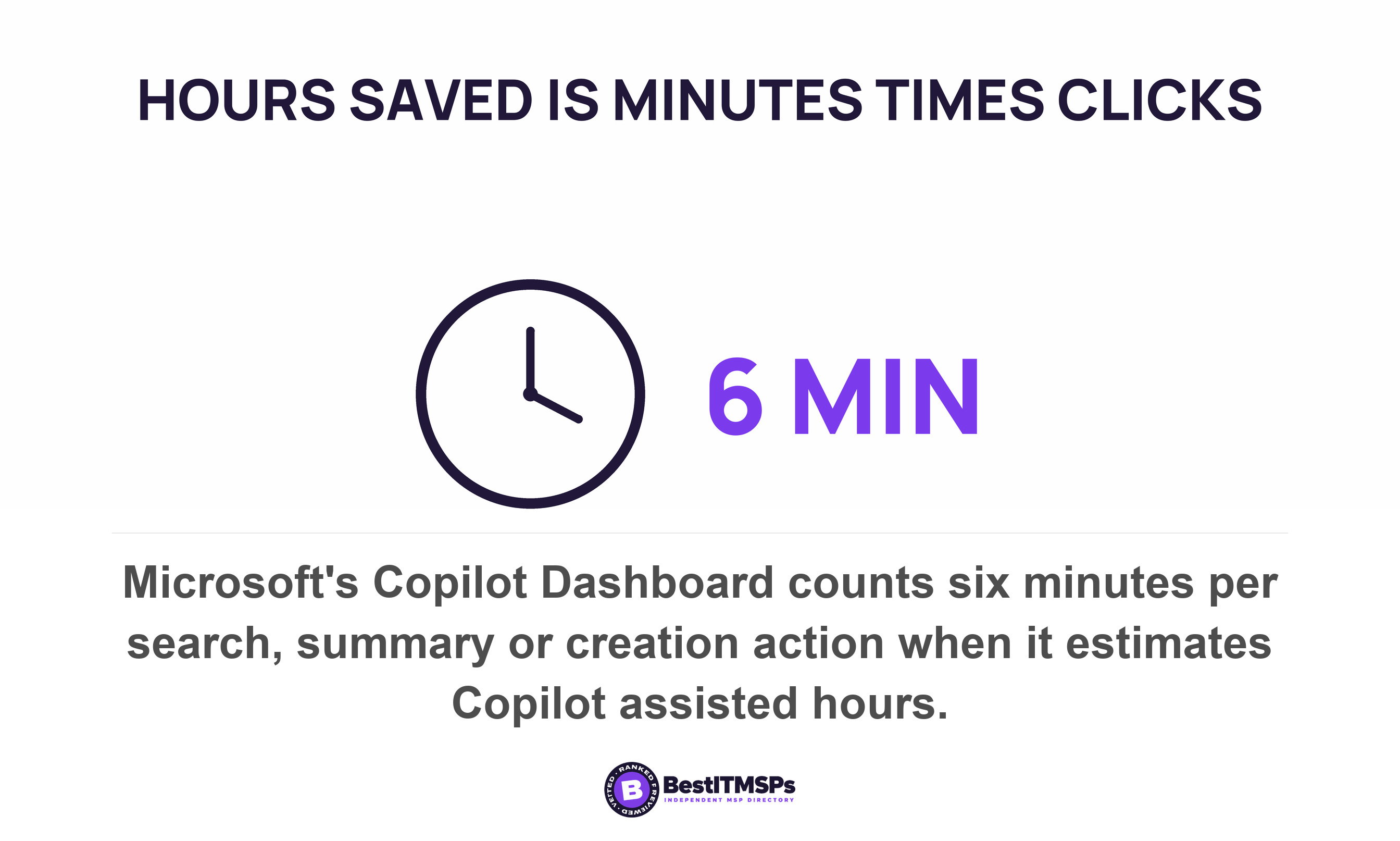
- The hours-saved figure on an AI dashboard is an estimate, not a stopwatch reading. It multiplies counted actions by a six-minute factor, then by an hourly rate you can change yourself.
- Published results run from a 34 percent gain for the least experienced workers to experienced developers taking 19 percent longer. The task and the person decide it.
- Ask staff how long a task took. Never ask how much time the tool saved them, because that answer requires them to estimate a week that never happened.
Can you prove your AI licenses saved anyone time?
Only if somebody recorded how long the work took before the licenses arrived. A time saving is the difference between two measurements. Most businesses hold the second one and never held the first.
That is arithmetic rather than technology. You pay a per-seat license every month against a promise of hours saved. A year into the AI rollout the renewal lands, and the only evidence in the building is a vendor usage report and three people saying it helps.
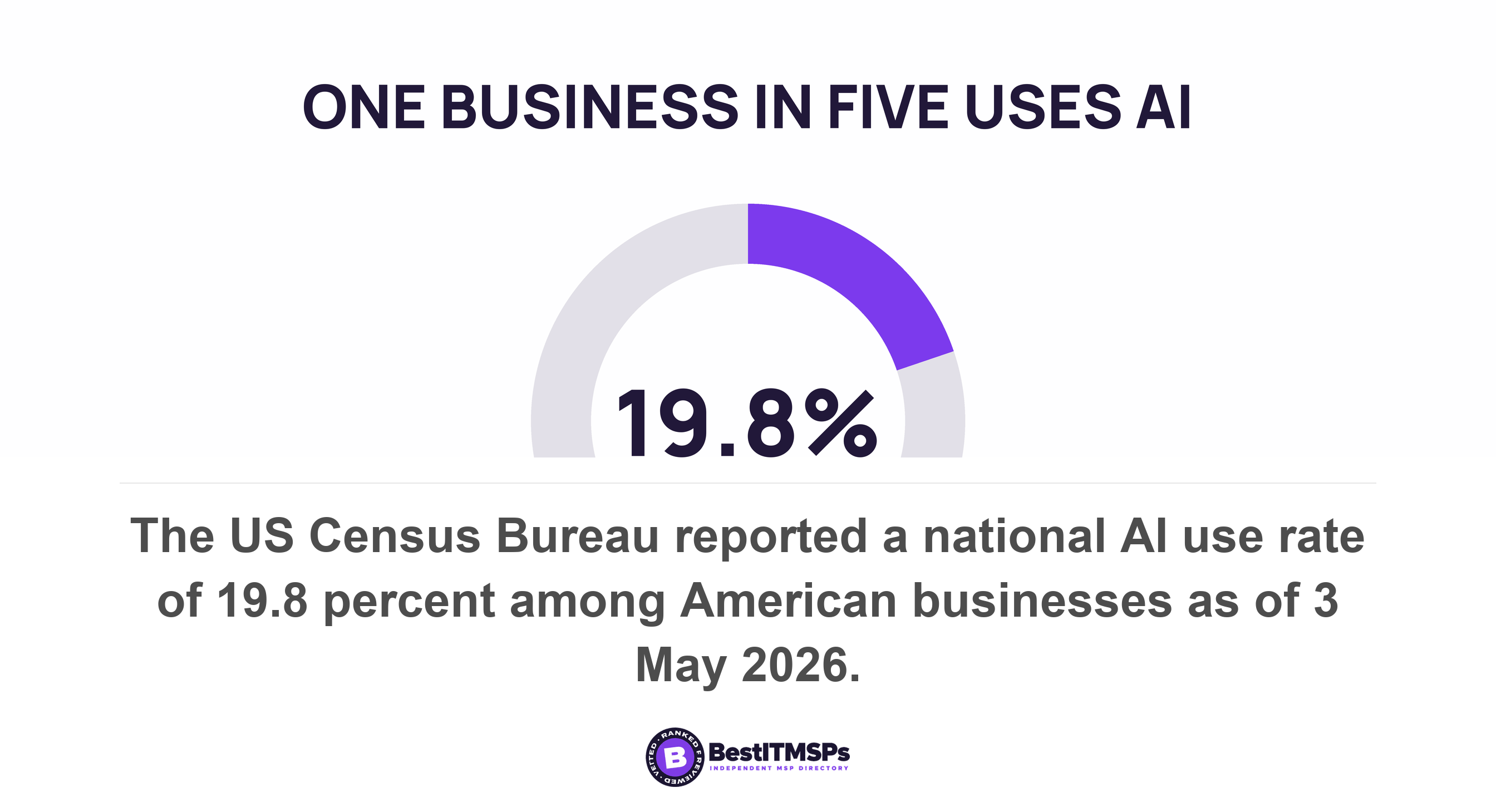
You are not unusual and you are not late. The US Census Bureau put AI use across American businesses at 19.8 percent as of 3 May 2026, with 37 percent among firms employing at least 250 people and no significant change among firms with fewer than 20 employees across the preceding five months. The buying is running ahead of the measuring almost everywhere.
What does the published research actually find about time saved?
It finds that the effect depends on the task and on the person doing it, and the range holds both a large gain and a loss. Two careful trials point in opposite directions, and neither is wrong.
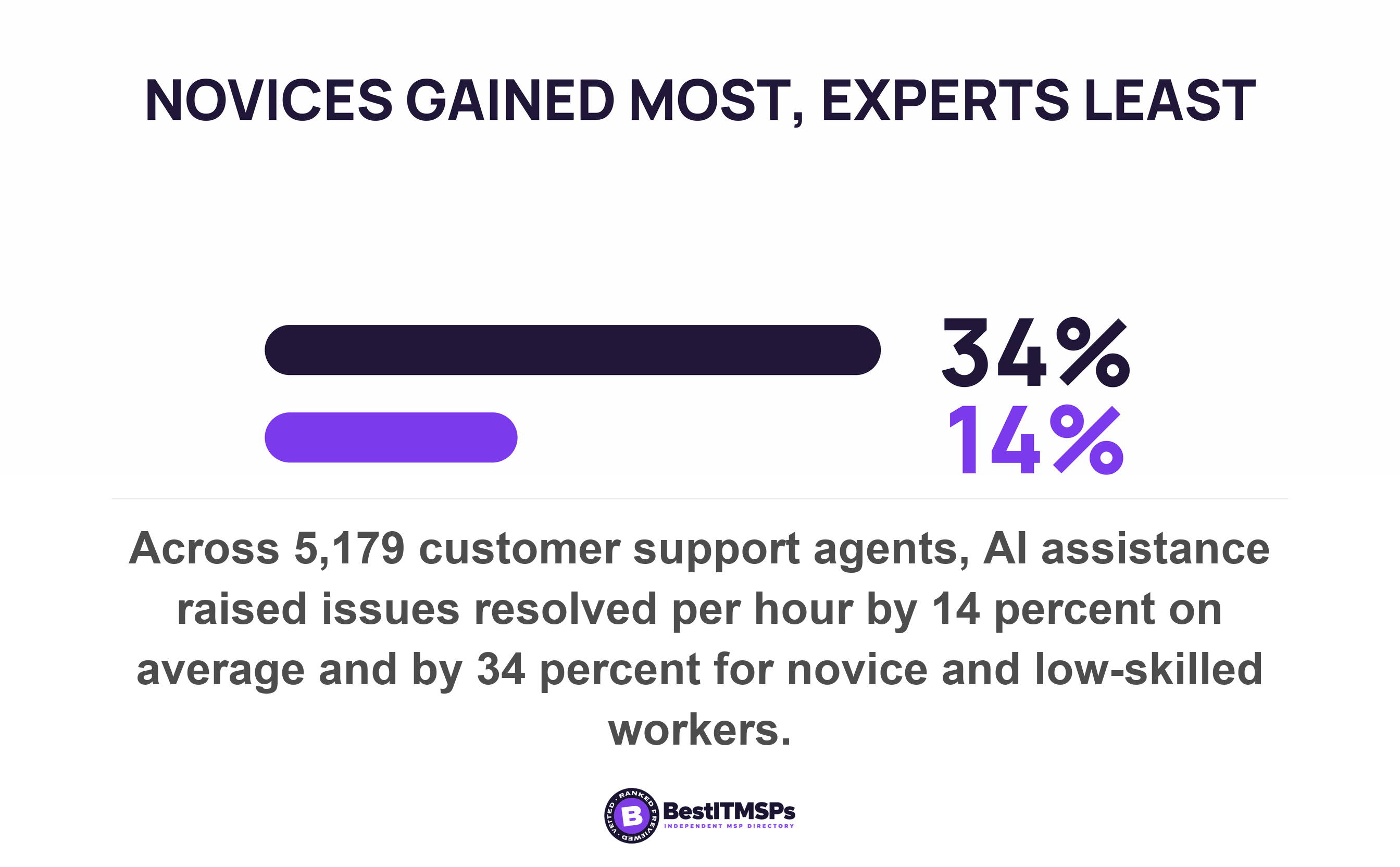
The largest field study measured something a business already counts. Across 5,179 customer support agents, access to an AI assistant raised productivity, measured as issues resolved per hour, by 14 percent on average. The average hides the result that matters. There was a 34 percent improvement for novice and low-skilled workers, with minimal impact on experienced and highly skilled workers.
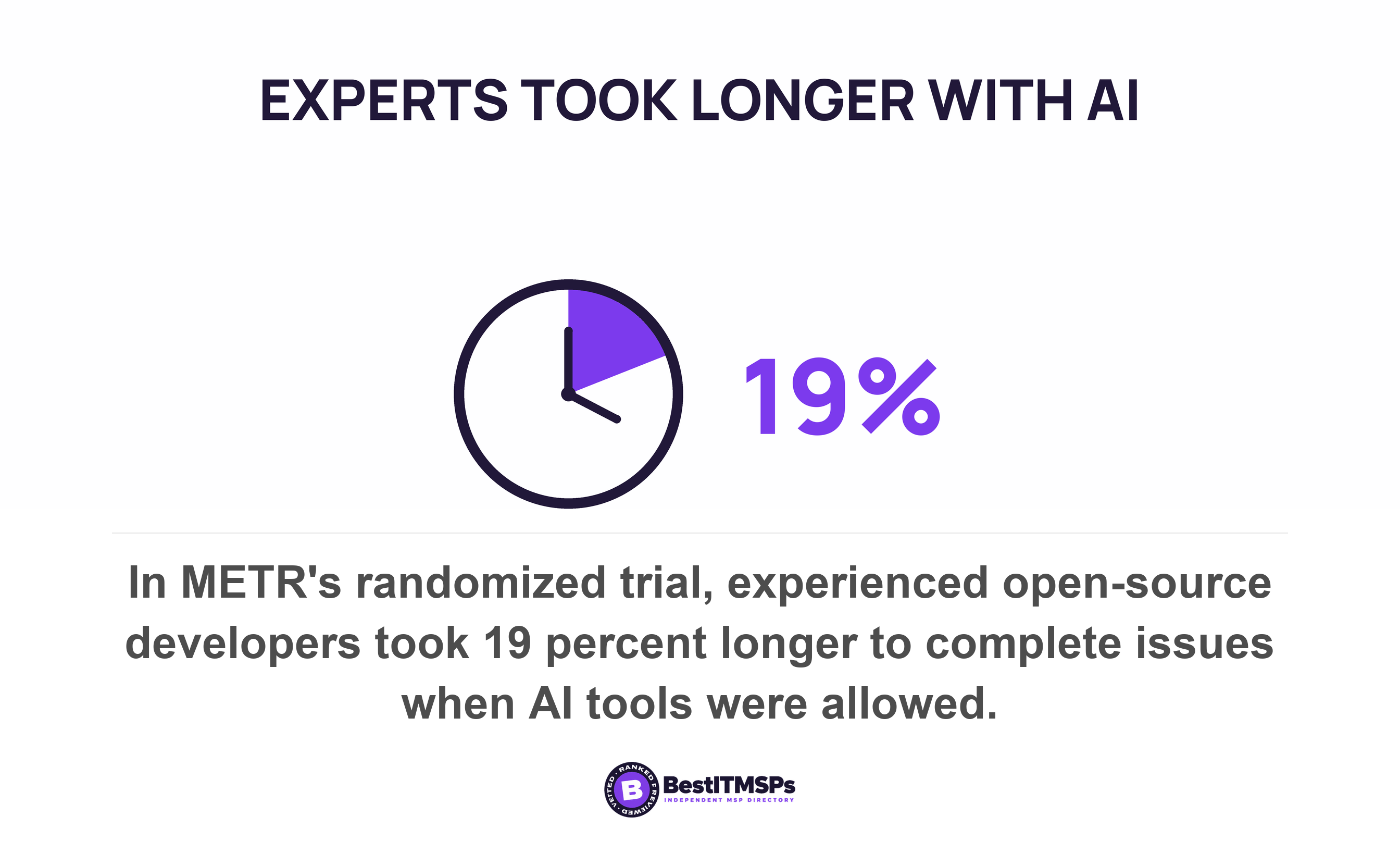
Now read the trial that went the other way. METR randomly assigned 246 real issues to either allow or disallow use of AI across 16 experienced developers working in repositories averaging over a million lines of code. With AI allowed, the developers took 19 percent longer. METR calls it a snapshot of early-2025 AI capabilities in one relevant setting and now states on the same page that these results are out of date, which is how a figure in this field should be dated.
One study measured newcomers on scripted support work. The other measured experts on code they wrote themselves. A published percentage is a productivity gain measured on one task, for one group, at one date. It proves measurement is possible. It is not a forecast for your office.
Why a time saving needs a number you never wrote down
To measure a saving you need a before and an after, taken the same way. NIST says so in one line of its AI Risk Management Framework Playbook, which lists the suggested action assess and document pre- vs post-deployment system performance and tells you to measure AI systems prior to deployment in conditions similar to expected scenarios.
A usable baseline is smaller than that sounds. Four fields are enough.
- The task, named narrowly. Not reporting, but the monthly commission statement for 14 sales reps.
- The unit, which is minutes from start to send, or finished items per day. One or the other, never both.
- The person, by name or role, because the same job takes two people different amounts of time.
- The period, long enough to absorb a bad week. Four weeks covers most recurring office work.
Record those four fields for three recurring tasks and you have a baseline. It costs about an hour of somebody's week. The task has to be narrow enough that two people timing it would time the same thing, which is the only genuinely hard part.
Almost nobody has one for a reason of timing, not skill. A baseline must be taken before the thing you are excited about arrives.
What can the vendor's usage report tell you, and what can it not?
A usage report tells you who opened the tool and how often. It does not tell you what the tool was worth, and it is not built to.
Microsoft is the vendor whose documentation we read, because Microsoft publishes it in detail. The Microsoft Copilot usage report in the Microsoft 365 admin center shows enabled users, active users and an active users rate, plus total prompts submitted and average prompts submitted per user, and a per-user table carrying active days and a last activity date. Every one of those counts behavior. None is an outcome.
The definition of active is narrower than it looks, and worth knowing before you read your own numbers. Microsoft counts a user as active only when they perform an intentional action for an AI-powered capability. Opening the Copilot pane in Word does not count. Submitting a prompt does.
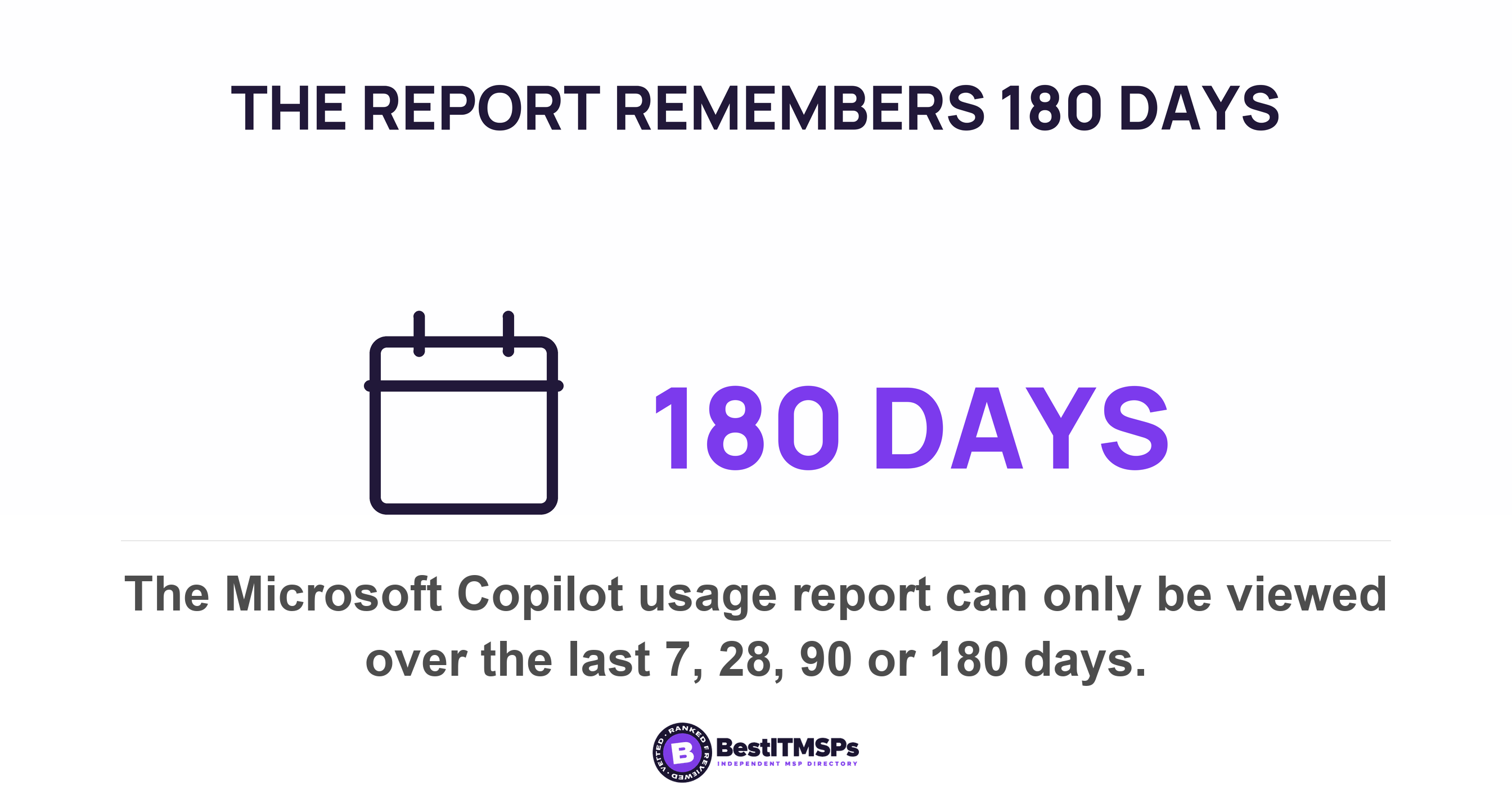
The window is the harder limit. The report covers the last 7, 28, 90, or 180 days, and its user table lists everyone licensed for Microsoft Copilot at any point over the past 180 days. If you deployed 14 months ago and took no baseline, the vendor's own report cannot show you the period you are trying to judge. Export it monthly from now on, because nobody is keeping that history for you.
One more line in the documentation settles an argument before it starts. The audit log, which does record individual interactions, is not intended to be used as the basis for Copilot usage reporting. The compliance trail and the adoption number come from different systems, so nobody should quote one as the other.
Where does the hours saved figure on an AI dashboard come from?
It comes from a multiplication, not a stopwatch. Microsoft's Copilot Dashboard reports a metric called Copilot assisted hours, and the documentation sets out the arithmetic in full, which is more than most vendors do.
The metric is an estimate of the total time employees were assisted by using Copilot over the past 28 days, computed based on your employees' actions in Copilot and multipliers derived from Microsoft's research on Copilot users. Those multipliers are published. Search and summary actions count at 6 minutes per search or summary action, taken from a study of 163 knowledge workers. Creation actions count at 6 minutes per creation action, from a study of 147 knowledge workers. Microsoft describes the whole set as broad approximations based on the best available research rather than precise calculations.
The meeting rule is the one to understand before you quote the number to a board. When Copilot summarizes a meeting, the duration of each meeting summarized or recapped is counted towards total assisted hours. Summarize a one-hour meeting and the dashboard books a full hour. Nobody needs to have left early, skipped it, or shortened it.
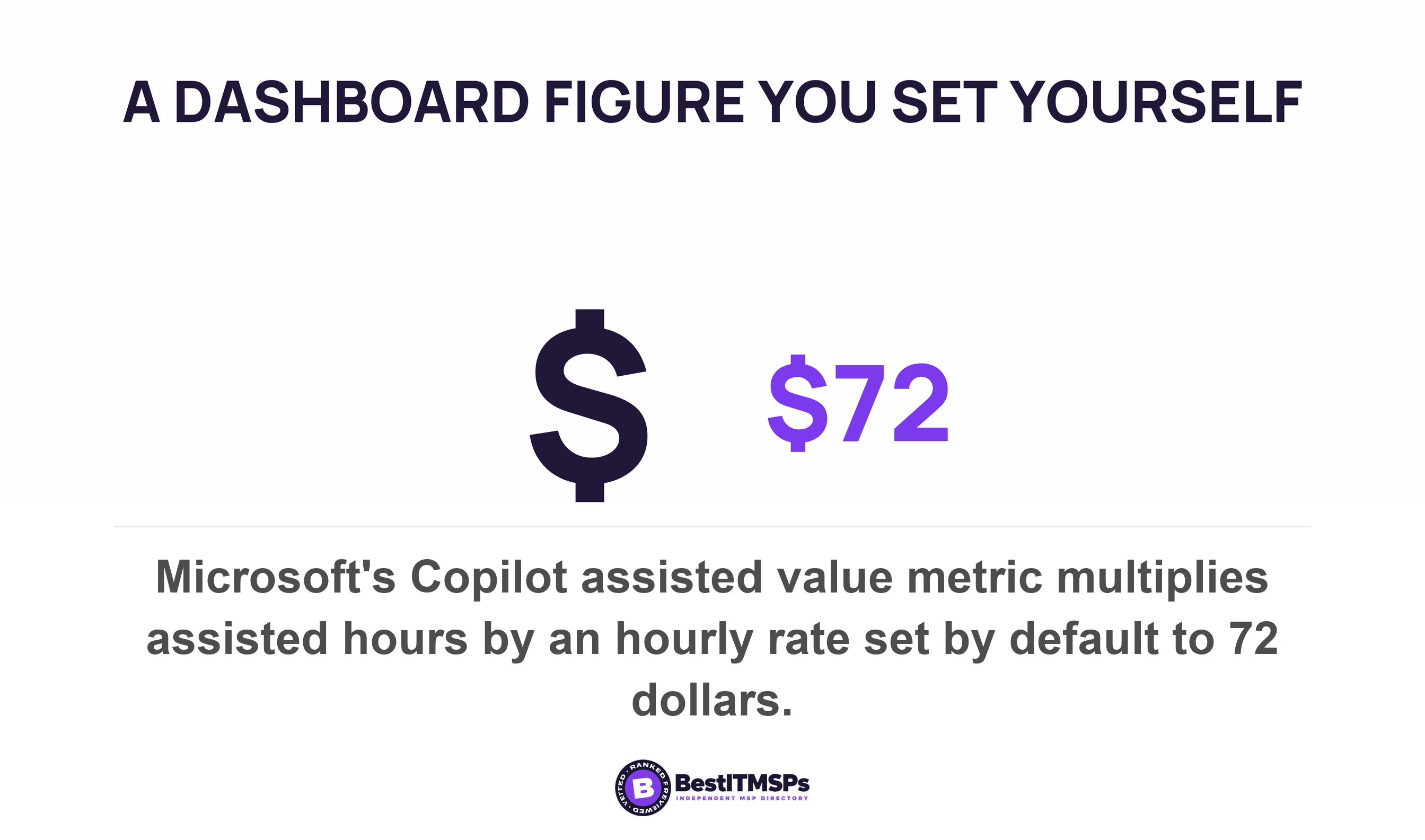
Then the hours become money. Copilot assisted value is calculated by multiplying Copilot assisted hours by an average hourly rate, and by default this hourly rate is set to $72. The Bureau of Labor Statistics table Microsoft links gives $46.89 per hour in total compensation for private industry workers in June 2026 and $78.88 for management, professional, and related occupations, so the default is a professional rate rather than an average one. You can change it, and the same page warns that the updates won't be saved next time you open the dashboard.
None of this is dishonest, and the disclosure is the point. Microsoft's methodology page is dated 22 May 2024 and calls its creation figure a broad estimate that likely undercounts Copilot's time savings. Treat a disclosed method as the entry price, not as proof. A vendor figure with no published method is marketing. A published method is a model, and a model you can read is a model you can audit.
Four measures a 20-person business can actually run
Four measures sit inside reach of a business with no analyst, and all four use numbers you already hold.
- Time on one named recurring task. Time a specific weekly job from start to finish for four weeks, then time it again later. This is the only measure that answers the question directly.
- Throughput of something already counted. Invoices issued, tickets closed, proposals sent, orders picked. The support study above measured exactly this, and it works because the count exists whether or not anyone is watching.
- Error and rework rate. Credit notes raised, documents returned for correction, jobs redone. A tool that makes work faster and wronger shows up here and nowhere else on the dashboard.
- Cycle time from a system that already timestamps. Your accounting package, help desk and CRM all stamp a record on creation and on close. The gap between the two stamps is a measurable number nobody has to remember to take.
The weakest measure is the one almost everybody uses, a self-reported survey asking staff how many hours the tool saved them. Ask how long a task took. Never ask how much time a tool saved. The second question asks a person to estimate a version of their week that did not happen, and people are poor at that in a specific, documented way.
METR's developers show how poor. They expected AI to speed them up by 24 percent and, after the trial, still believed AI had sped them up by 20 percent, while the measurement said 19 percent longer. These were not beginners. Nearly all had dozens to hundreds of hours of prior experience prompting large language models. The Federal Reserve names the same hazard, noting that social desirability bias could account for some of the estimation differences between AI adoption surveys.
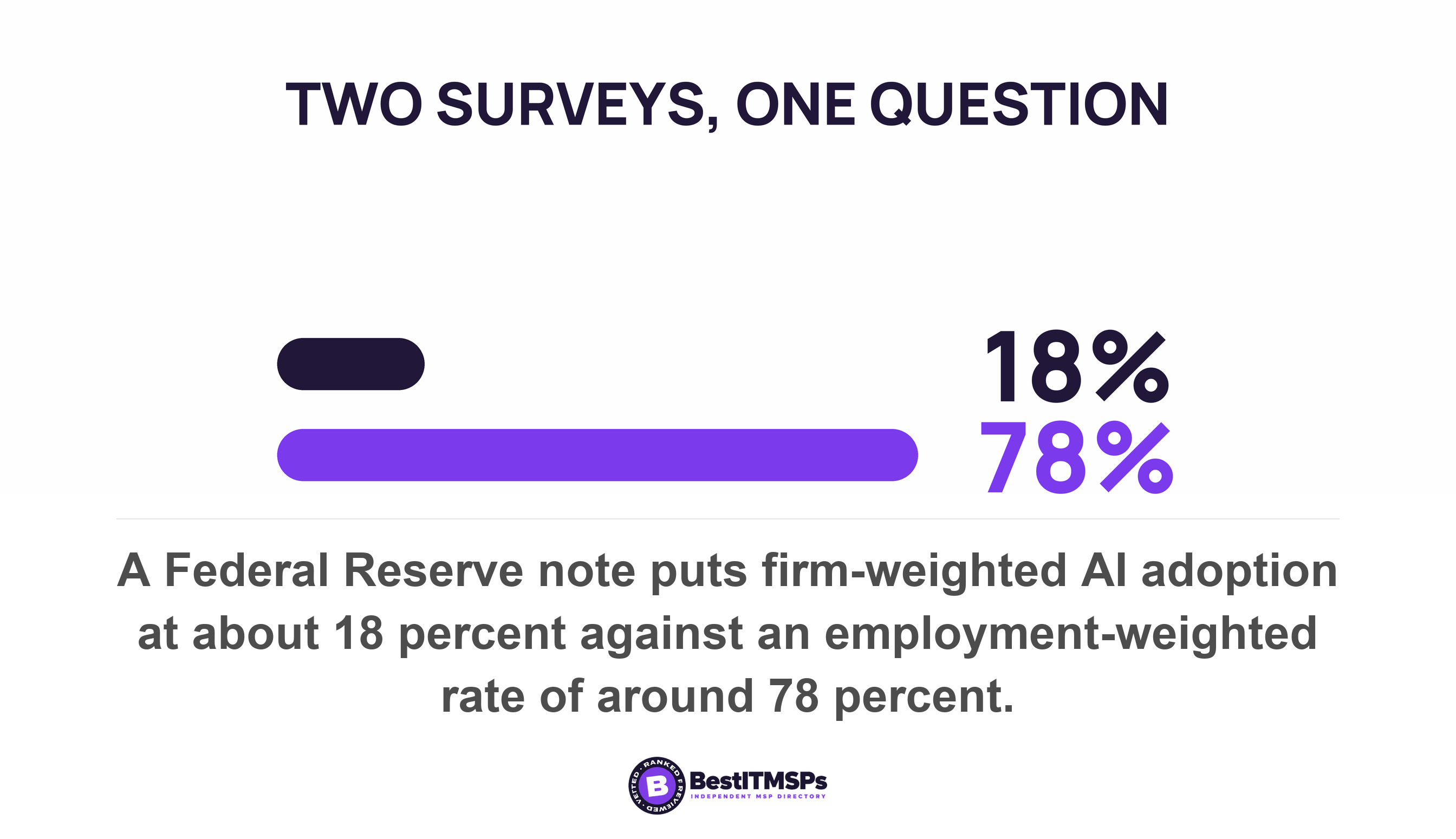
That Federal Reserve note also shows how much the definition decides the answer. It puts the Census Bureau's firm-weighted figure of about 18 percent of firms adopting AI as of year-end 2025 beside the Atlanta Fed's employment-weighted firm AI adoption rate of around 78 percent, and states that evolving taxonomy and rapid market developments have posed challenges for measuring AI adoption consistently over time. The Census Bureau itself revised its question wording in November 2025. Write down what you mean by a saving before you measure it, or you will compare two different questions.
Was the time reinvested, or did it just disappear?
Almost nobody asks this, and it decides whether a saving is worth paying for. Time saved either lands on other work you can count, or it is absorbed and leaves no trace.
The best evidence on the business-level answer is uncomfortable. Linking Danish adoption surveys to administrative records, Humlum and Vestergaard report that most employers in exposed occupations have adopted chatbot initiatives and that workers report productivity benefits. They then estimate precise null effects on earnings and recorded hours at both the worker and workplace levels, ruling out effects larger than 2 percent two years after the launch of ChatGPT. They also find that new AI-related tasks are widespread.
Read those findings together and the displacement question writes itself. Workers feel faster, the records do not move, and new work appeared. Microsoft states the reinvestment assumption out loud in its own documentation, that employees can re-invest time savings from Copilot in learning, training, skilling, and having a greater business impact. That is a reasonable hope. It is not an observation, and no dashboard can see it.
A buyer can see it, with one extra number and no new software. Name the thing the freed time was supposed to go into, then track it monthly beside the task you timed. Quotes sent, client reviews completed, overdue invoices chased, training hours booked. If the task got faster and that second number never moved, the hour was absorbed rather than reinvested, and you bought a nicer afternoon instead of a verifiable result.
What does a fair trial look like in a business with 20 people?
To run a fair trial, fix five things before you start and change none of them while it runs. The design matters more than the length.
- The task. One or two named recurring jobs, each written down in a single sentence everyone agrees with.
- The measure. Minutes per job, or jobs per week, pulled from a system where the system already knows.
- The period. Four weeks of baseline, then four weeks with the tool, with month-end or a holiday falling in both halves or neither.
- Who is in and who is out. Half the team gets licensed and half does not, doing the same work. The half without licenses is your control group, and it is the part that makes the answer real.
- What gets compared. The two groups across the same weeks, rather than one group before and after, so a busy month cannot read as a result.
Every study quoted above did precisely this. METR randomly assigned each issue to either allow or disallow use of AI instead of comparing one month against another. The support study compared agents who had the tool against agents who did not, over the same period. You are copying a published method, not inventing one, and a pilot group of five people is enough to start.
Size your expectations to the effect you are hunting. Microsoft's own adoption benchmark, the 11-by-11 tipping point, is 11 minutes of time savings per day over 11 weeks of usage. An effect that small never shows up in a feeling. It shows up in a timed task, counted the same way twice.
What to ask your IT provider this week
Five requests turn the next renewal into an evidence conversation instead of a sales one.
- Ask for the usage report export, with enabled users, active users and the active users rate by month, for every month since the rollout.
- Ask which licensed users have never submitted a prompt. The last activity date column answers that in one sort, and it is the cheapest saving on the list.
- Ask how any hours saved or value figure in their report is calculated, and which published study each multiplier comes from.
- Ask which hourly rate sits behind any dollar figure, and whether it is your payroll cost or a vendor default.
- Ask them to extract cycle time for two recurring workflows from systems you already own, using the timestamps those systems already keep.
Then do the one thing no provider can do for you. Time four recurring tasks for four weeks before the next tool arrives. A baseline is the cheapest asset in this entire subject, and it expires the moment you deploy.
FAQ
How do you measure whether AI saved anyone time?
Measure the same task twice, the same way, before and after. NIST's AI playbook puts it in one line, listing the action assess and document pre- vs post-deployment system performance. Time one named recurring job for four weeks, repeat it with the tool in place, and compare the two series.
Does the Microsoft Copilot usage report show time saved?
No. It shows enabled users, active users and an active users rate, prompts submitted, and a per-user last activity date. The separate Copilot Dashboard reports an estimate called Copilot assisted hours, computed based on your employees' actions in Copilot and multipliers derived from Microsoft's research rather than from timing anybody.
What is a realistic time saving from an AI tool?
It depends on the task and the person, and the published range is wide. A field study of 5,179 customer support agents found 14 percent more issues resolved per hour, rising to 34 percent for novice and low-skilled workers. A randomized trial of 16 experienced developers found they took 19 percent longer.
Why is asking staff how many hours AI saved them unreliable?
Because it asks them to estimate a week that did not happen. METR's developers still believed AI had sped them up by 20 percent after the measurement showed they took 19 percent longer. The Federal Reserve notes that social desirability bias could account for some of the estimation differences in AI adoption surveys.
Is it too late to measure if we deployed AI a year ago?
No, but the test changes shape. You cannot recover a baseline, so compare licensed users against unlicensed users doing the same work, or pull cycle time from timestamps your systems kept anyway. Microsoft's usage report only reaches back 7, 28, 90, or 180 days, so export it monthly from today.
Best IT MSP is the independent directory of managed IT and cybersecurity providers across the US and Canada. We rank on verified rating and firmographic data, we label paid placement, and we do not sell IT services. Ask three ranked providers in your city how they would baseline a recurring task before an AI rollout, then compare what comes back.