IT Process Automation: Use Cases and Benefits
IT process automation uses software to handle repetitive IT tasks, like onboarding users, patching systems, running backups, and routing support tickets, with little or no manual effort. The benefits are faster work, fewer errors, consistent results, and staff freed for higher-value work.
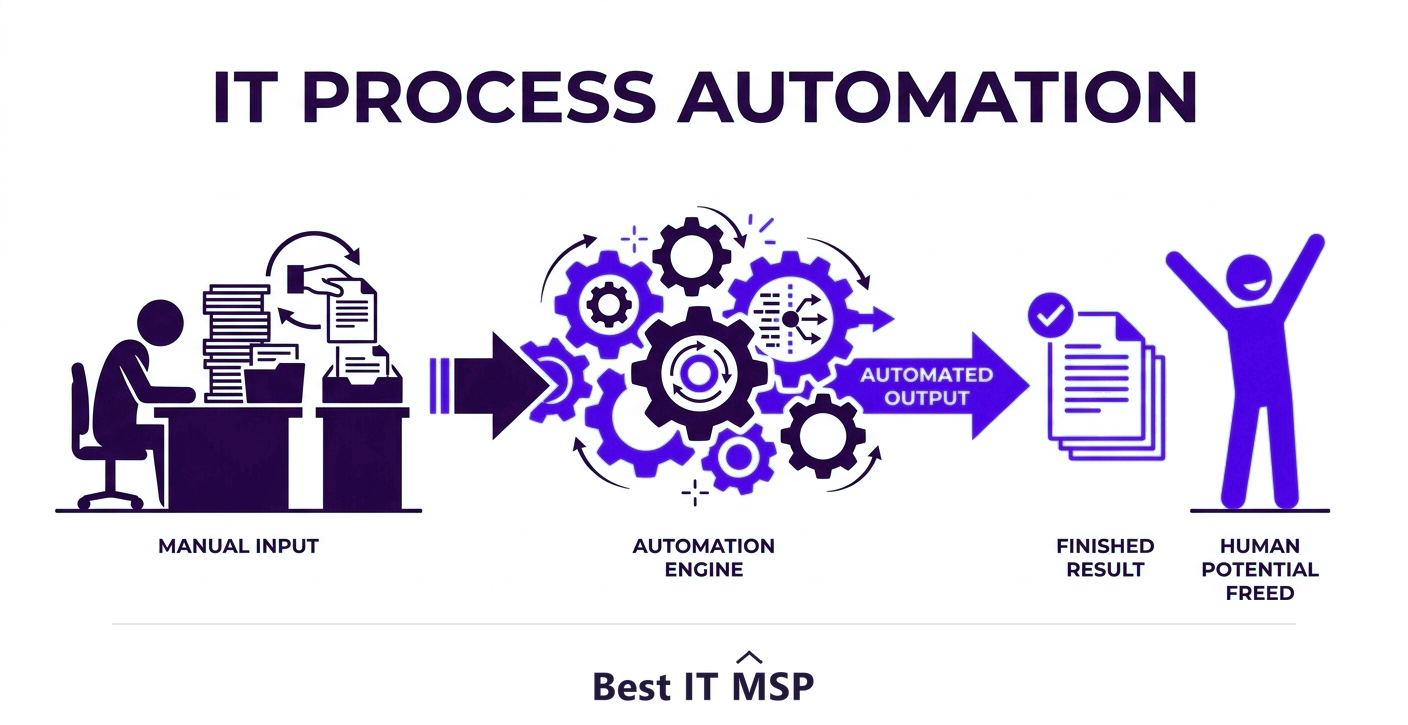
- IT process automation uses software to perform repetitive IT tasks consistently with little manual effort.
- Common use cases include user onboarding/offboarding, patching, backups, monitoring, and ticket routing.
- The benefits are speed, fewer errors, consistency, scalability, and freeing staff for higher-value work.
- Automation also improves security, since automated patching and monitoring close gaps manual work misses.
- Start with the most repetitive, time-consuming, error-prone tasks for the fastest payoff.
What is IT process automation?
IT process automation is the use of software to perform routine, repetitive IT tasks automatically, with little or no manual effort. Instead of a technician manually creating accounts for a new hire, applying updates to every machine, or copying alerts into a ticket, automation handles these steps consistently and instantly according to predefined rules. It is the digital equivalent of an assembly line for IT work: the predictable, repeatable tasks that eat up time get done by software, freeing people for the work that actually needs human judgment.
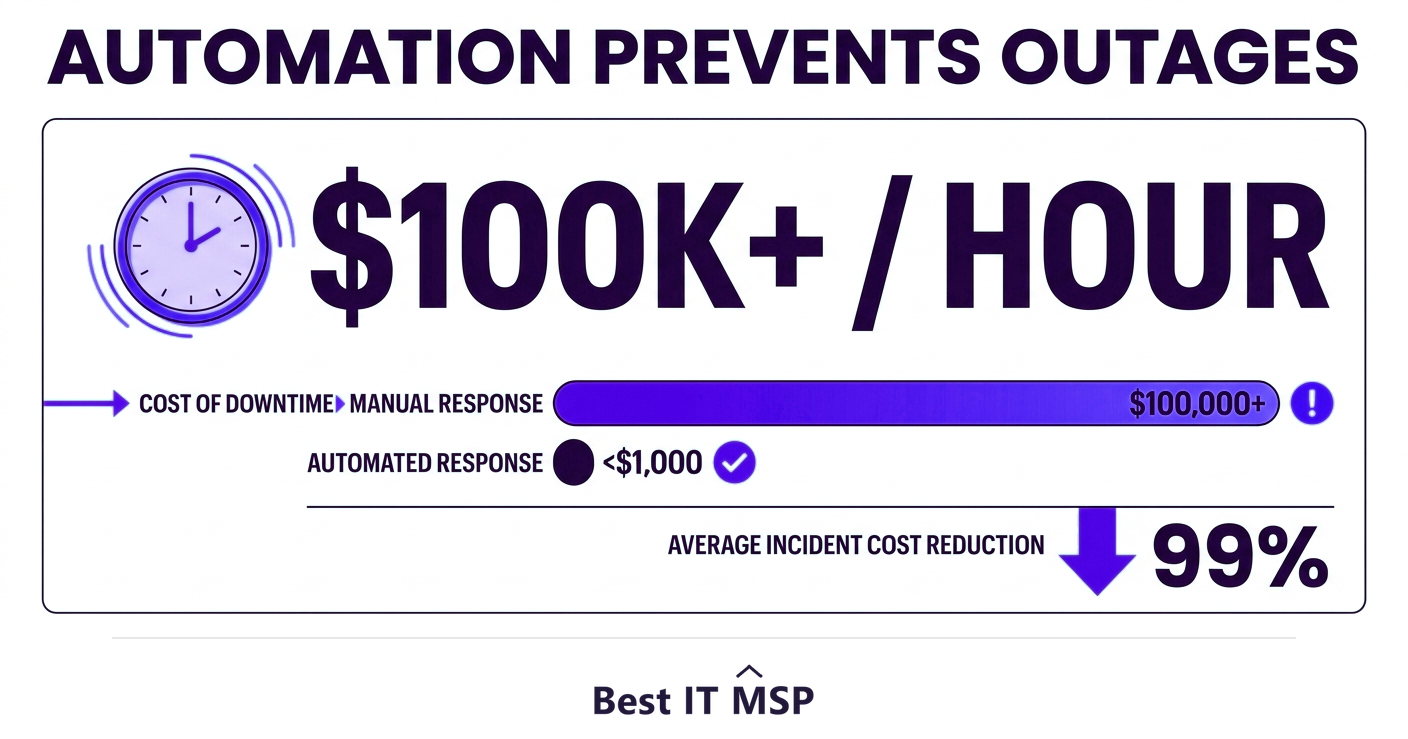
This is one of the highest-return moves a business can make with its technology, because IT teams spend an enormous share of their time on repetitive maintenance rather than improvement. Automation flips that ratio. It also underpins reliability and security, since automated patching and monitoring close gaps that manual, easily-forgotten processes leave open, gaps that matter when an hour of downtime costs most organizations more than $100,000. This guide covers the use cases, the benefits, and how to start. It pairs with our IT consulting services and managed IT services overviews.
Common IT automation use cases
Automation pays off wherever a task is repetitive and rule-based. The most common and valuable use cases include:
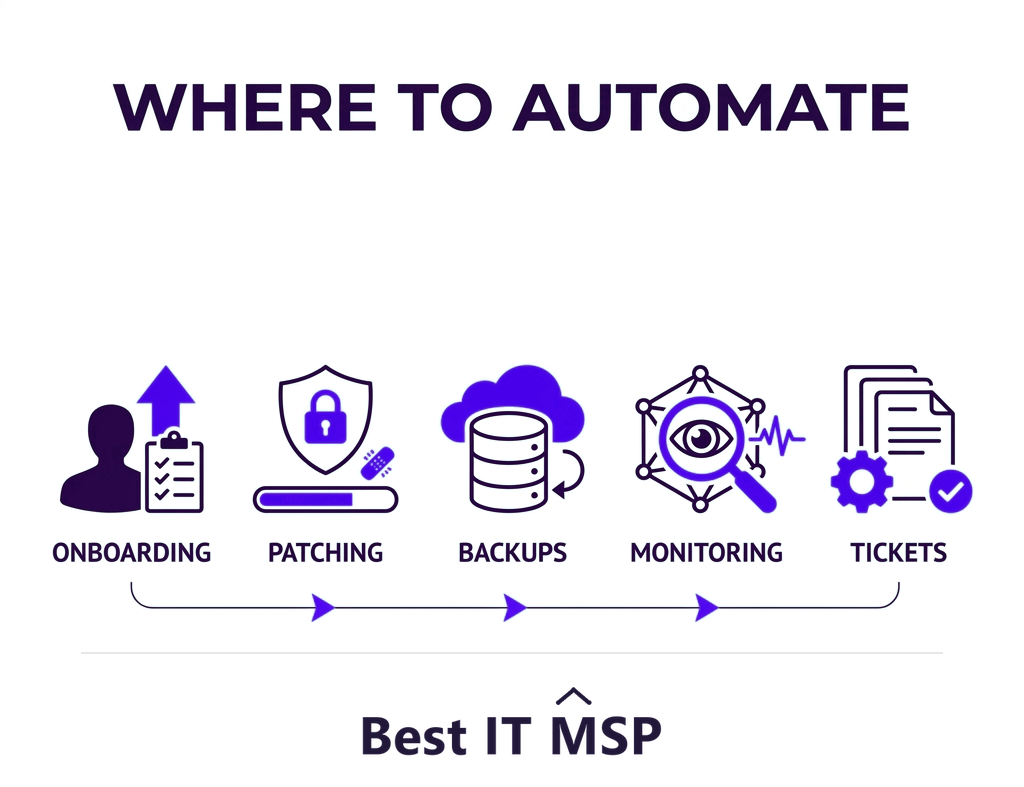
- <strong>User onboarding and offboarding.</strong> Automatically creating accounts, assigning access, and setting up tools for a new hire, and just as importantly, fully revoking access the moment someone leaves, which is a major security control.
- <strong>Patch management.</strong> Automatically applying security updates across all devices on a schedule, so known vulnerabilities are closed without anyone remembering to do it.
- <strong>Backups.</strong> Running and verifying backups automatically, so data protection does not depend on a person remembering.
- <strong>Monitoring and alerting.</strong> Watching systems around the clock and automatically creating tickets or triggering fixes when something goes wrong.
- <strong>Ticket routing and response.</strong> Automatically categorizing, prioritizing, and routing support requests, and resolving common ones without human involvement.
- <strong>Routine maintenance.</strong> Disk cleanup, restarts, health checks, and reporting that would otherwise consume hours of manual effort.
The benefits of IT process automation
The advantages compound across the business:
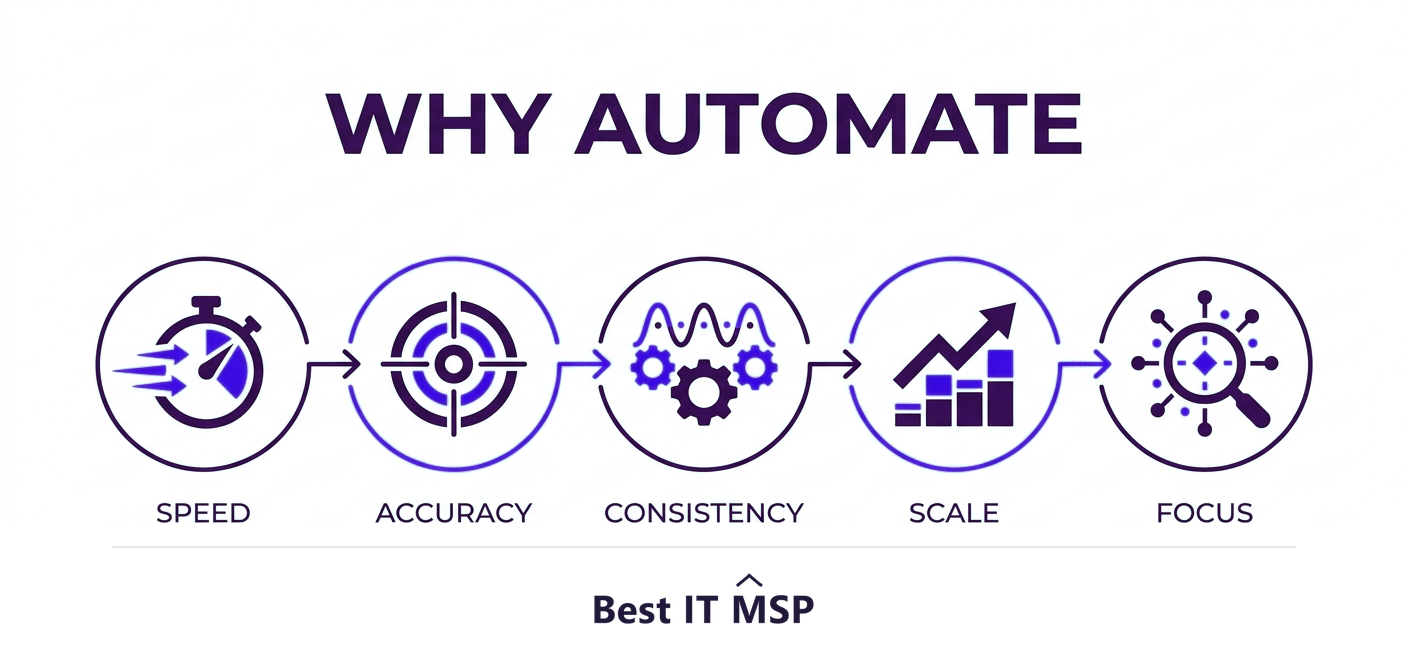
- <strong>Speed.</strong> Tasks that took hours happen in seconds, so problems are resolved and work is delivered faster.
- <strong>Fewer errors.</strong> Software follows the same steps every time, eliminating the mistakes that creep into manual, repetitive work.
- <strong>Consistency.</strong> Every task is done the same correct way, which is especially valuable for security and compliance.
- <strong>Scalability.</strong> Automated processes handle ten users or ten thousand without proportionally more effort, so the business can grow without IT becoming a bottleneck.
- <strong>Freed-up people.</strong> Staff stop spending their days on repetitive maintenance and focus on improvement, strategy, and the work that grows the business.
How automation strengthens security
One of the most important benefits of automation is security, because so many breaches exploit gaps that automation closes. Manual patching is inconsistent, and unpatched systems are a leading way attackers get in; automated patching applies updates reliably and on time. Manual offboarding is often incomplete, leaving former employees with lingering access; automated offboarding revokes it instantly. Automated monitoring catches threats around the clock without relying on someone watching. Given that the average data breach costs $4.88 million, takes about 258 days to identify and contain, and reported cybercrime losses topped $12.5 billion in a single year, the consistency automation brings to security tasks is a direct risk reducer, not just an efficiency play.
Automation, workflows, and growth
At its heart, IT process automation is about workflows: the chains of steps that move work from start to finish. Automation streamlines those workflows so they run faster and more reliably, and, crucially, so they scale. A manual onboarding workflow that takes an hour per hire does not scale to fifty hires in a week, but an automated, scalable one does, without adding staff. The same is true across patching, backups, and monitoring, where automated workflows reduce both effort and risk as volume grows. This is exactly why automation matters most for businesses that are scaling: manual processes quietly become the ceiling on how fast you can grow, while automated workflows lift that ceiling. Reduce the manual steps and you reduce the friction that holds growth back.
How to get started with automation
You do not automate everything at once. Start by finding the tasks that are most repetitive, most time-consuming, and most error-prone, those are where automation delivers the fastest, biggest payoff. Document the process so you understand the steps before you automate them, because automating a broken process just makes it fail faster. Then automate, test carefully, and monitor the results, expanding to more processes as you build confidence. Begin with high-value, low-risk tasks like patching, backups, and onboarding, prove the results, and then grow into more complex processes from there with confidence.
Crucially, automation should free people, not replace judgment. The goal is to hand the routine, predictable work to software so your team can focus on the decisions and improvements that genuinely need a human. Done well, automation makes a small IT team perform like a much larger one.
Getting IT automation right with help
Building and maintaining automation takes the right tools and expertise, and skilled technical staff are scarce amid a global shortfall of about 4.8 million cybersecurity and IT professionals. This is one reason managed IT providers are so heavily automated and why many businesses gain advanced automation simply by partnering with one, part of why the managed services market is projected to grow from about $330 billion in 2024 to about $879 billion over the next decade. As more operations move to the cloud, in a market where public cloud spending is forecast to top $723 billion in 2025, automation only becomes more central. A good provider already runs mature automation for patching, monitoring, backups, and onboarding across its clients, so you inherit it from day one.
If you want to put IT process automation to work, a provider can identify the highest-value tasks to automate and run them for you. Browse vetted, merit-ranked firms by city in the Best IT MSP directory, where ranking is earned on rating and verified data.
FAQ
What is IT process automation?
IT process automation is the use of software to perform routine, repetitive IT tasks automatically, with little or no manual effort. Instead of a technician manually creating accounts, applying updates, or routing tickets, automation handles these steps consistently and instantly according to predefined rules, freeing people for work that needs human judgment.
What are common IT automation use cases?
Common use cases include user onboarding and offboarding (creating and revoking access), patch management (applying updates on schedule), automated backups, monitoring and alerting that creates tickets or triggers fixes, ticket routing and automatic resolution of common requests, and routine maintenance like health checks and reporting.
What are the benefits of IT process automation?
The benefits are speed (tasks that took hours happen in seconds), fewer errors (software follows the same steps every time), consistency (especially valuable for security and compliance), scalability (handling growth without proportional effort), and freeing staff from repetitive maintenance to focus on higher-value work that grows the business.
How does automation improve security?
Automation closes gaps that breaches exploit. Automated patching applies updates reliably instead of inconsistently, automated offboarding instantly revokes a departing employee's access instead of leaving it lingering, and automated monitoring watches for threats around the clock. With the average breach costing $4.88 million, this consistency is a direct risk reducer.
How do I get started with IT automation?
Start by identifying the most repetitive, time-consuming, and error-prone tasks, where automation delivers the fastest payoff. Document the process first, because automating a broken process just makes it fail faster, then automate, test carefully, and monitor results. Begin with high-value, low-risk tasks like patching, backups, and onboarding, and expand from there.
Does IT automation replace IT staff?
No. Automation should free people from routine, predictable work so they can focus on decisions and improvements that genuinely need a human, not replace judgment. Done well, it makes a small IT team perform like a much larger one. Many businesses gain advanced automation by partnering with a managed provider that already runs it across clients.
Best IT MSP is the independent directory of vetted managed IT providers across North America. Compare merit-ranked firms in your city that automate patching, monitoring, backups, and onboarding. No pay-to-play.